Installation Guide
Configuring the Logipix multi-megapixel cameras
1. Click on the Configure icon on the main software surface!
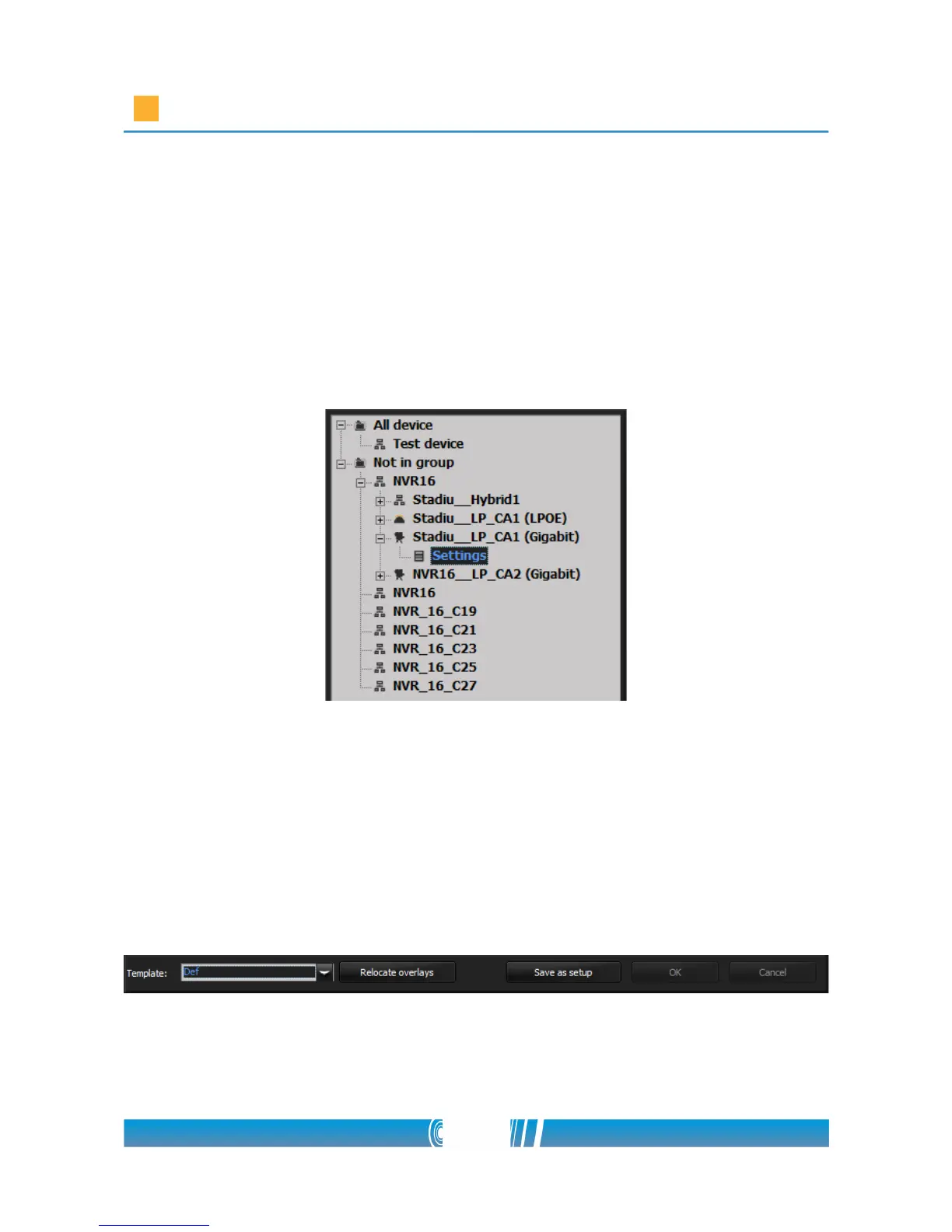
2. Select the Logipix multi-megapixel camera in the left tree which you
would like to configure! Click on the '+' sign near the camera name and
select Settings!
3. Find the Template list on the settings form! Select Stadium 15MP event
from the drop down list! Override the actual settings! The software is
going to configure the multi-megapixel camera automatically for the
event.
4. Press the Save as setup button at the bottom of the window! Right click
on the created setup in the left camera tree then Rename it! This camera
setup will operate while the Event is open.
5. Right click on the Settings under the configured camera in the left tree,
and create a new Setup! Right click on it and Rename it!
52/80



 To Next Page