Installation Guide
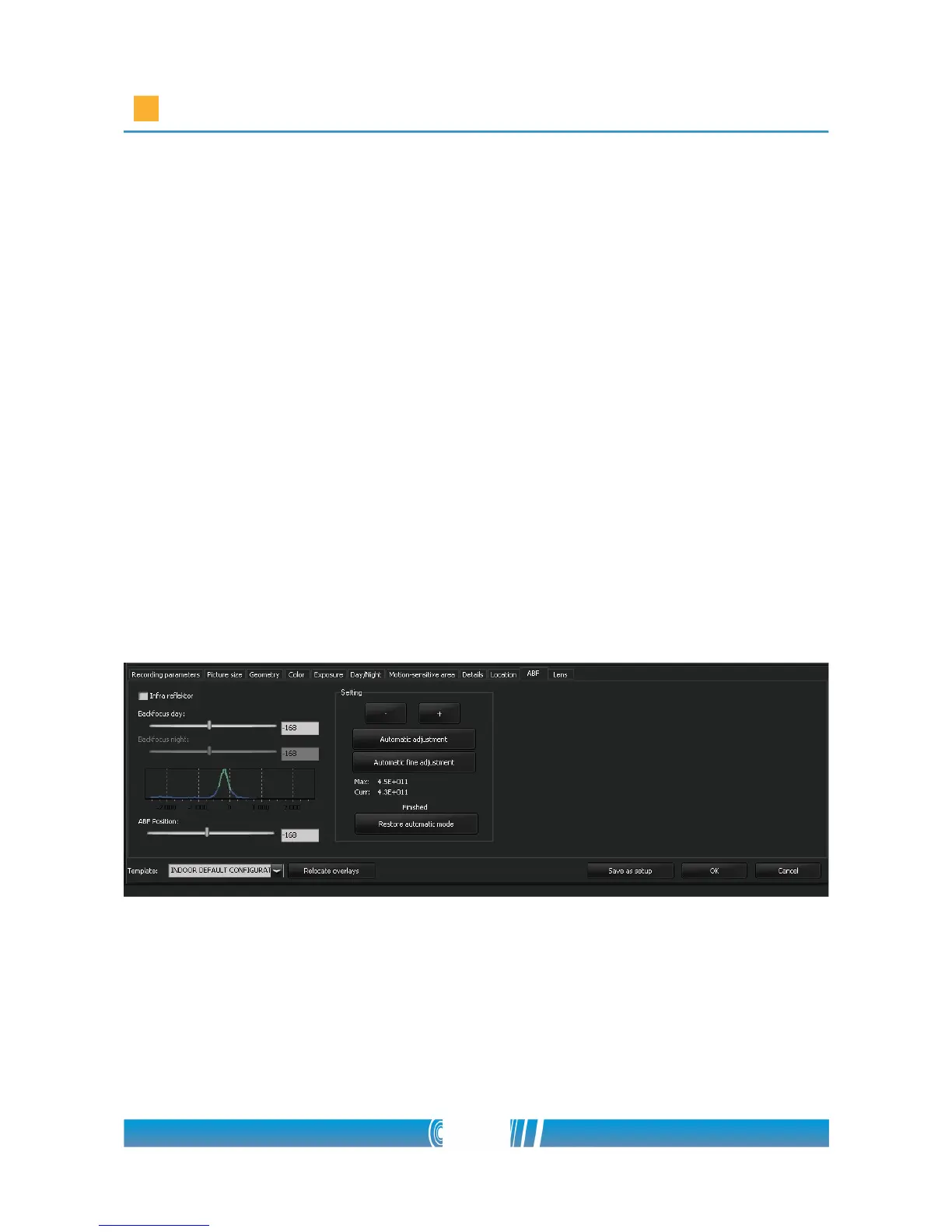
6. To find the right focus, use the ABF Position slider! You can adjust it
manually, or you can use the Automatic focus search. There is a graph
between the sliders, which shows the actual focus value. In case of
automatic adjustment the program moves the sensor between the two
end positions (from -2700 to 2700) and finds the max focus value. After
that the program makes another scan around the max value in 400 steps
to fine tune it.
7. If you've searched the focus manually by the slider, click on the
Automatic fine tune button! The software will fine tune the focus
automatically
8. This value is still not a saved configuration in the camera. You have to
press the OK button to finalize it.
NOTE: If you do not save the focus value, the sensor will change back to its
default position after a while.
51/80



 To Next Page