Installation Guide
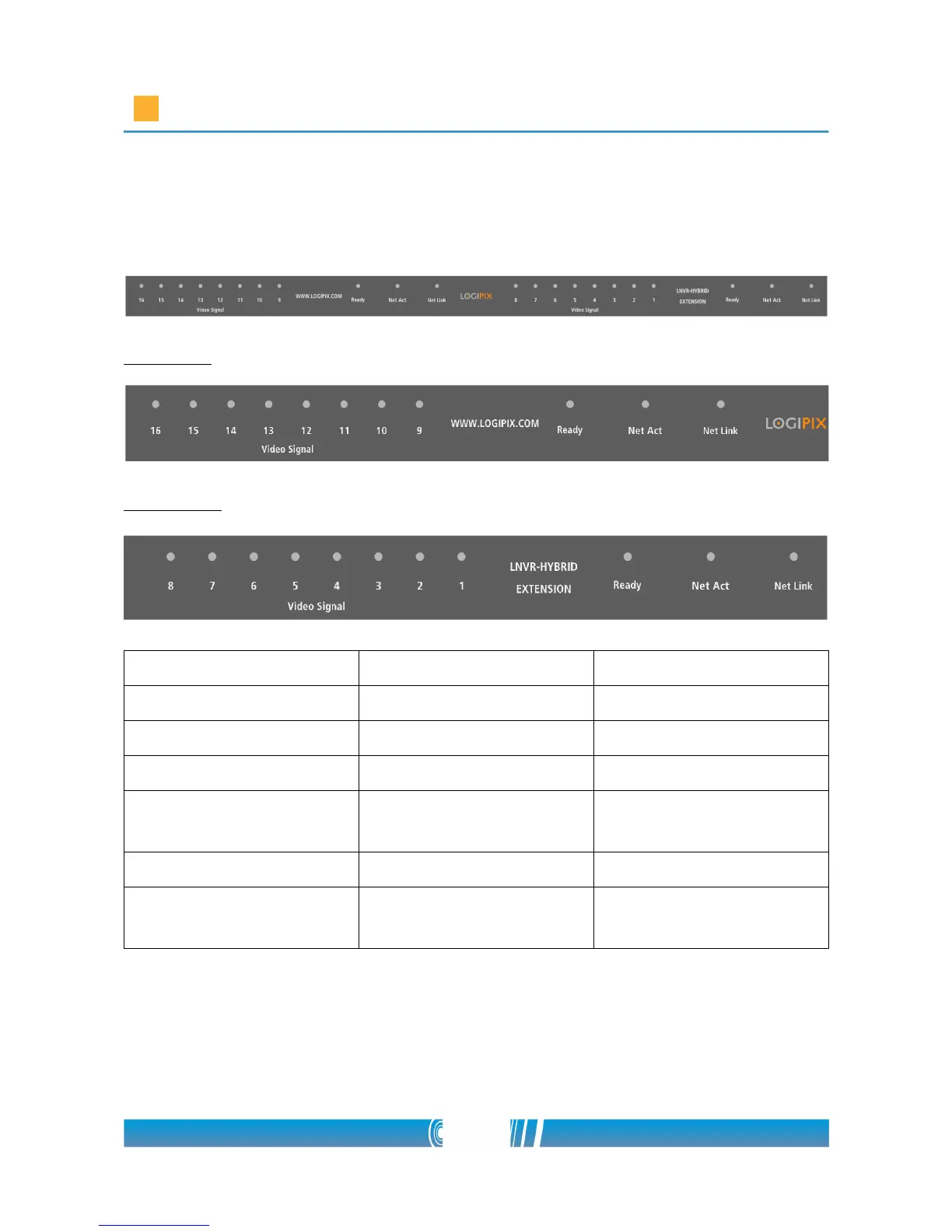
Checking LED information
The left side
The right side
LED Status Description
Ready LED Blinking red Normal operation
Net Link LED Lights up in orange Network link present
Net Act LED Blinking green Network communication
Camera LEDs (Video
Signal)
Lights up green Normal operation
Dark Input not configured
Blinking green Input configured, but
bad / no video signal
27/80



 To Next Page