Installation Guide
Download settings
After you have set all the cameras, you need to upload the configuration
settings to the LNVR.
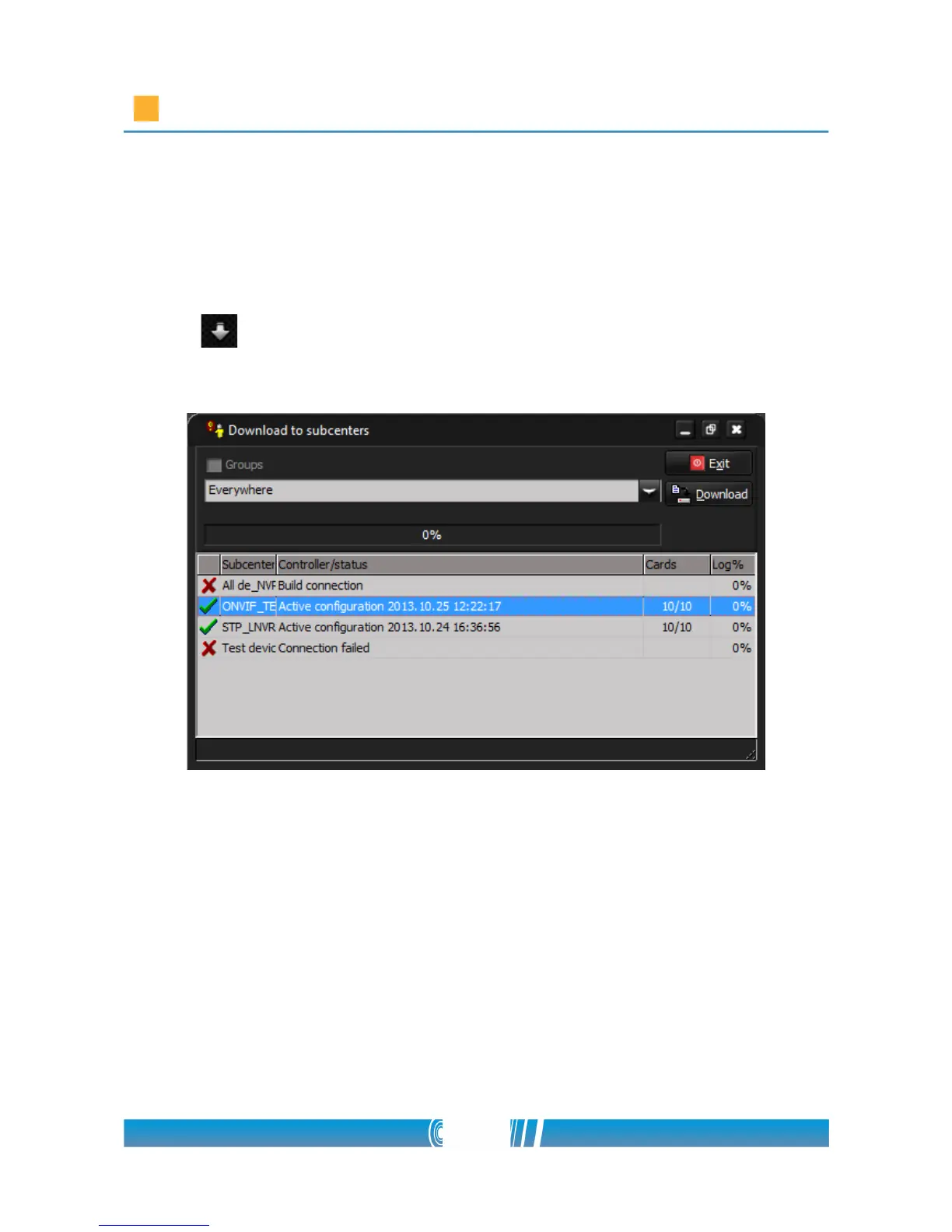
• Click the “arrow” icon on the toolbar! The following popup
window appears:
• You have the opportunity, to select the LNVRs individually, or you can
upload the configuration to all at once.
• From the drop down list select the desired LNVR or select all by
selecting “Everywhere”!
• The device is ready to receive the configuration if there is a green pipe
beside it.
• Click on the download button!
59/80



 To Next Page