Installation Guide
PTZ Area configuration
Logipix Full HD PTZ cameras can be controlled on the Logipix panoramic
camera images in the Video Monitor by selecting a desired area. To perform
this action we have to configure special PTZ guidance points on the Logipix
camera image and on the uploaded map. Based on these guidance points the
Logipix Full HD PTZ cameras can find the appointed area.
Creating the map
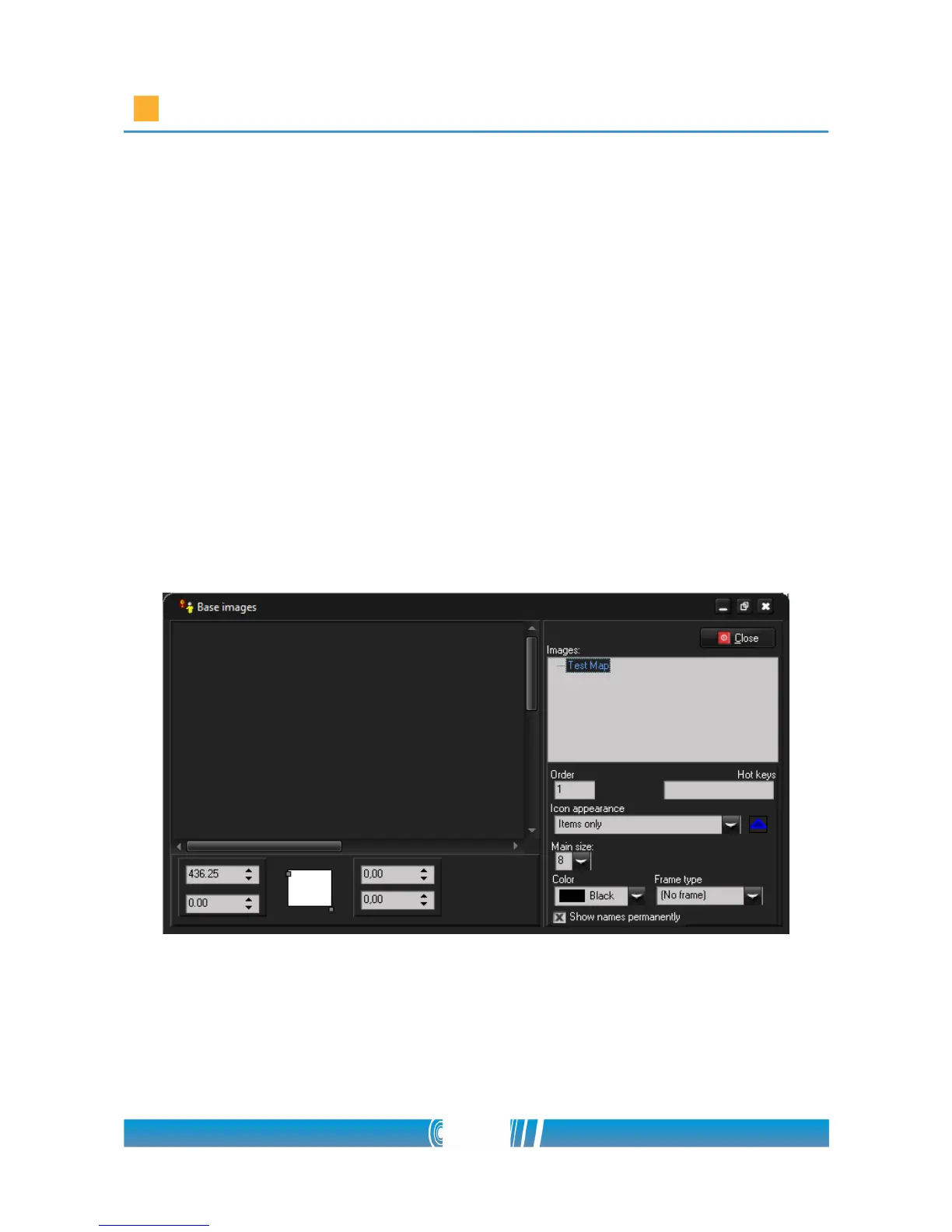
1. Click on Map & Event menu and open Setup / Maps!
2. Right click on the Images section on the right and choose New base
image!
3. Name the Map and browse the appropriate image in the popup window!
66/80



 To Next Page