Installation Guide
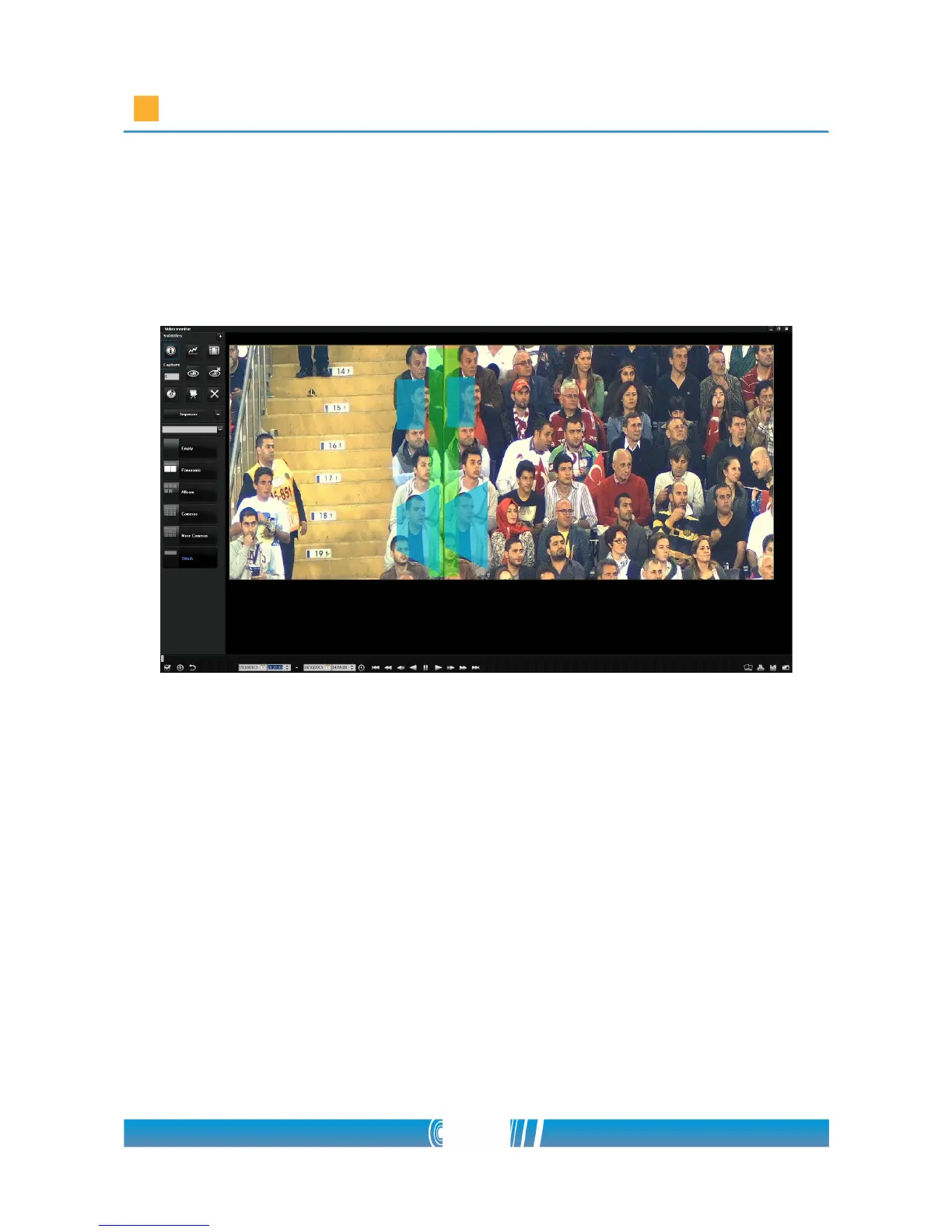
hold the Shift button and designate the areas at the border of an image
by placing at least 3 points by the left mouse button. Place the points on
the neighboring image as well to appoint approximately the same area.
You can go back to edit stitching points if you press the N key. If you've
finished with editing, press F2 again!
65/80



 To Next Page