Installation Guide
Configuring the devices
The main concept of the device configuration is to configure an individual device from each device
type, then copy and paste the settings to the rest of the devices. The only exception is the ABF
setting for the 15 MP cameras.
Auto Back Focus (ABF) setting
The ABF module changes the position of the sensor to find the right focus. It
can be used with the 15 megapixel Logipix camera with ABF module. The ABF
setting must be performed individually for all the Logipix 15MP cameras.
1. Find the desired Logipix camera on the Camera configuration form and
click on its name in the tree on the left.
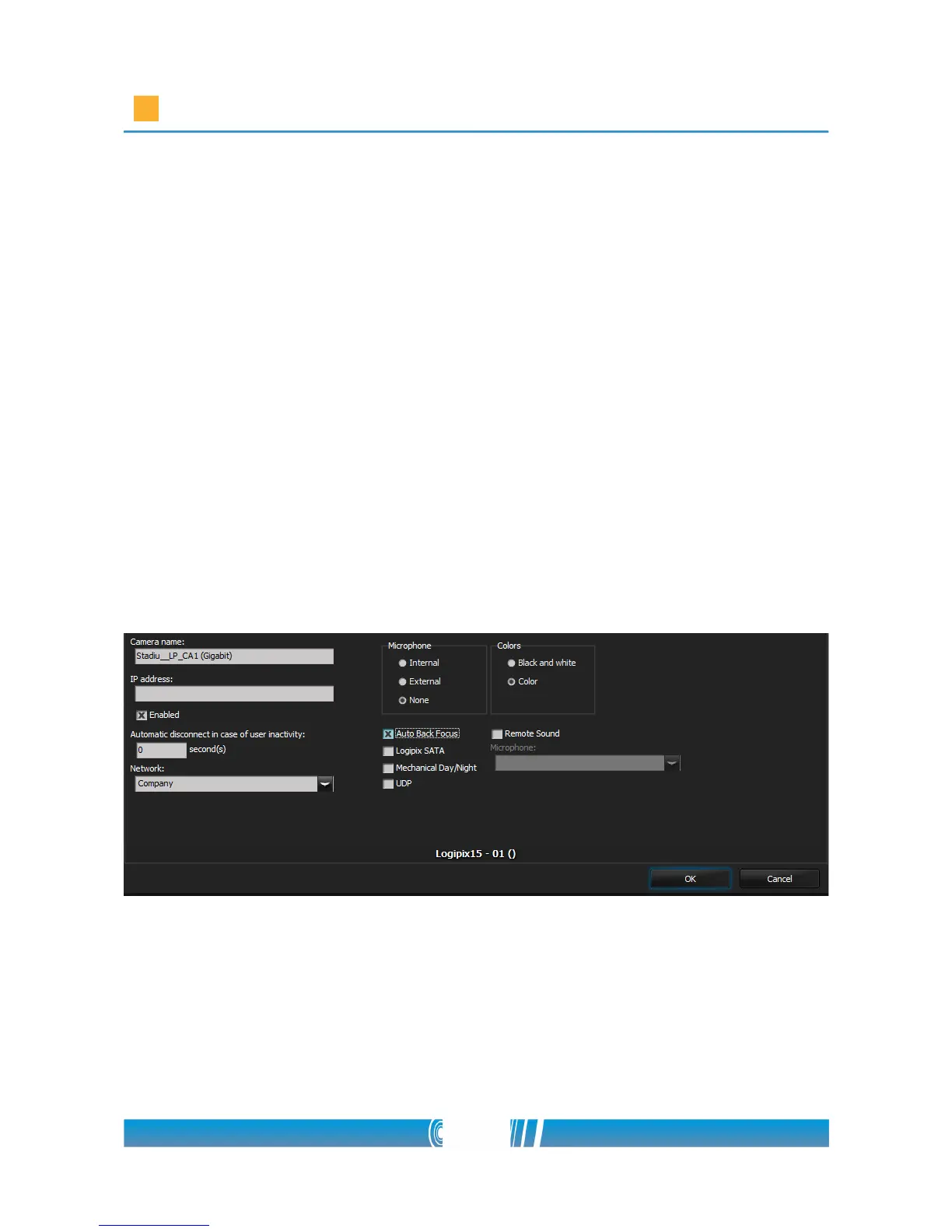
2. Sign the Auto Back Focus checkbox then click on OK!
NOTE: If the ABF function has been adjusted previously during the
automatic device import, this field is already active.
3. Click on Settings in the device tree then open the ABF tab!
4. The upper slider (Backfocus day) shows the default sensor position.
5. To adjust the right focus first you have to zoom in on the camera picture
and find the most important area in the aspect of observation. The areas
outside of the zoom area will be obscured during the focus setting.
50/80



 To Next Page