Installation Guide
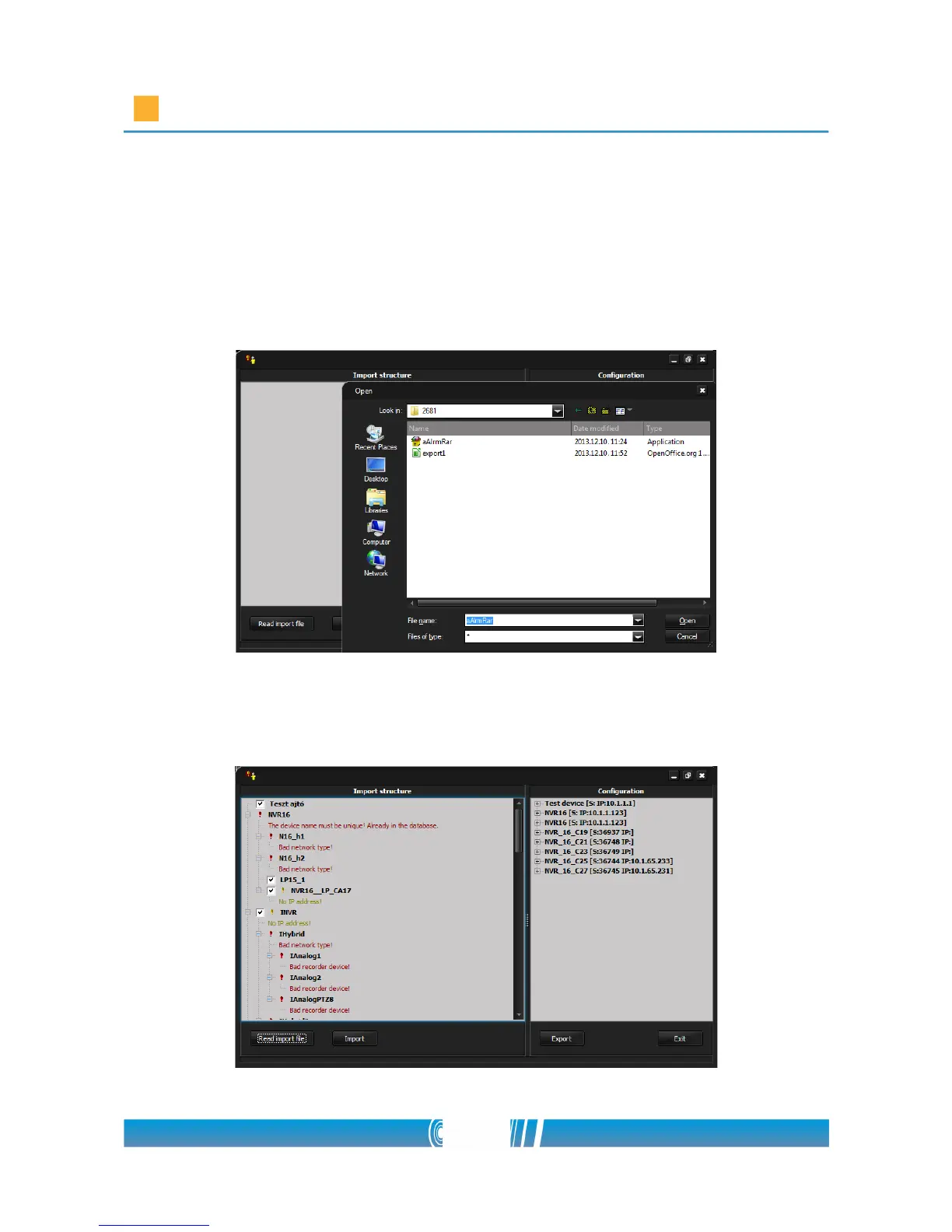
3. Click on Read import file button and browse the appropriate predefined
text file! Select it and click on Open! The software is going to build up the
Import structure of the devices automatically. If there are some
problems in the structure the program signs it with red warning
messages in the proper lines. The problems can be corrected by clicking
on the faulty line and give the right adjustments in the popup window.
4. After checking the structure click on Import button. The software is going
to import all the devices.
49/80



 To Next Page