Installation Guide
Creating a configuration monitor profile
1. To configure PTZ Area function, create a new Monitor Profile, marked as
Configuration Window, with two zoom windows! This profile will be
visible only in the PTZ Area Configuration window.
2. Click on the Monitor profiles icon on the main surface of the Control
Center!
3. Click on New button and Name the new profile!
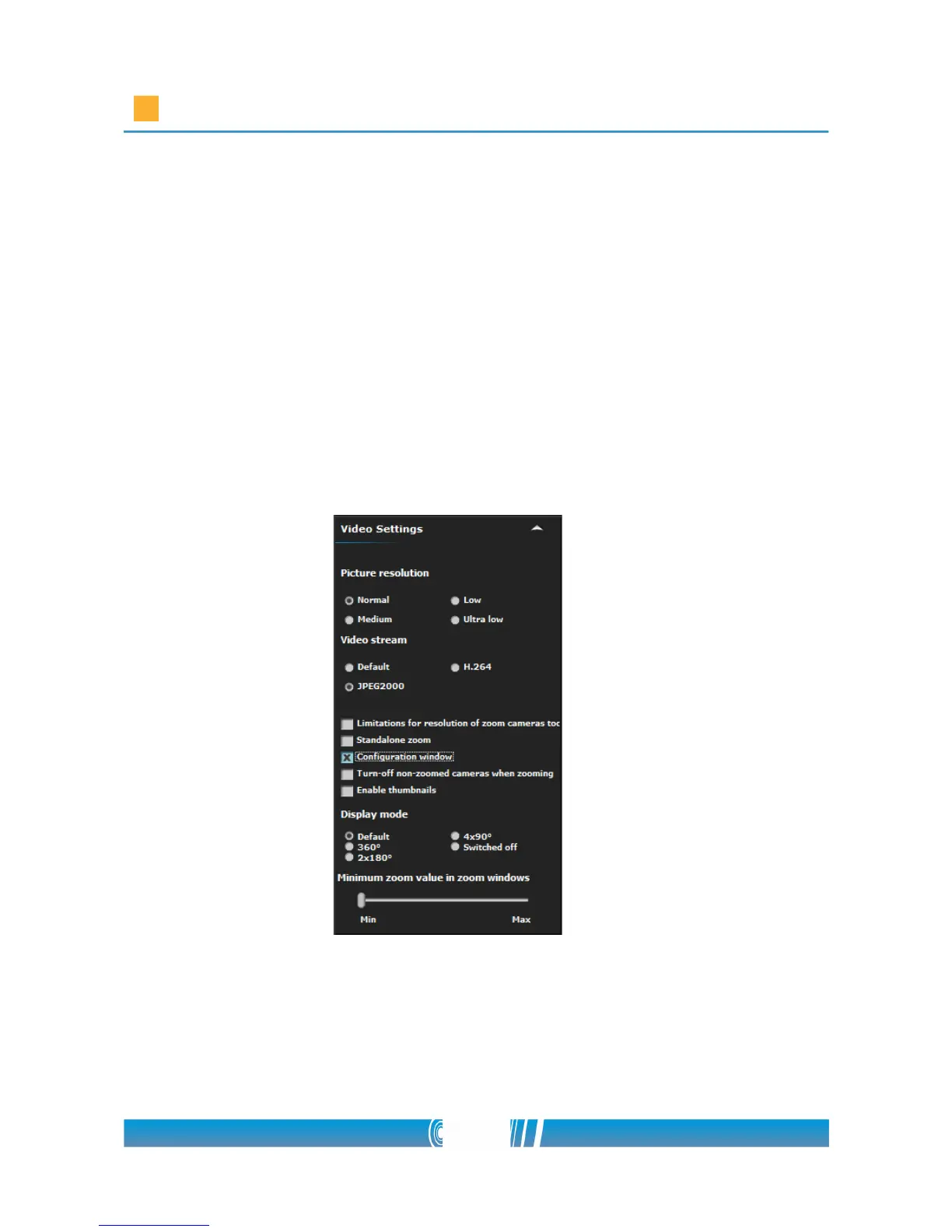
4. Click on the Settings button, find Video Settings and check the field
beside Configuration window!
4. Place two Zoom windows on the monitor matrix and place the map as
well! Designate the panoramic camera! Select Panoramic cameras from
the left tree then Drag & Drop it to the Zoom window of the panorama
camera. Perform the same method for the Zoom window of the PTZ
67/80



 To Next Page