Installation Guide
profiles in the Video Monitor. If this will be the primary Monitor profile
at the workstation, adjust “1”!
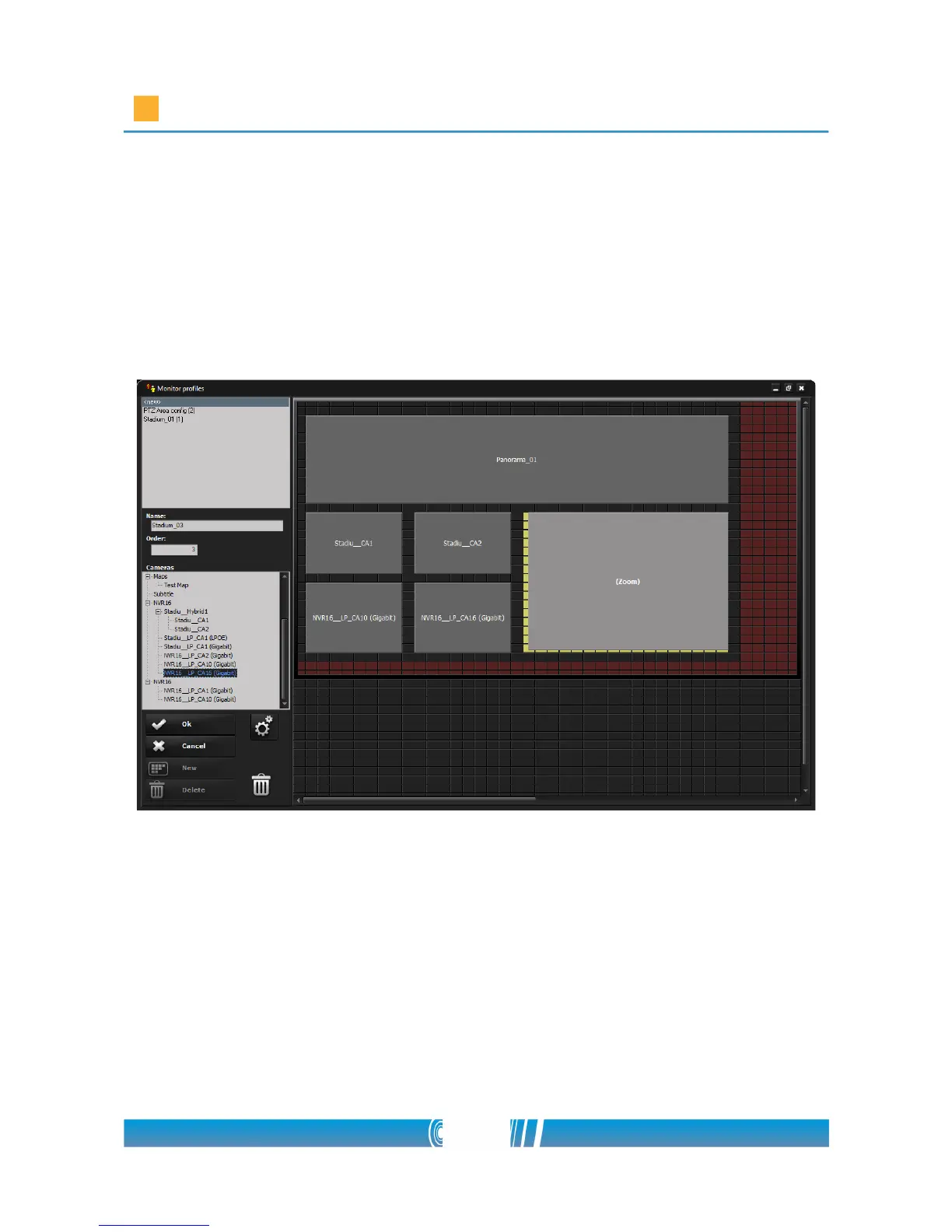
4. The previously registered devices can be found in the left tree. Choose
the camera which you would like to place on the profile, then Drag &
Drop it to the matrix! The size of the matrix is determined by the
software according to the monitor resolution.
5. Click on the Settings button, find Video Settings, check Normal at Video
resolution and Default at Video stream!
Stitching the images of the panorama cameras
1. The stitching can be performed only on a monitor profile, that has no
zoom window on it. If necessary then create a new monitor profile for
stitching.
2. Open the Video Monitor by clicking on its icon on the main surface of the
62/80



 To Next Page