Installation Guide
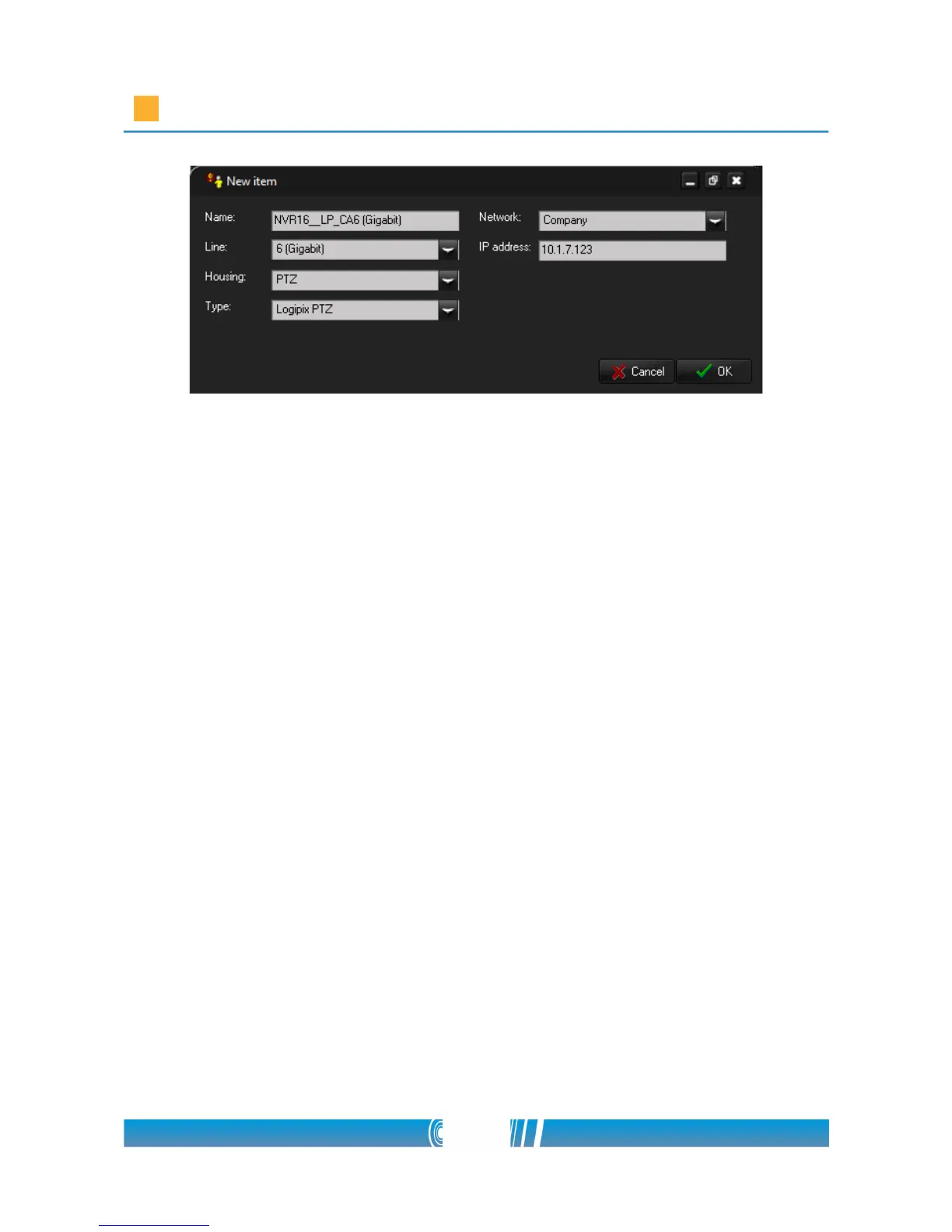
9. Repeat the previous step with all the Logipix PTZ cameras of the Logipix
LNVR!
10. Right click on the LNVR in the left tree and choose Add new logipix
or hybrid! In the popup window select Logipix! Enter the Name of the
Logipix Full HD camera, adjust its IP address select Normal Housing and
choose Logipix 2mpx from the Type list! Adjust the Line where the
camera is connected! Select Normal Housing and Company Network
from the drop down lists and click on OK!
11. Repeat the previous step with all the Logipix Full HD cameras of the
Logipix LNVR!
12. Right click on the LNVR in the left tree and choose Add new logipix
or hybrid! In the popup window select Hybrid extender! Enter the Name
of the Hybrid extender and choose LNVR Hybrid extender 16 cameras
from the Type list! Adjust its IP address (the device has 2 IP addresses)
Adjust the Line where the Hybrid extender is connected to the LNVR!
Select Company from the Network drop down list! Click on OK!
46/80



 To Next Page