Installation Guide
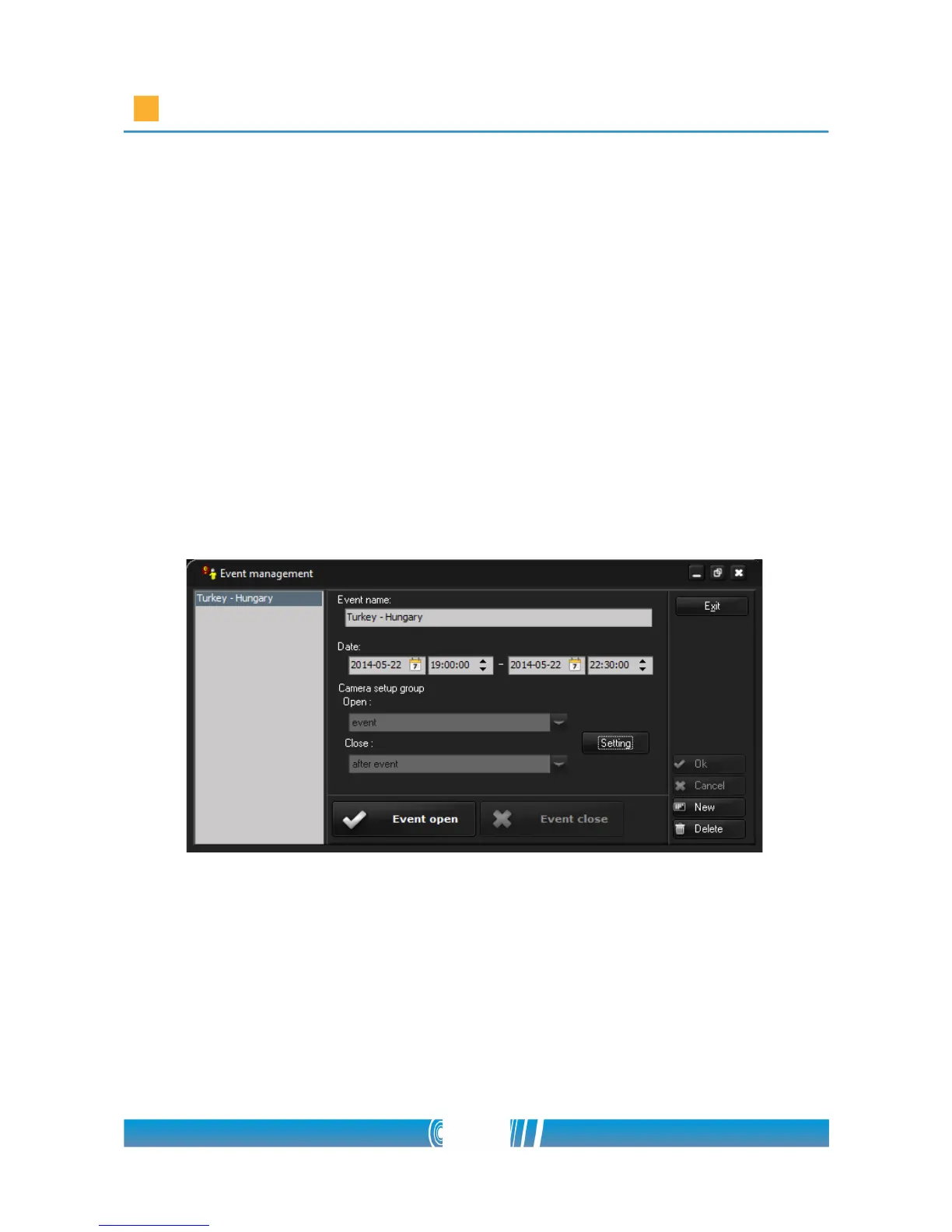
• Open the Event management form! You can find it in the Video /
Stadium menu.
• Create a new Event by the New button!
• Name it in the Event name field!
• Enter the Date of the event! (This is only administrative information)
• Select the camera setups for the event (Open) and for after the event
(Close)! The previously set default groups appears automatically in the
fields. If you want to change them, click on Setting and perform the
change in the popup window!
• Click Event open button to open the event!
• To close the event use the Event close button!
• Note: The events won't open and close automatically at the time written
in the corresponding fields, you need to open and close them manually
before and after every event!
72/80



 To Next Page