Configuring a New Unit
www.lsi.com/channel/products 87
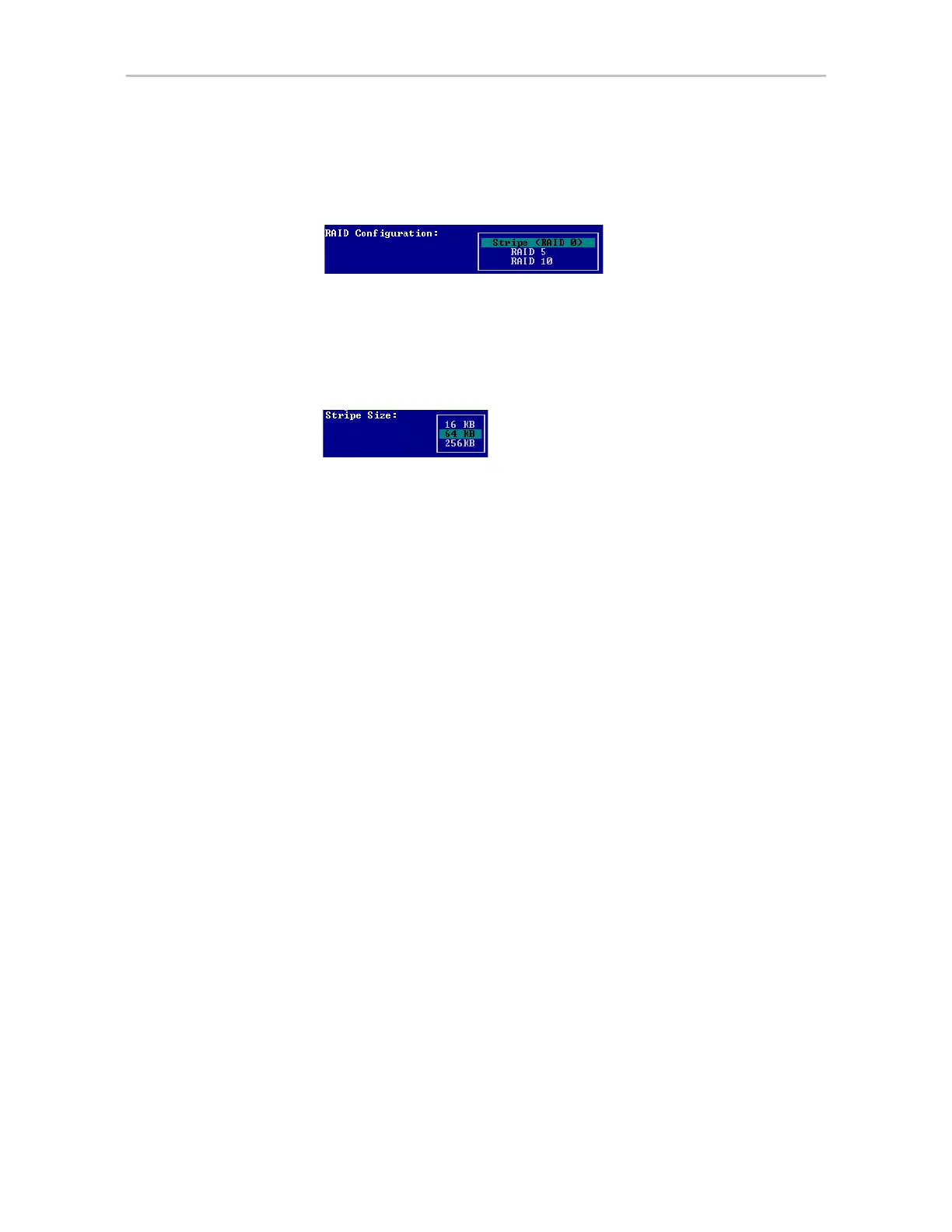
5Tab to the RAID Configuration field and press Enter to see a list of
available configurations for the number of drives you selected.
Figure 45. Configuration Choices for Four Drives
6 Use the arrow keys to select the configuration you want and press Enter.
7
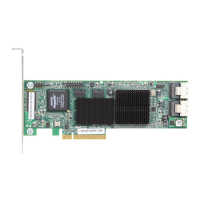
Tab to the field Stripe Size and select the desired striping size (16, 64, or
256 KB).
Figure 46. Stripe Sizes for a RAID 5
8 (Optional) Tab through the policy fields and make any appropriate
changes to the default settings for:
•Write Cache Setting
• Read Cache Setting
• StorSave Profile
• Auto-Verify
• Rapid RAID Recovery
For details about these settings, see “Configuration Options When
Creating a Unit” on page 79.
9 (Optional)
Tab to the Advanced Options screen and make any appropriate
changes to the default settings for:
• Boot Volume Size (in gigabytes)
• Drive Queuing Mode
• Continue on Error During Rebuild
• Initialization method
For details about these settings, see “Configuration Options When
Creating a Unit” on page 79.



 To Next Page