Optical Backscatter Reflectometer 4600 13
User Guide
6 All LEDs on the front panel of the instrument will turn on, then all but
the Power LED will turn off. The Power LED will remain lit until the
unit is powered off.
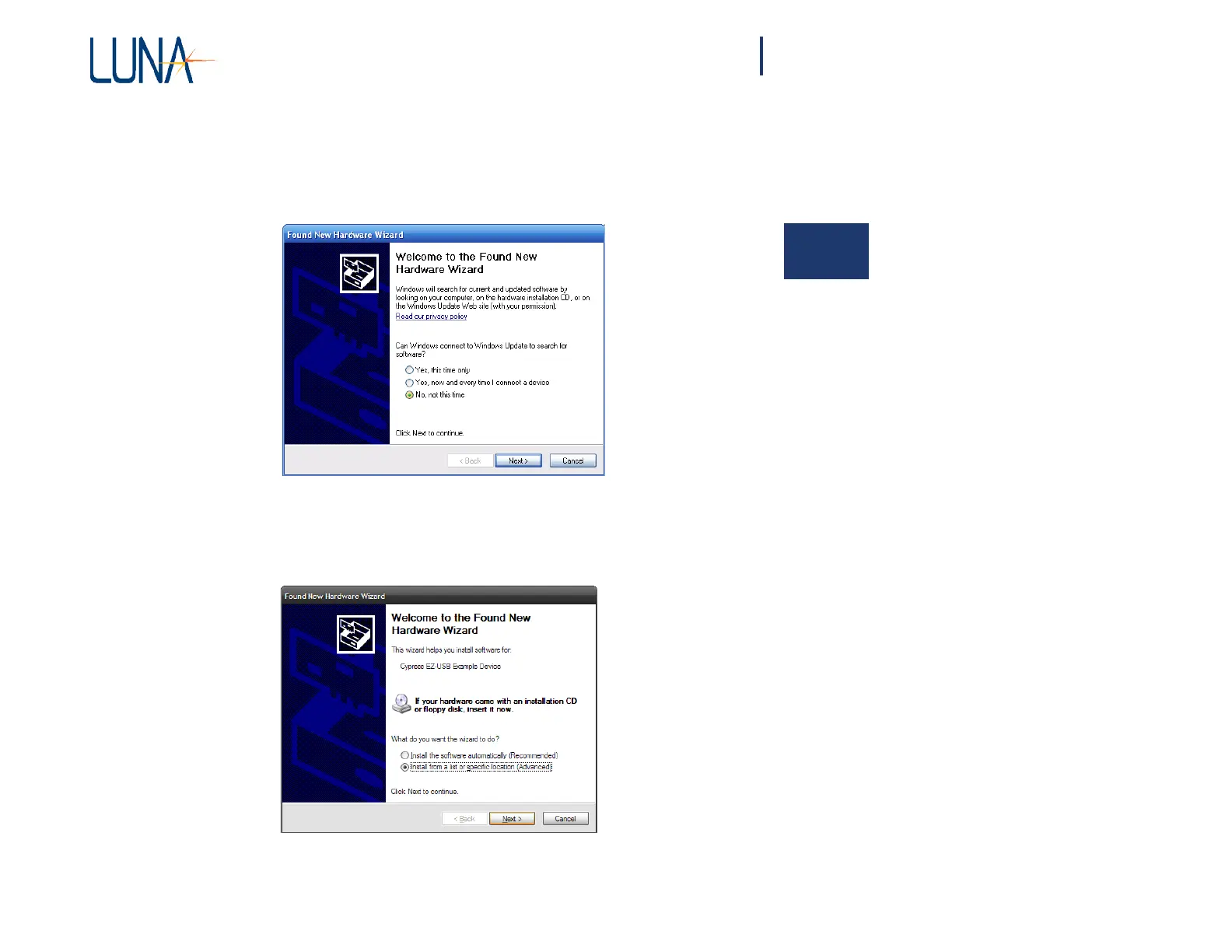
7 The PC will
automatically
detect the device and display the “Found New
Hardware Wizard” dialog window:
2
8 Select the “No, not this time” option and click the “Next” button to
continue. A new window will be displayed:



 To Next Page