MAC155 Rev. 12 ©Copyright MAC Instruments 2005. All Rights Reserved.
Pg 84
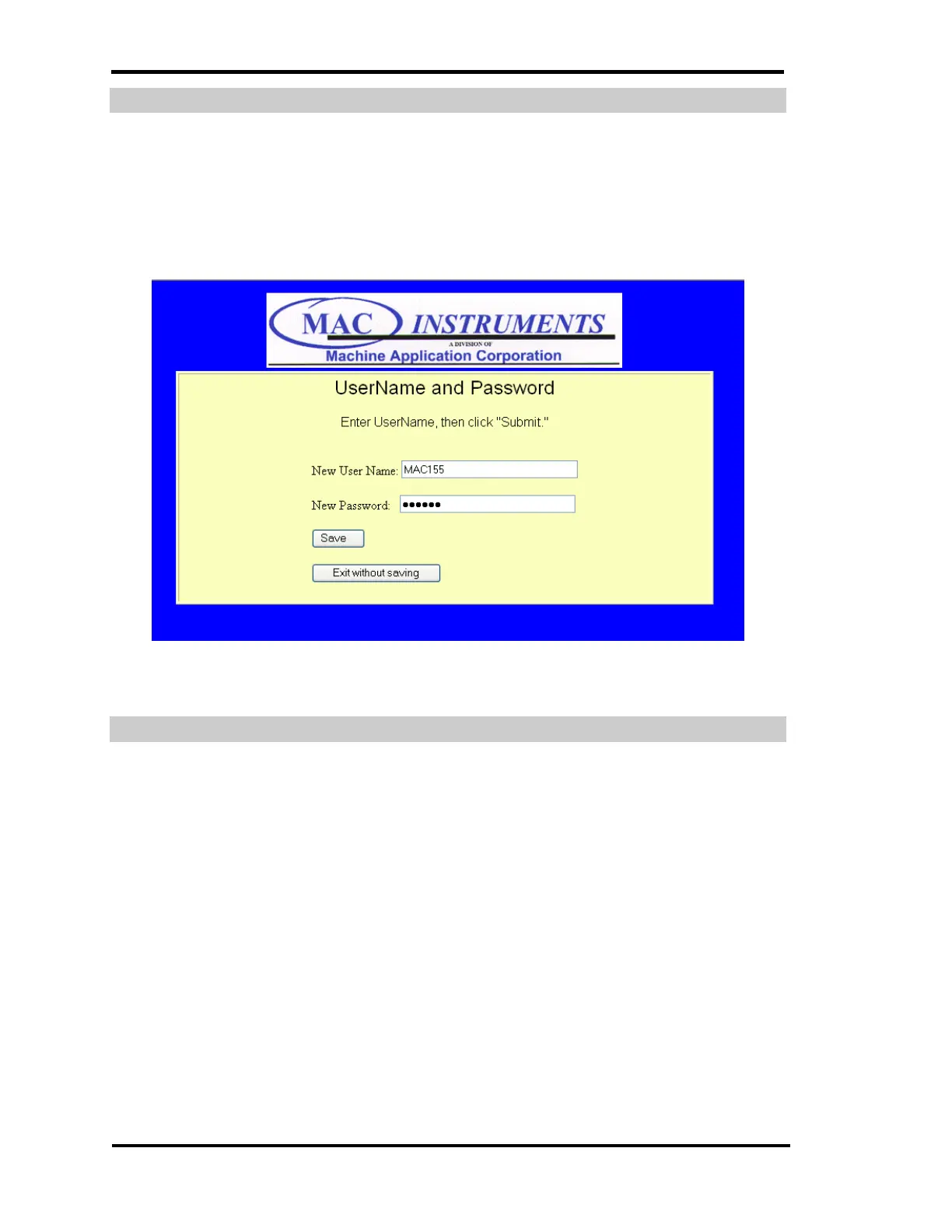
USERNAME AND PASSWORD SET-UP
The MAC155 Ethernet interface is password protected. The default
username and password is MAC155. This menu will allow you to change the
password and username to one of your choosing to prevent unauthorized access
to the MAC155 status and configuration pages.
Figure 65 - MAC155 Time Setup Menu
AUTOMATIC CALCHECK TIME SET-UP
The MAC155 can be placed into a calibration check once every 24 hours.
The time this function will activate is determined by the setting in the controller.
The default time is 0:00. The MAC155 can be placed into a calibration check
once every 24 hours. The time this function will activate is determined by the
setting in the controller. The default time is 0:00. The menu allows the user to
change the time of the daily calibration check. While in the Calibration Check
mode a message will be displayed at the top of the screen of the controller and
also in the mode box of the normal web page.
While in the Calibration Check mode a message will be displayed at the top
of the screen.



 To Next Page