MAC155 Rev. 12 ©Copyright MAC Instruments 2005. All Rights Reserved.
Pg 56
SETUP MENU
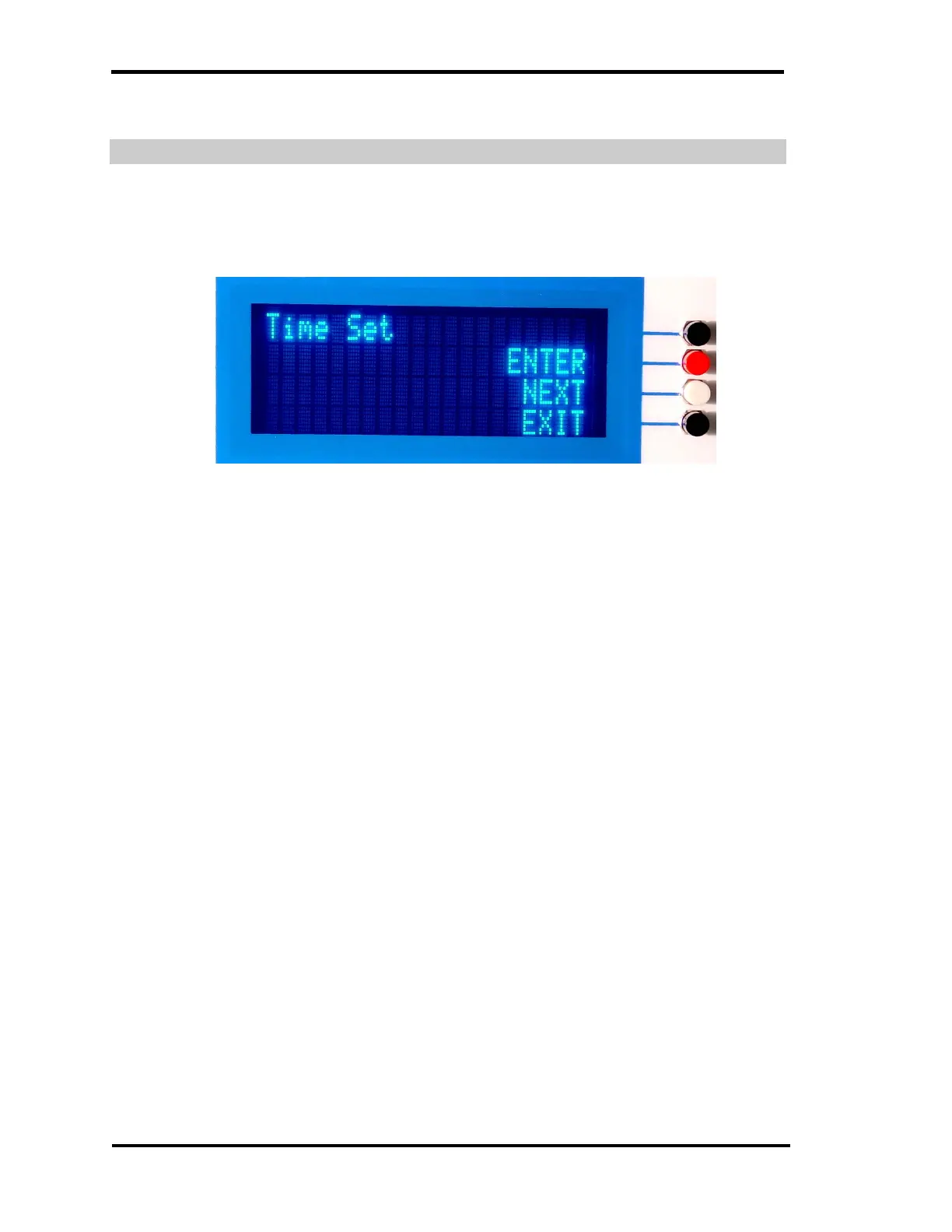
TIME SET
This menu sets the real time clock to the desired time in a 24 hour time format.
Figure 31 – Time Set Menu
Setting the Minutes
Pressing the White pushbutton will increment the minutes of the clock. Each
press of the button will increment the clock one minute. If the minute pushbutton
is continuously pressed the clock will auto increment 1 minute approximately ¼
of a second.
Setting the Hours
Pressing the “Red” pushbutton will increment the hour of the clock. Each
press of the button will increment the clock one hour. If the “Hour” pushbutton is
continuously pressed the clock will auto increment 1 Hour approximately ¼ of a
second.
Exiting Time Set Menu
Pressing the lower “Black” pushbutton exits the Time Set menu and then
returns to display the normal operation display



 To Next Page