©Copyright MAC Instruments 2005. All Rights Reserved. MAC155 Rev. 12
Pg 63
The moisture output signal will remain at the selected value until the
diagnostic menu is exited and the normal display is indicating an actual moisture
reading.
Pressing the “NEXT” pushbutton will select the next menu option. The
moisture output will remain at the previously set value until the enable button is
pressed or until the diagnostic menu is exited.
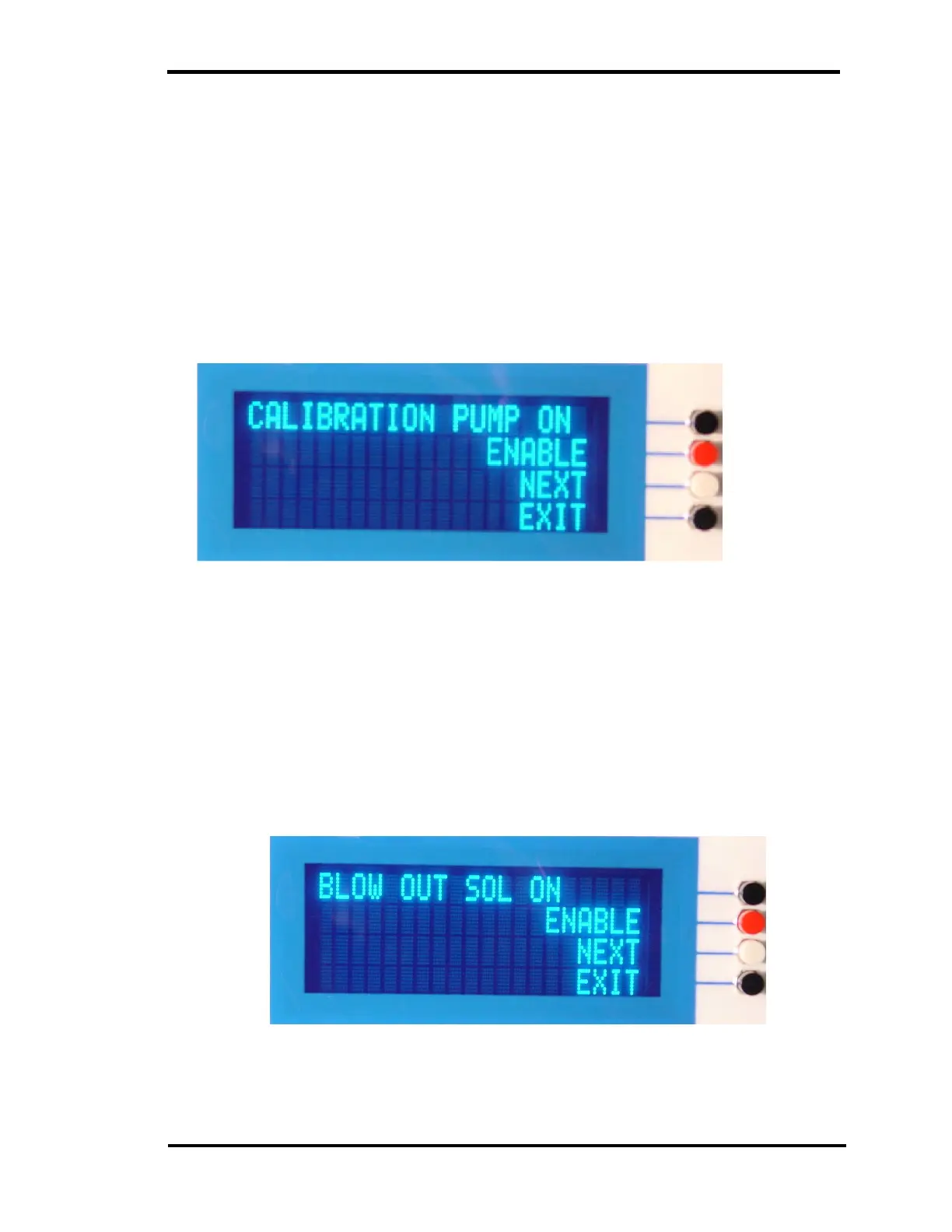
MANUAL CAL PUMP OPERATION
Figure 44 – Force Calibration Pump ON Menu
Pressing the “Enable” pushbutton the calibration pump should run. This
provides a convenient way to test the pump driver circuit, the pump motor, and to
allow pneumatic testing of pump as described in other sections of this manual.
The EXIT pushbutton is disabled until the “DISABLE” button is pressed.
FORCED FILTER BLOW BACK
Figure 45 – Force Blow Back Sol ON Menu



 To Next Page