©Copyright MAC Instruments 2005. All Rights Reserved. MAC155 Rev. 12
Pg 25
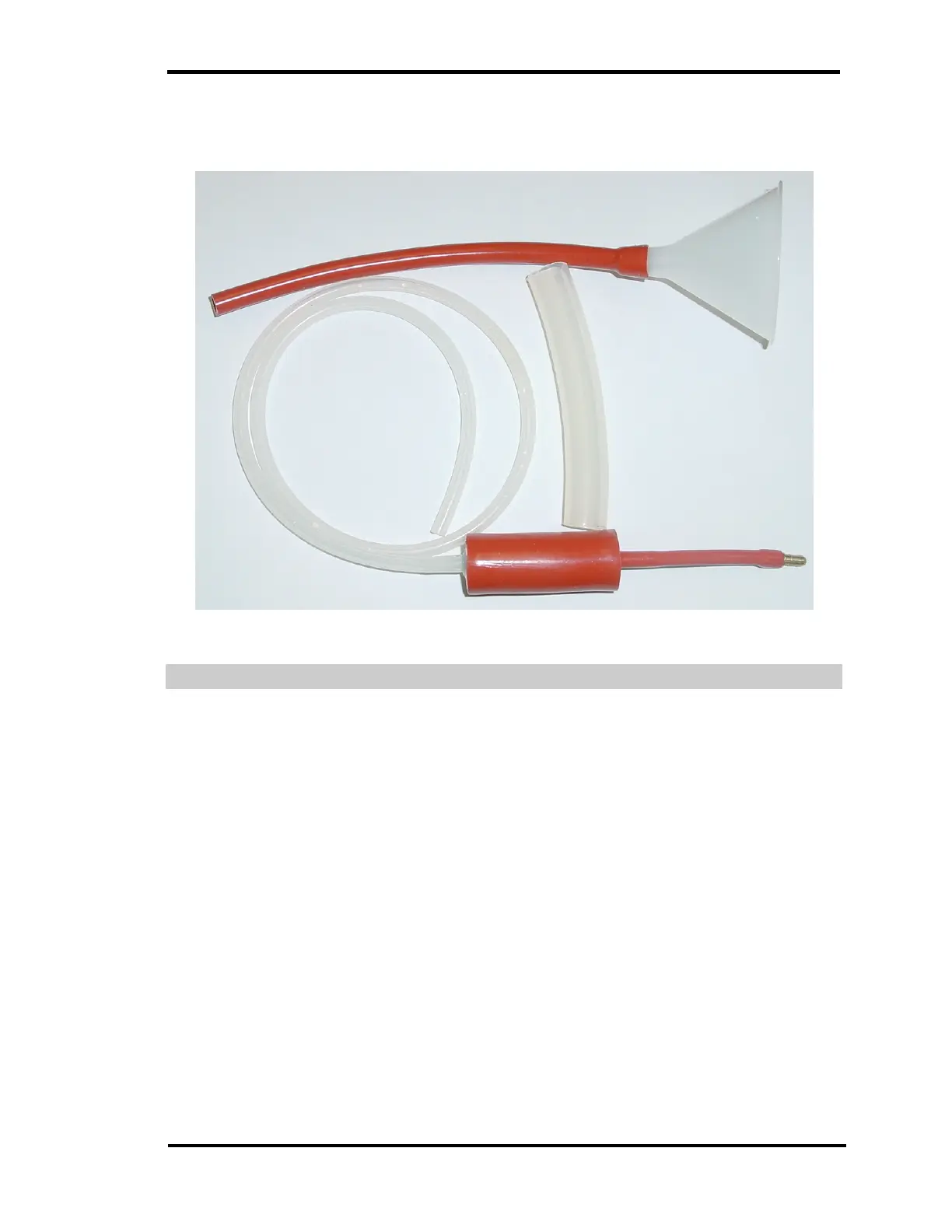
should be stored in the plastic container that it was packed in. It is important to
keep dirt or contaminates out of the water tank.
Figure 15 – Water Filling / Flushing Kit
FILLING WATER TANK
To fill the water tank refer to Figure 16 – Filling Water Tank, set the MAC155
Probe on a level surface, and open the cover. Remove the plug by releasing the
retention lever and pulling the plug straight out. Place the drip prevention tube
over the fill port. Use the funnel and fill the tank until the tank overflows, (Hold
the drip prevention tube at a slightly up angle). Remove the drip prevention tube.
Reinsert the fill plug and close the retention lever. Make sure the plug is tight, as
the tank will be slightly pressurized during operation. The plug can be tightened
by turning the retaining lever clockwise before it is closed.



 To Next Page