©Copyright MAC Instruments 2005. All Rights Reserved. MAC155 Rev. 12
Pg 31
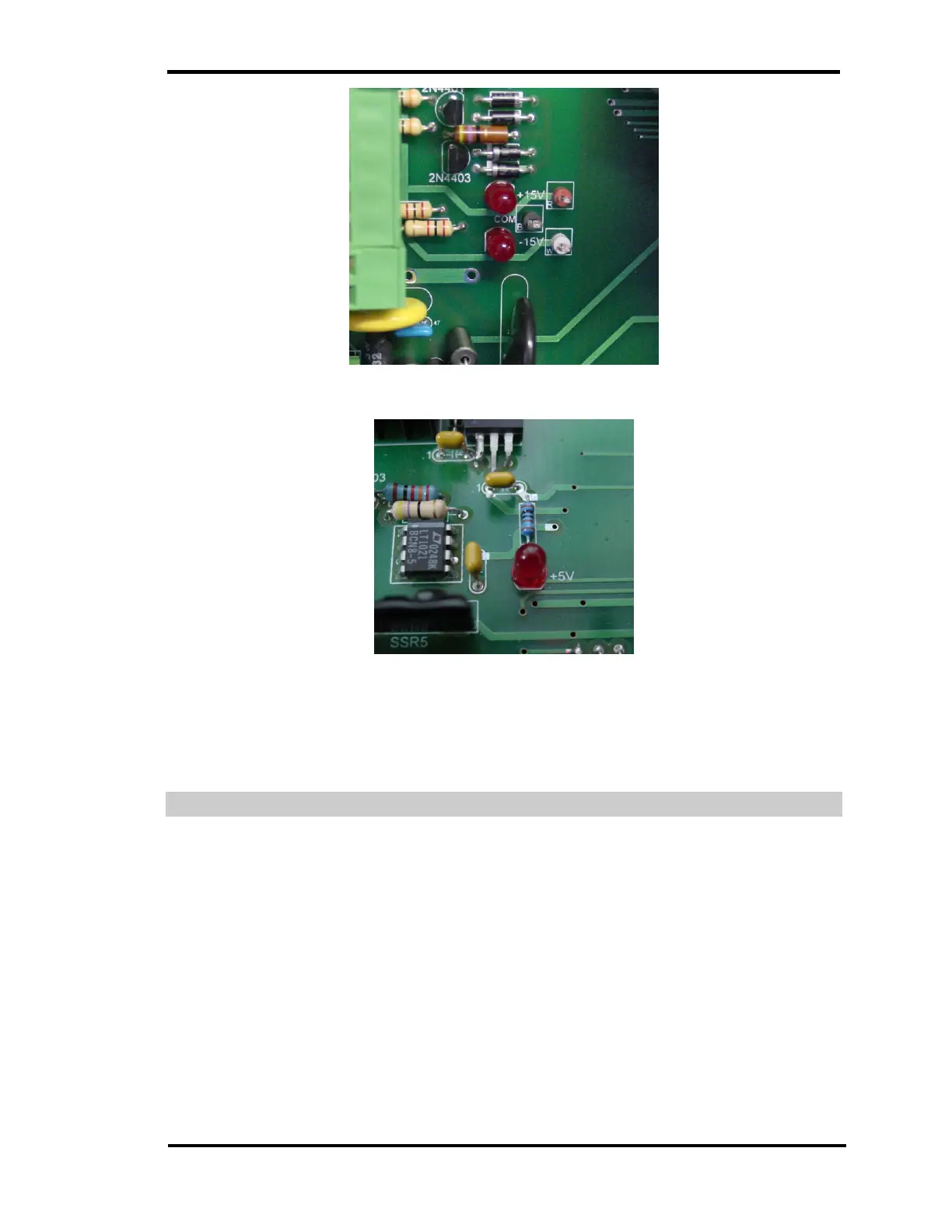
Figure 20 – ±15V Power Supply Status Indicators
Figure 21 – +5V Power Supply Status Indicator
The +5V, +15V and -15V LED’s should be on anytime that AC power is
applied to the MAC155.
AUTOMATIC CALIBRATION CHECK
The MAC155 can be placed into a calibration check once every 24 hours.
The time this function will activate is determined by the setting in the controller. A
time setting of 0:00 will disable the automatic calibration check. The default time
is 0:00. Navigation through the MAC155 Controller’s Setup menu will provide a
menu selection allowing the user to change the time of the daily calibration
check. While in the Calibration Check mode a message will be displayed at the
top of the screen.



 To Next Page