©Copyright MAC Instruments 2005. All Rights Reserved. MAC155 Rev. 12
Pg 59
* Please note that while the range selections do not start at 0%, the mA
output loop begins at 0% and ends at the listed upper limit of the range. The
instrument is not very accurate below the instruments listed lower range limit.
After changing the selected MBV Range, power must be removed from the
MAC155 and then reapplied.
MAINTENANCE RELAY SET UP
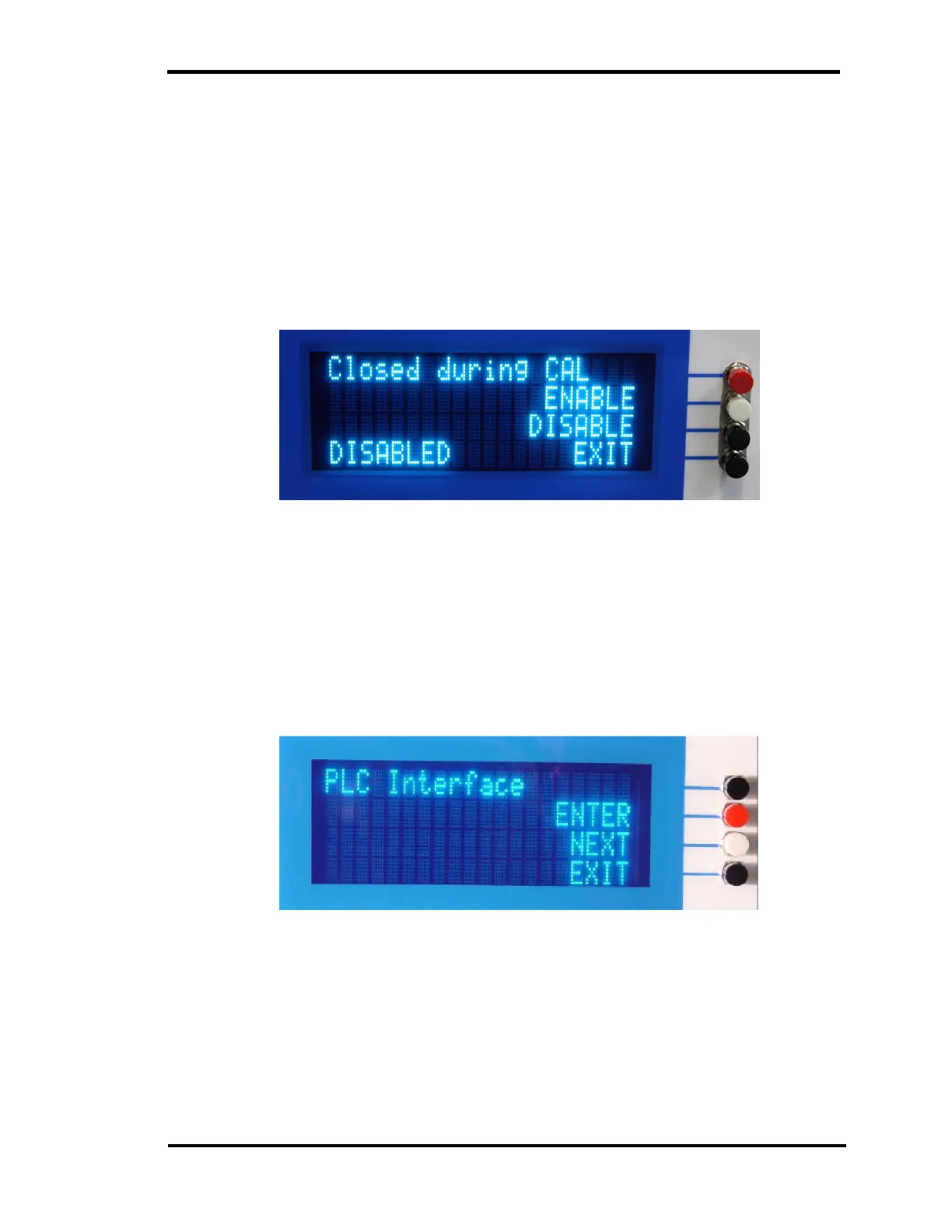
Figure 36 - Maintenance Relay Setup Menu
This menu is to enable the maintenance contacts to close during calibration
and calibration check modes. Press ENABLE to have the Maintenance contacts
close during the CAL and CAL CHECK modes.
PLC INTERFACE SET UP (Option)
Figure 37 – PLC Interface Setup Menu
This menu is for enabling the optional PLC I/O interface. If the option was
purchased the default would be ENABLED. No other PLC Interface
configuration is necessary.



 To Next Page