©Copyright MAC Instruments 2005. All Rights Reserved. MAC155 Rev. 12
Pg 75
TIME SET-UP
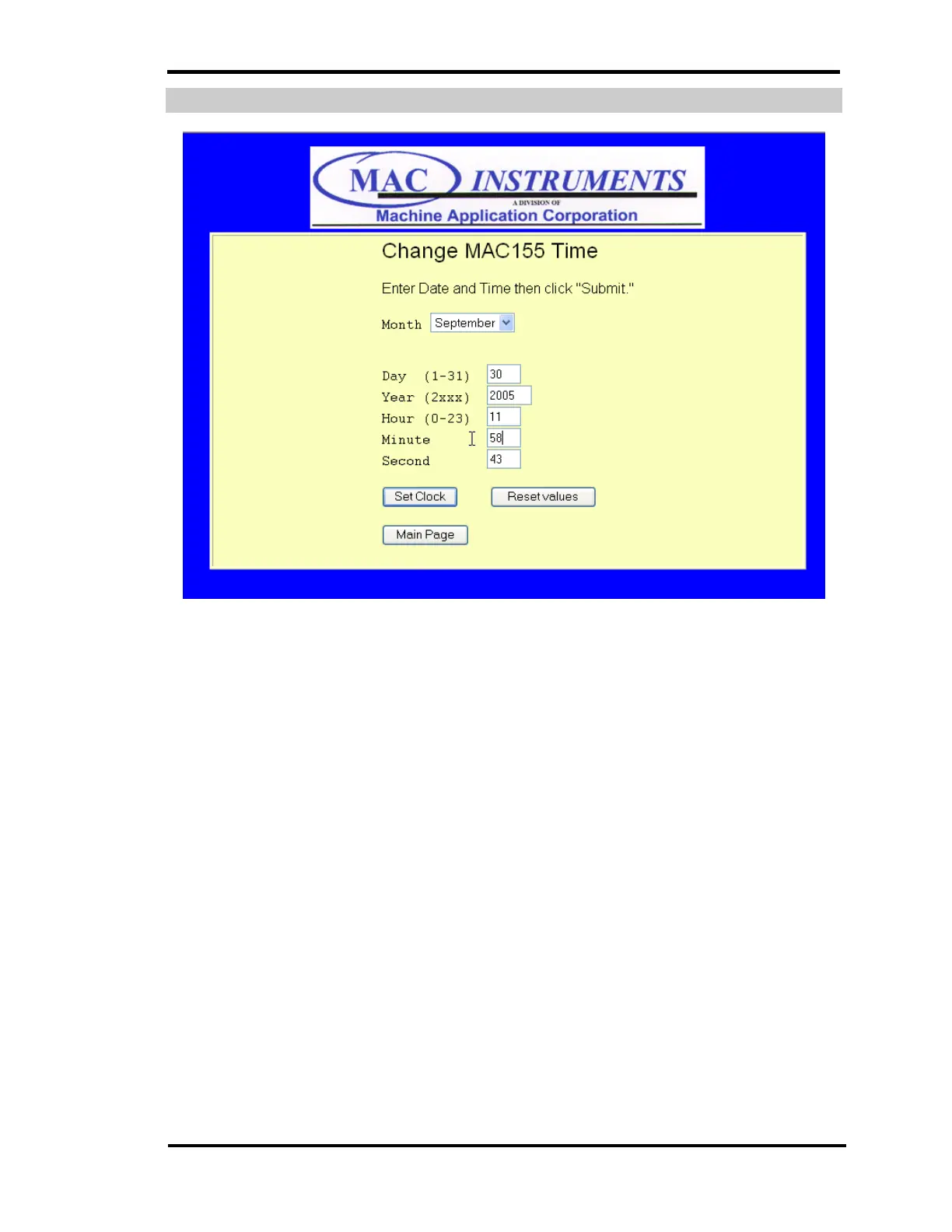
Figure 56 - MAC155 Time Setup Menu
Press the MAC155 Time Set button will present the Change MAC155 Time
web page. The current time and date will be visible. Note any discrepancies
between the actual time and the MAC155 time. Click on any boxes that need to
be changed and then click “Set Clock” to make the changes permanent and
hereby updating the controller’s internal clock.



 To Next Page