MAC155 Rev. 12 ©Copyright MAC Instruments 2005. All Rights Reserved.
Pg 26
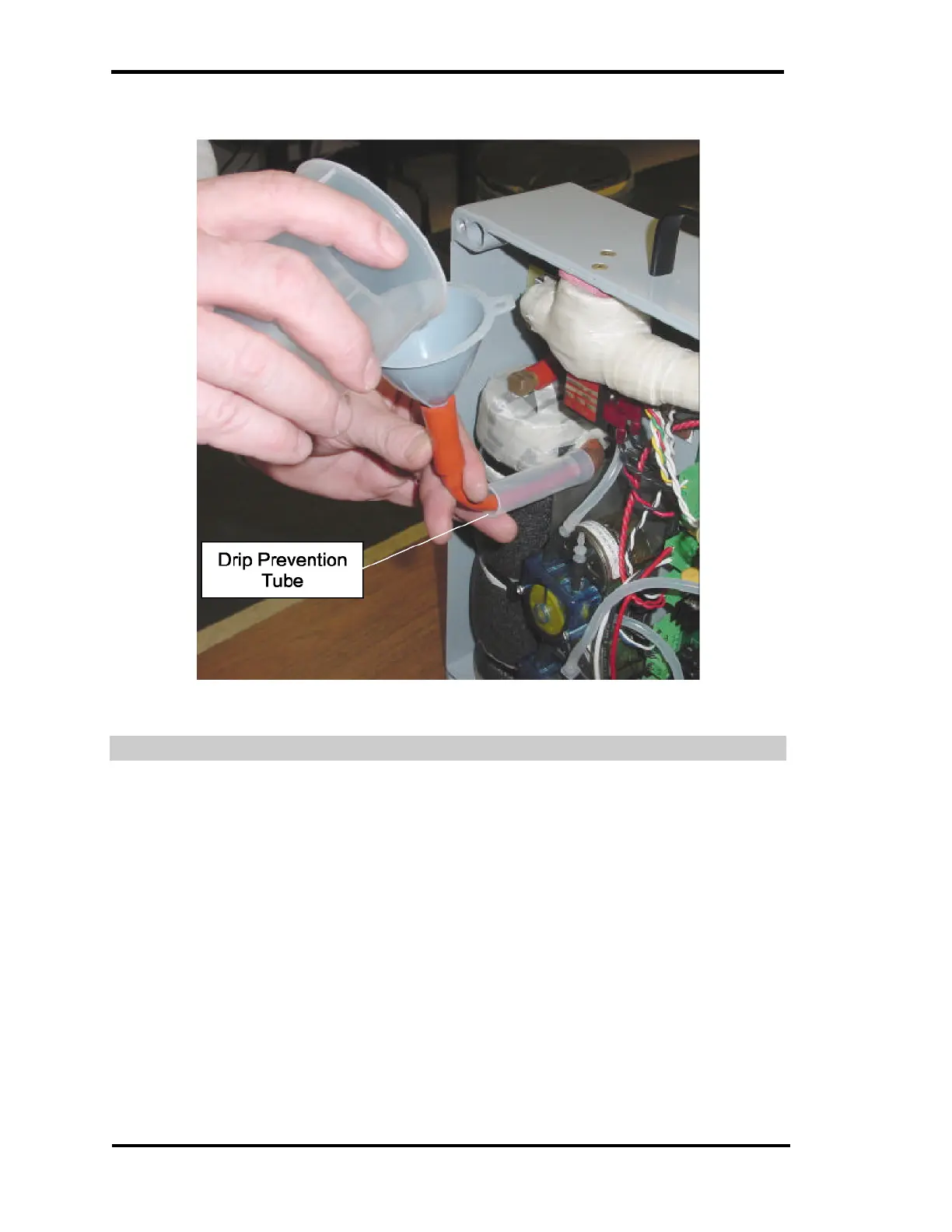
Figure 16 – Filling Water Tank
WATER TANK FLUSHING
There is normally some water in the tank when the low level is detected. To
insure trouble free operation, drain the remaining water from the tank. Draining is
performed by first removing the fill plug, then disconnecting the tubing that
comes from the tank to the calibration pump (at the calibration pump end) and
connecting the siphon pump to the to this tube (that goes to the tank).
Pump water out of the Tank by squeezing and releasing the large size tubing.
Once flow is started, siphoning action should draw the remaining water from the
tank without any further pumping action.



 To Next Page