MAC155 Rev. 12 ©Copyright MAC Instruments 2005. All Rights Reserved.
Pg 66
MAINTENANCE MENU
MANUAL CALIBRATION MODE
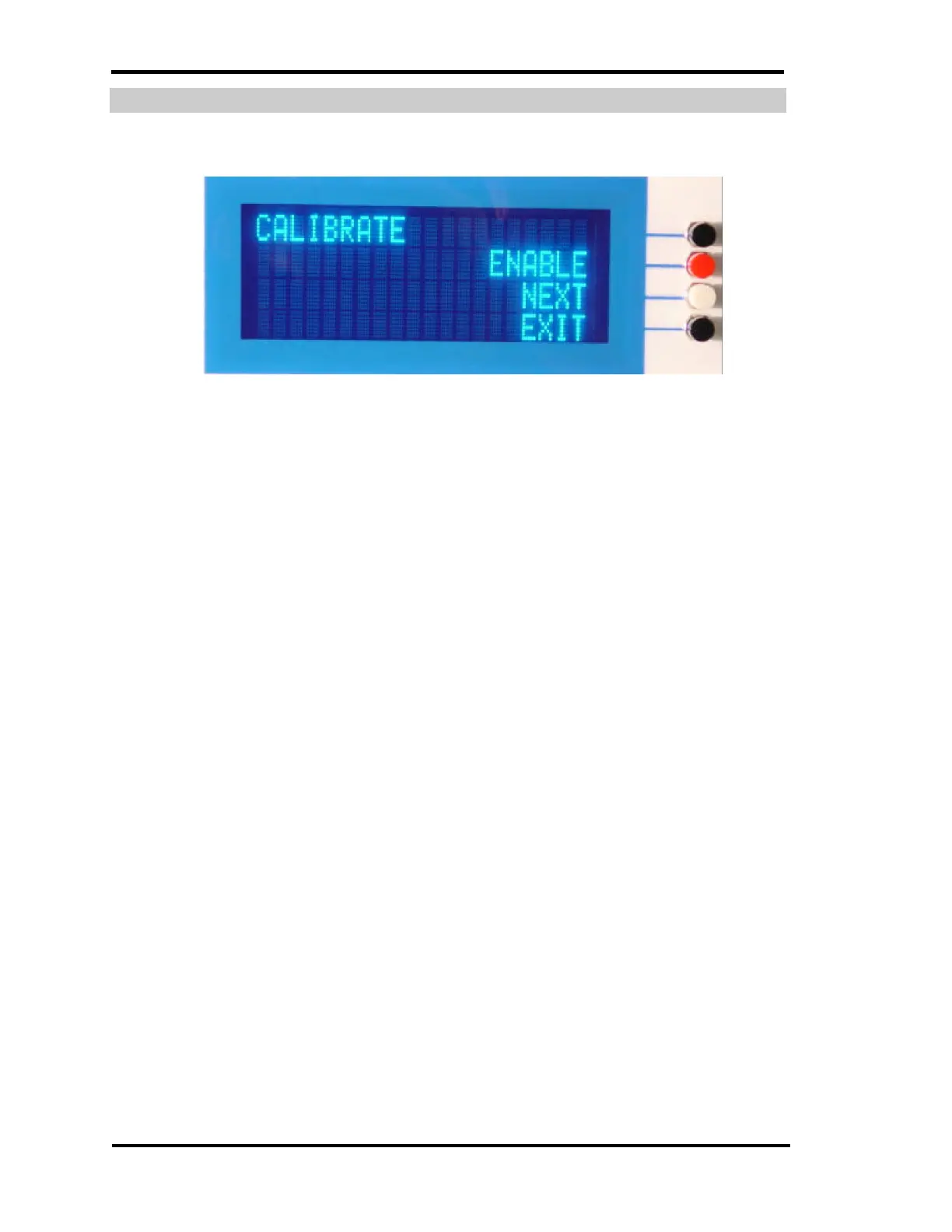
Figure 49 – Force Probe into Calibration Menu
This mode causes the calibrator section of the MAC155 Probe to generate a
calibration gas stream of 40% of full scale moisture by volume (MBV) for a
period of 12 minutes. After the generation of 40% of full scale moisture by
volume the calibrator will then generate a calibration gas stream of 80% of full
scale MBV for a period of 12 minutes. When the calibrator has finished
generating the low and high calibration points the new calibration values are
stored in the MAC155 Probe and then returns to normal operation.
Verification that the probe has accepted the command to perform a
calibration procedure is indicated with a message on the display. If the mode is
inadvertently entered the procedure can be canceled by pressing the “Black”:
exit button. It is recommended doing this within the first few minutes of the
calibration cycle. Indication of the probe exiting this mode either manually or at
the end of the uninterrupted cycle will be confirmed by a normal display
indicating the actual %MBV.



 To Next Page