MAC155 Rev. 12 ©Copyright MAC Instruments 2005. All Rights Reserved.
Pg 76
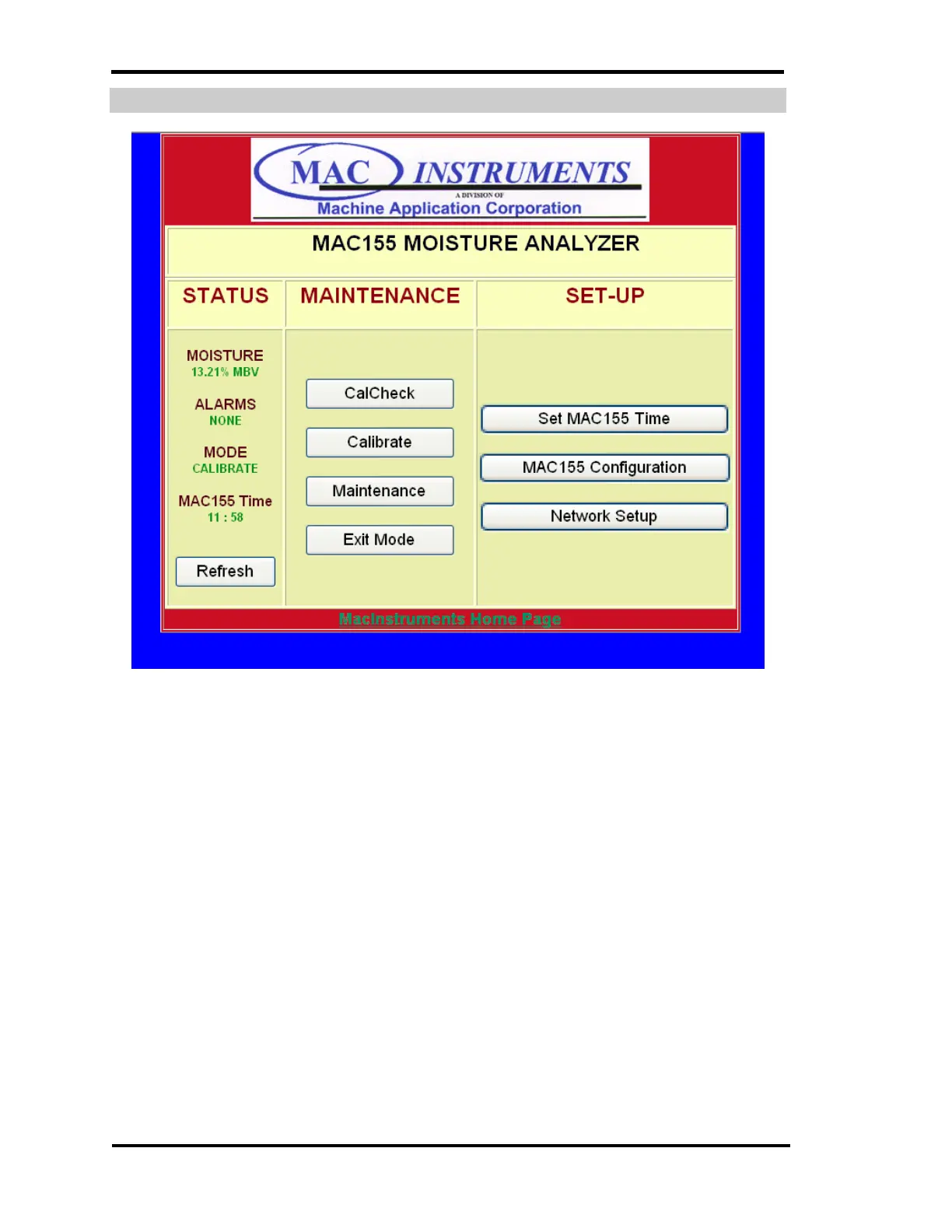
CALIBRATE OPERATION SCREEN
Figure 57 - MAC155 Time Setup Menu
The controller can be placed into a self-calibration mode. Click on the
Calibrate button on the web page to enable the self-calibration mode. The page
will update and the mode text box will now show “Calibrate” which is verification
the controller received the command without error.
The Calibration mode causes the calibrator section of the MAC155 Probe to
generate a calibration gas stream of 40% of full scale moisture by volume (MBV)
for a period of 10 minutes. After the generation of 40% of full scale moisture by
volume the calibrator will then generate a calibration gas stream of 80% of full
scale MBV. When the calibrator has finished generating the low and high
calibration points the new calibration values are stored in the MAC155 Probe
and then returns to normal operation.



 To Next Page