©Copyright MAC Instruments 2005. All Rights Reserved. MAC155 Rev. 12
Pg 57
SET AUTO CALCHECK TIME
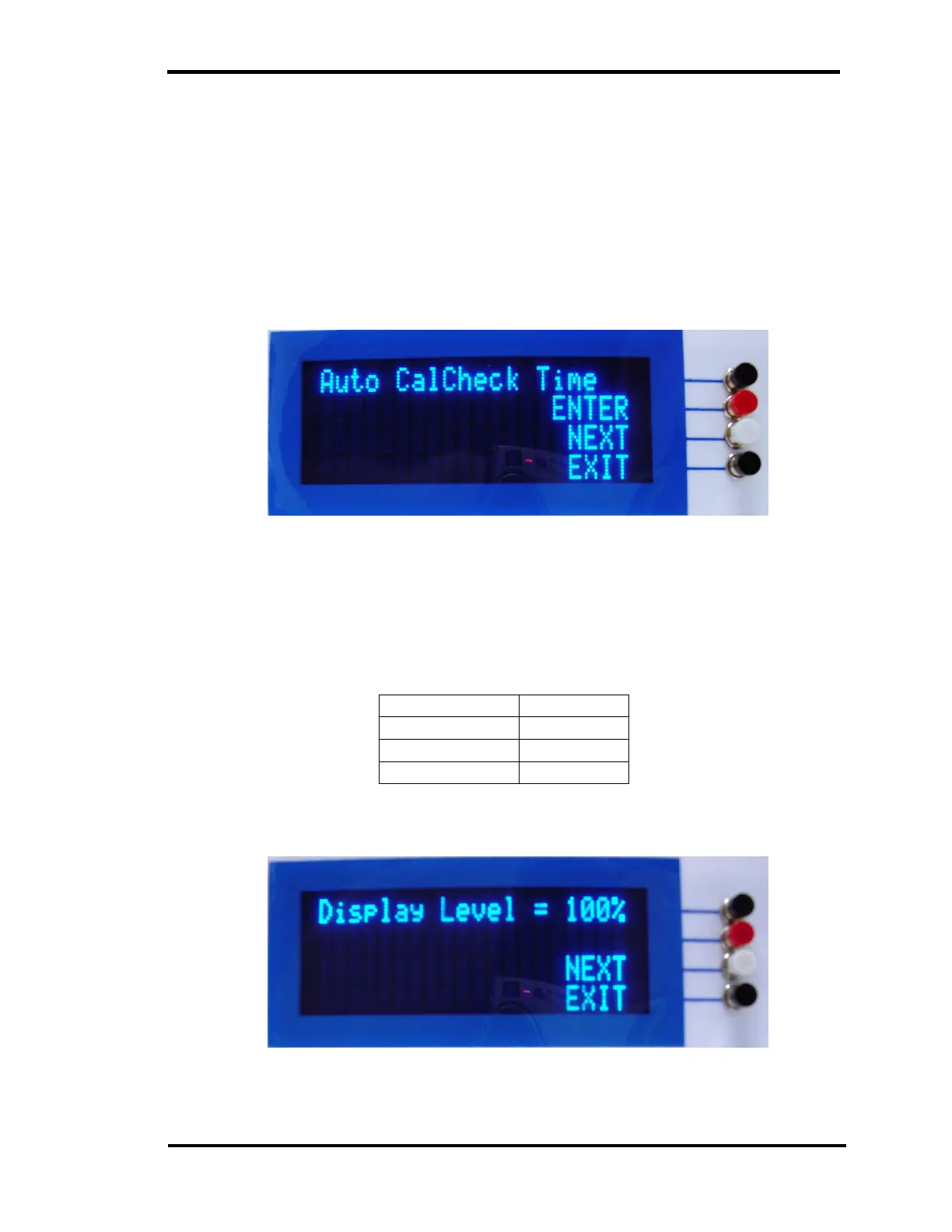
This menu sets the time of day the MAC155 will perform a calibration check.
The Auto CalCheck will be performed only once per 24hr time period. Set the
Auto CalCheck Time using the same method as described in the Time Set
Menu. Setting a time of 0:00 will disable the Auto CalCheck.
Figure 32 – Auto CalCheck Time Set Menu
DISPLAY BRIGHTNESS SELECTION
The menu will allow the user to select four different VFD brightness settings
Level 1 100%
Level 2 75%
Level 3 50%
Level 4 25%
The default level is 100%.
Figure 33 – Display Brightness Selection Menu



 To Next Page