©Copyright MAC Instruments 2005. All Rights Reserved. MAC155 Rev. 12
Pg 55
CONTROLLER MENU NAVIGATION
GENERAL MENU OPERATION
The MAC155 can be configured through the usage of a structured menu
system. Four push buttons on the right side of the display allow the user to
respond to messages displayed on the controller’s display.
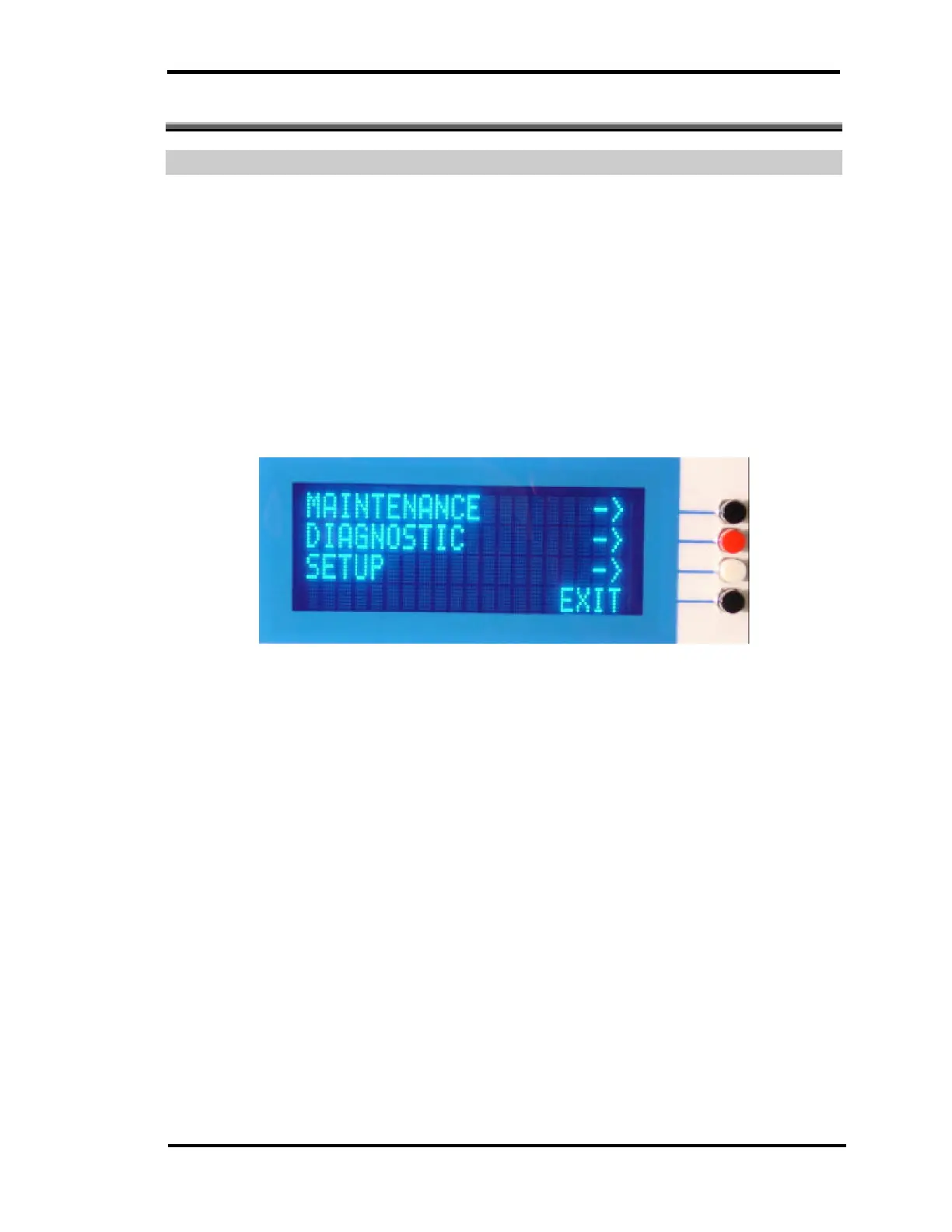
To enter the menu system press the lower pushbutton indicated by a black
cap. Upon pressing this button the controller will enter the general menu display.
Three different menu selections are available, Maintenance, Diagnostic and
Setup.
Figure 30 – General Menu Display
If none of the available menu selections are desired pressing the button
previously pressed to enter the menu display and currently labeled “EXIT”, clears
the active menu system and returns the controller to normal operation.



 To Next Page