©Copyright MAC Instruments 2005. All Rights Reserved. MAC155 Rev. 12
Pg 83
Figure 63 - MAC155 Time Setup Menu
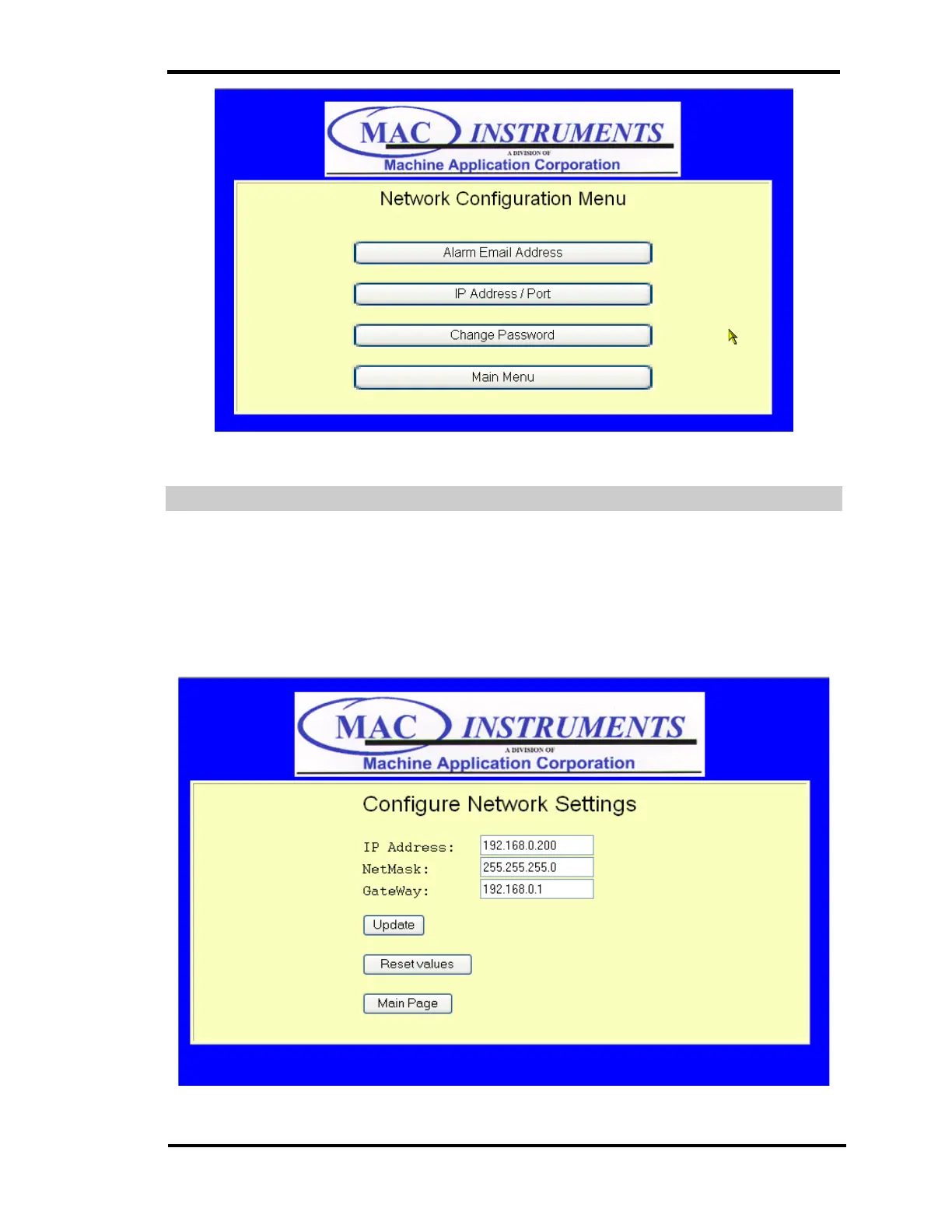
NETWORK ADDRESS CONFIGURATION
This menu changes the default IP address of the MAC155 to an IP address
that is compatible with your network. Initial connection to the MAC155 using the
default IP address of 192.168.0.1. This default address can be changed using
the network address configuration.
Figure 64 - MAC155 Time Setup Menu



 To Next Page