MAC155 Rev. 12 ©Copyright MAC Instruments 2005. All Rights Reserved.
Pg 64
If the MAC155 Probe is equipped with the filter blow back option, the blow
back air solenoid will be energized if the “Enable” pushbutton is pressed.
The blow back air solenoid will remain “ON” until the “Disable” button is
depressed. The EXIT pushbutton is disabled until the “DISABLE” button is
pressed.
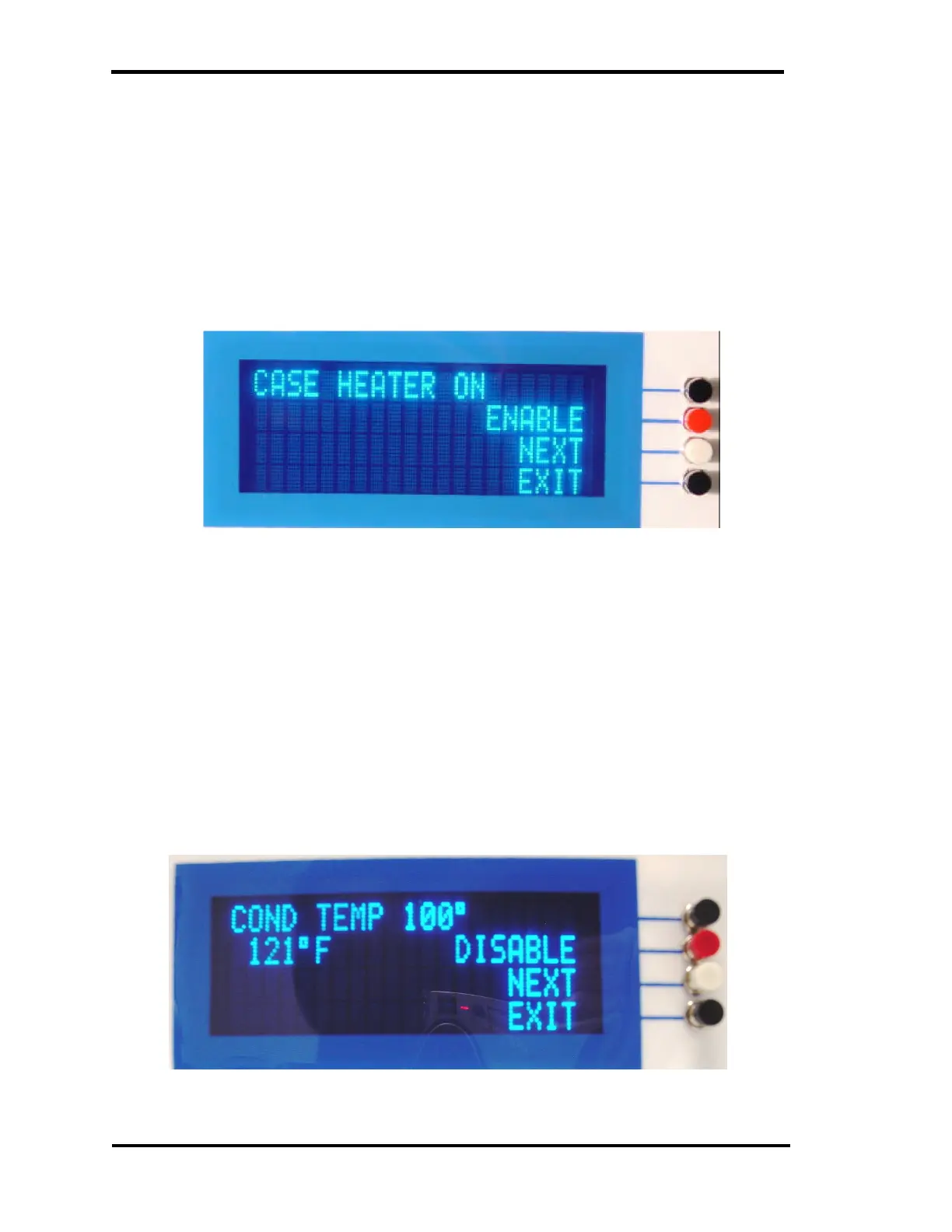
MANUAL CASE HTR OPERATION
Figure 46 – Forced Case Heater Menu
If the MAC155 Probe is equipped with the case heater option, the case
heater will be turn on for 1 second and then turn off for 10 seconds if the
“Enable” pushbutton is pressed.
The case heater will repeat this cycle until the “Disable” button is pressed.
The EXIT pushbutton is disabled until the “DISABLE” button is pressed.
FORCE COND TEMP 100°
Figure 47 – Force Cond Temp to 100° Menu



 To Next Page