MAC155 Rev. 12 ©Copyright MAC Instruments 2005. All Rights Reserved.
Pg 82
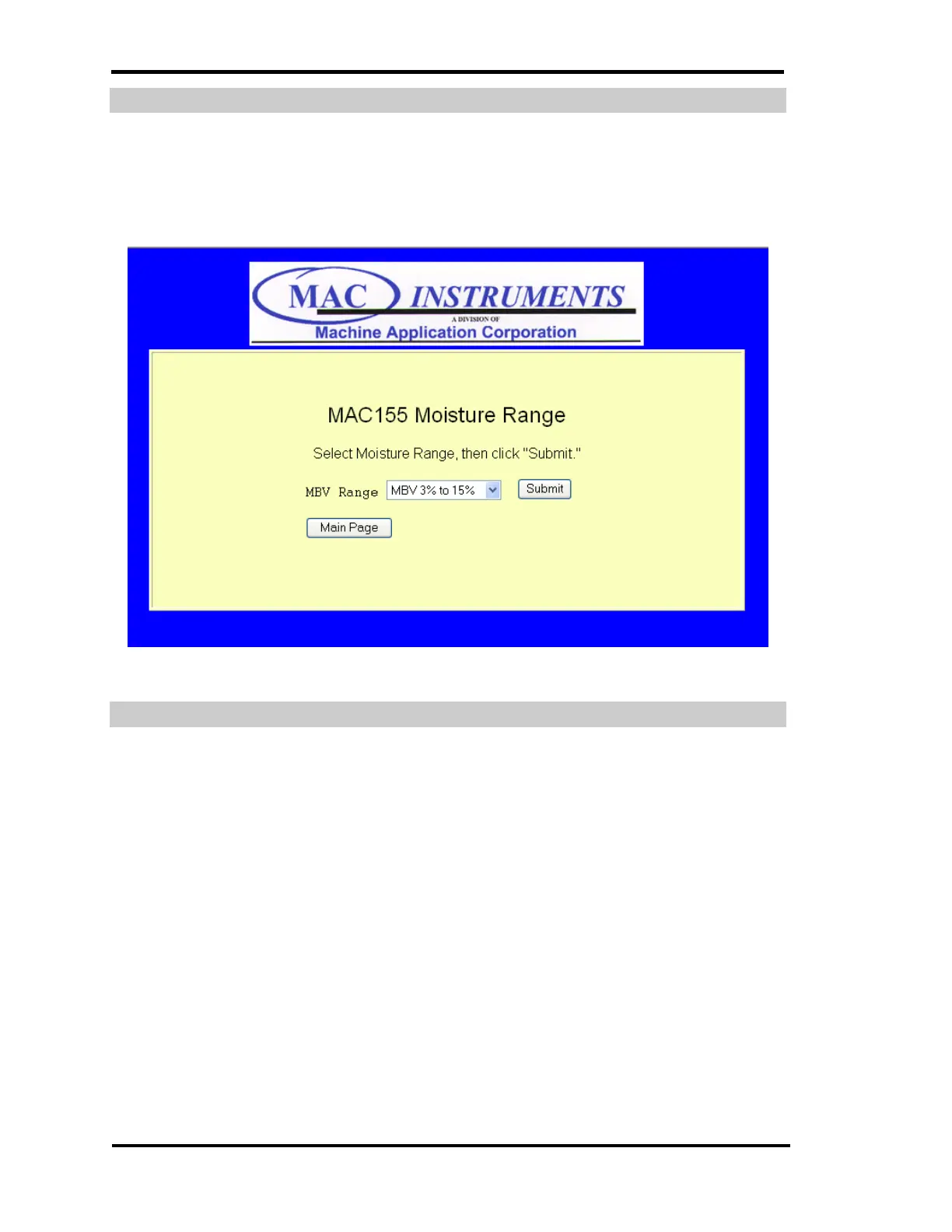
MAC155 PROBE MOISTURE SCALE SELECTION
This menu provides the option of changing the scale of the probe. The model
of the probe MAC155-H or MAC155-L determines which scales will be available
in the drop down menu.
Figure 62 - MAC155 Time Setup Menu
NETWORK CONFIGURATION MENU
Clicking the Network Configuration Menu button from the main menu will load
the menu shown below. This menu provides three areas that need to be
configured for maximum performance of the MAC155 in your network
environment.
Each menu is explained in further detail following this description.



 To Next Page