©Copyright MAC Instruments 2005. All Rights Reserved. MAC155 Rev. 12
Pg 77
If the mode is inadvertently entered the procedure can be canceled by
pressing the “EXIT Mode” button. It is recommended doing this within the first
few minutes of the calibration cycle. Indication of the probe exiting this mode
either manually or at the end of the uninterrupted cycle will be confirmed when
refreshing the page and viewing the Mode text box. Upon completion of the
calibration mode “Normal” will be displayed in the text box.
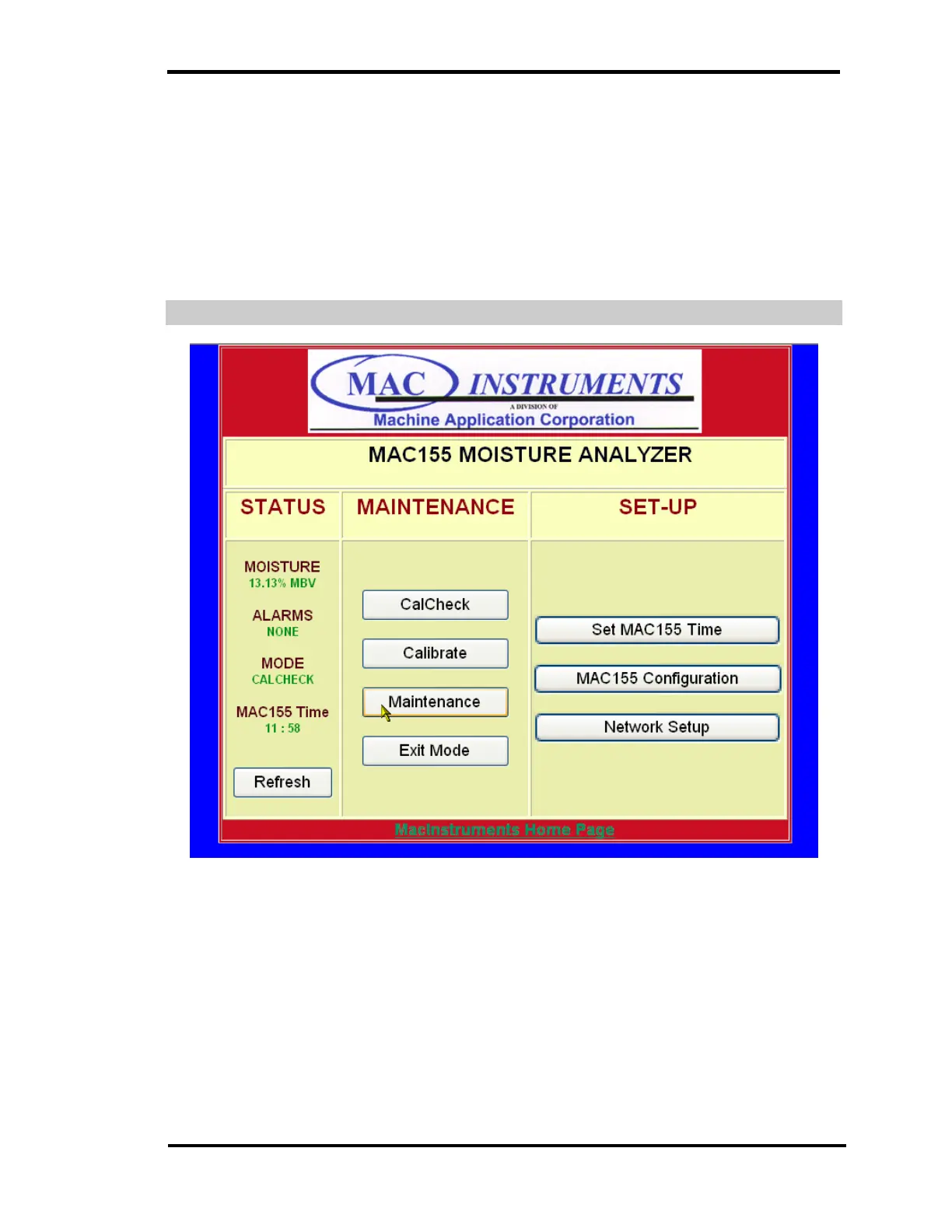
CALCHECK OPERATION SCREEN
Figure 58 - MAC155 CalCheck Mode
Pressing the “CalCheck” button places the MAC155 into a CalCheck mode.
The page will refresh and the text under mode will change to “CalCheck”. This
will remain until the probe has completed the CalCheck cycle or if canceled
manually.
If the mode is inadvertently entered the procedure can be canceled by
pressing the “EXIT Mode” button. It is recommended doing this within the first



 To Next Page