214658 48 Revision A
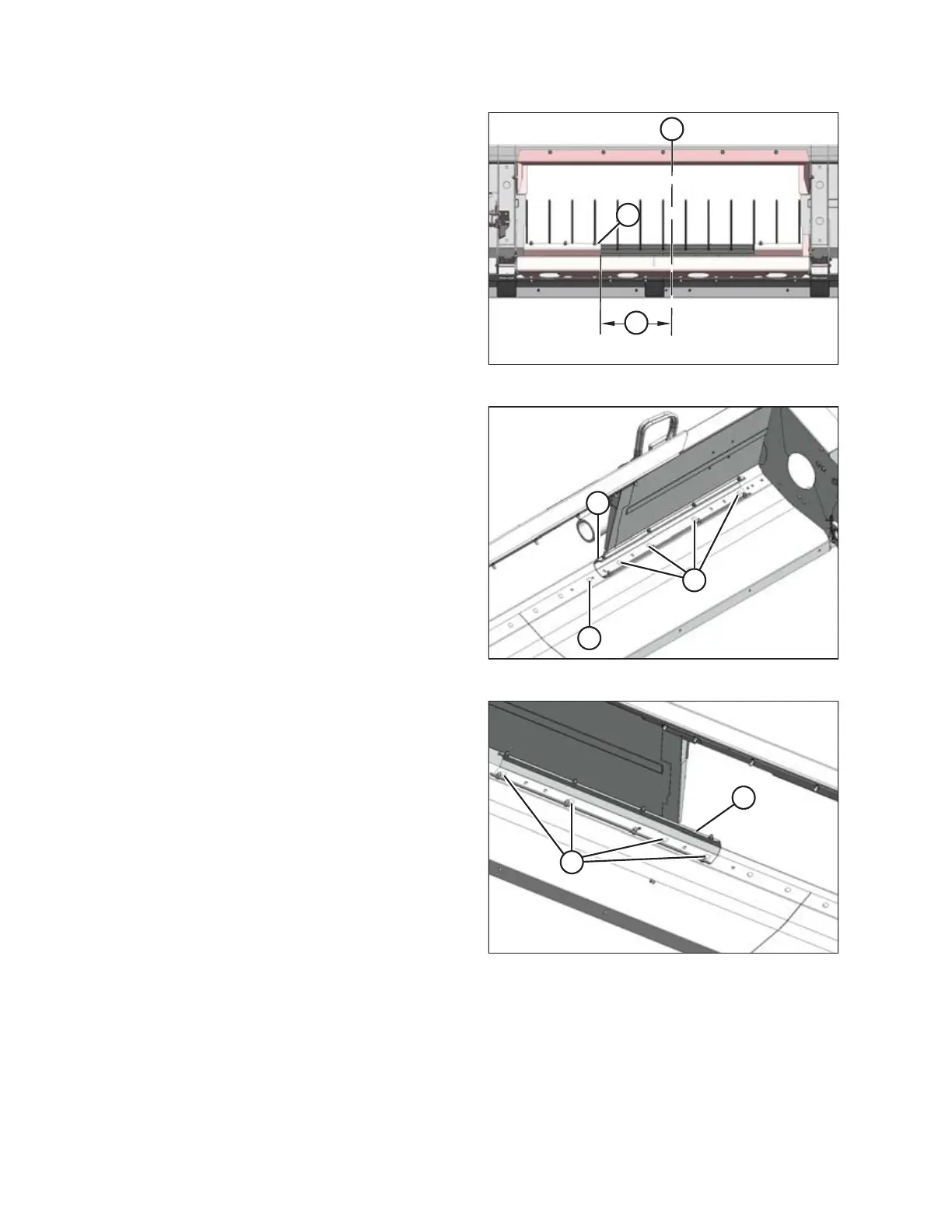
Figure 4.39: Narrow Opening
3. Move the left stripper assembly (A) inboard so that the
distance (B) from the stripper assembly to the header
centerline (C) is 417 mm (16-7/16 in.).
NOTE:
The centerline is located where the header pans meet.
Figure 4.40: Left Stripper – Wide Opening
4. Reinstall the four bolts (A) where the stripper
assembly (B) mounting holes line up with the frame.
Tighten bolts.
5. Install M12 x 30 carriage bolt (C) and nut (provided in
hardware bag) in the existing hole.
Figure 4.41: Right Stripper – Narrow Opening
6. Remove four bolts (A) attaching right stripper
assembly (B) to the frame.
RECONFIGURING HEADERS



 To Next Page