79
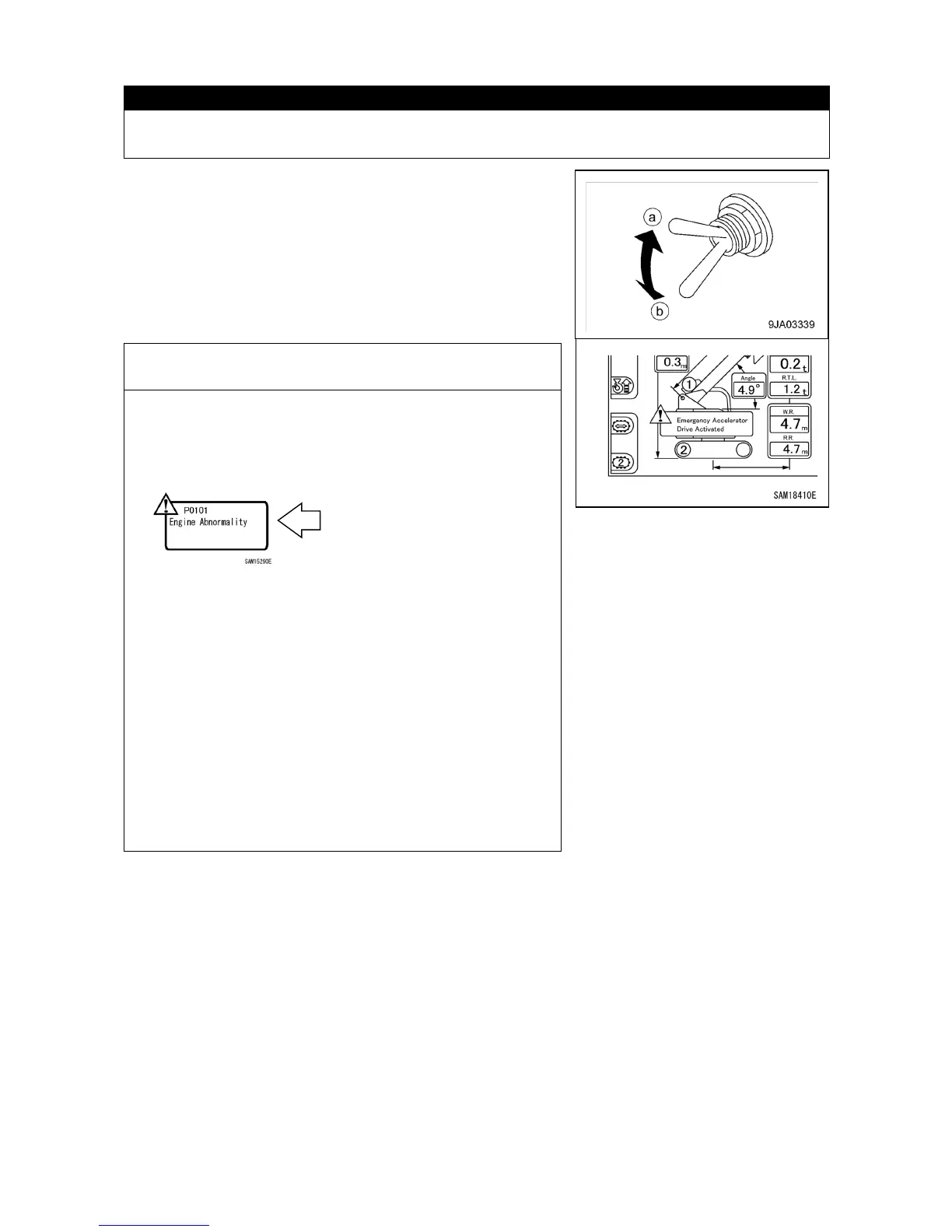
[10] EMERGENCY ACCELERATOR DRIVING SWITCH
Use this switch to increase the engine speed temporarily when accelerator revolution does
not increase because of an abnormality in the electrical system.
Use this switch to perform work temporarily when an
abnormality occurs in the accelerator control system.
• (a) "Emergency" position: Abnormal case (switch raising)
+ buzzer sounding and display
on the monitor
• (b) "Normal" position: Normal case (switch lowering)
NOTES
When the switch is turned to the (a) "Emergency" position in
the normal case, the engine abnormality (P0101) error is
displayed on the monitor even if the switch is returned to the
(b) "Normal" position. However, this is not a fault.
In this case, take the following steps to delete the error
display.
1. Turn the switch to the (b) "Normal" position.
2. Start the engine and operate it at least for one minute.
3. Turn OFF the starter switch and stop the engine at least
for one minute.
4. Repeat the steps 2 and 3 again.(Twice each in total)
5.
When the above operation is performed, the engine
abnormality (P0101) display on the monitor
disappears.
If these steps fail to clear the error, contact us or our sales



 To Next Page