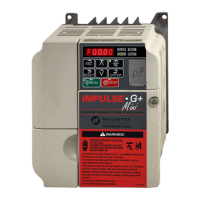
IMPULSE•G+ Mini Advanced Instruction Manual – March 2014
5-85
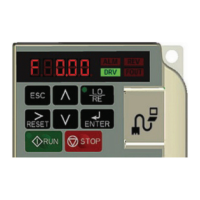
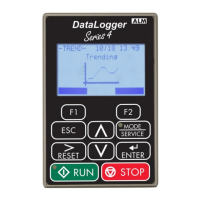
Keypad Key Selection
O01.02 Power-On Monitor Selects the monitor to be displayed on
the digital operator immediately after
the power supply is turned on.
01–05 03 Adv
01 Frequency Reference (U01.01)
02 Forward/Reverse
03 Output Frequency (U01.02)
04 Output Current (U01.03)
05 User Monitor (O01.01)
O01.03 Display Scaling Units for parameters and monitor
related to frequency reference and
output frequency can be scaled as
shown below
00–03 00 Adv
00 0.01 Hz
01 0.01%
02 r/min
03 User-set
O01.10 User-set Display
Maximum Units
Sets maximum when operating at
maximum output frequency
00000–
60000
06000 Adv
O01.11 User-set Display Decimal Sets user display decimal point 00–03 02 Adv
00 No Decimal Point
01 01.
02 0.01
03 0.001
Parameter
Code Name Function Range
Initial
Value
Access
Level
Parameter
Code Name Function Range
Initial
Value
Access
Level
O02.01 Local/Remote Key Sets Local/Remote Key Operation 00–01 00 Adv
00 Disable
01 Enable
O02.02 Stop Key Operation Sets Stop key Operation 00–02 00 Adv
00 Coast to Stop
01 Decel to Stop
02 Use B03.03 Stopping Method
O02.03 User Defaults Sets/Clears User Defaults 00–02 00 Adv
00 No Change
01 Set Defaults
02 Clear All
O02.04 kVA Selection Determines the model number of the
drive, which is based on the kVA
rating. The following in this column
are Magnetek model numbers. *Initial
value determined by Inverter model.
60–90 * Basic/
Adv
60 2A0001 Not used.
61 2A0002 2001-G+M
62 2A0004 2003-G+M


 To Next Page