IMPULSE•G+ Mini Advanced Instruction Manual – March 2014
4-5
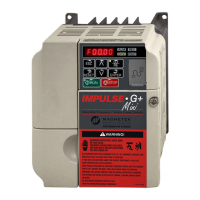
Keypad LED and Button Functions
Some of the keypad buttons, whose functions are described below, are dual-purpose. The dual-
purpose keys have one function when used in a view-only mode, and another function when used in
a programming mode.
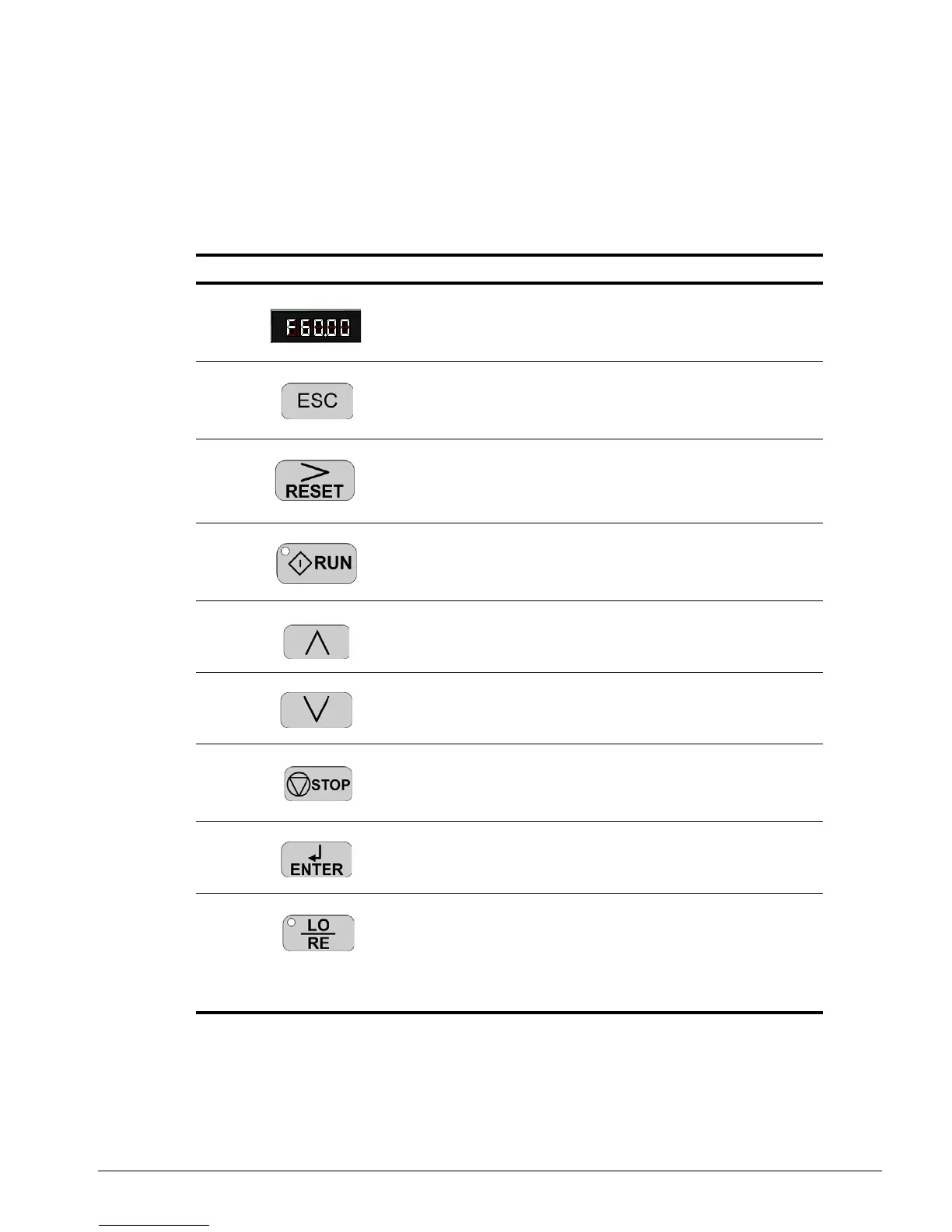
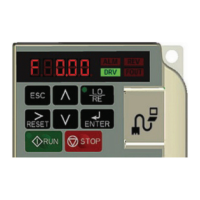
Keys and Displays on the LED Operator
No. Display Name Function
1 Data Display Area Displays the frequency reference, parameter number,
etc.
2 ESC Key Returns to the previous menu (before ENTER Key is
pressed), or cursor position.
3 RESET Key Moves the cursor to the right.
Resets the drive to clear a fault situation.
4 RUN Key Pressing the key initiates the RUN command when
LOCAL mode operation is selected.
Starts the auto-tuning process.
5 Up Arrow Key Scrolls up to select the next parameter group or
parameter settings. It also increases the value of the
blinking digit of a parameter setting.
6 Down Arrow Key Scrolls down to select the next parameter group or
parameter settings. It also decreases the value of the
blinking digit of a parameter setting.
7 STOP Key Stops the drive by initiating a base block STOP
command.
8 ENTER Key Selects modes or parameters. Displays each
parameter’s set value. By pressing this key again, the
set value is stored.
9 LO/RE Selection Key Pressing the key once displays support phone
number 866-624-7378.
Pressing the key again shows control method,
motion, and reference speed.
Pressing the key again will show RESET. Pressing
the ENTER Key afterwards will reset the
maintenance timers.


 To Next Page