4. Control buttons continued
FILE DIR INFO JUMP PHANTOM CD/HD
MARK UNDO REDO EDIT MENUUTILITY MENU
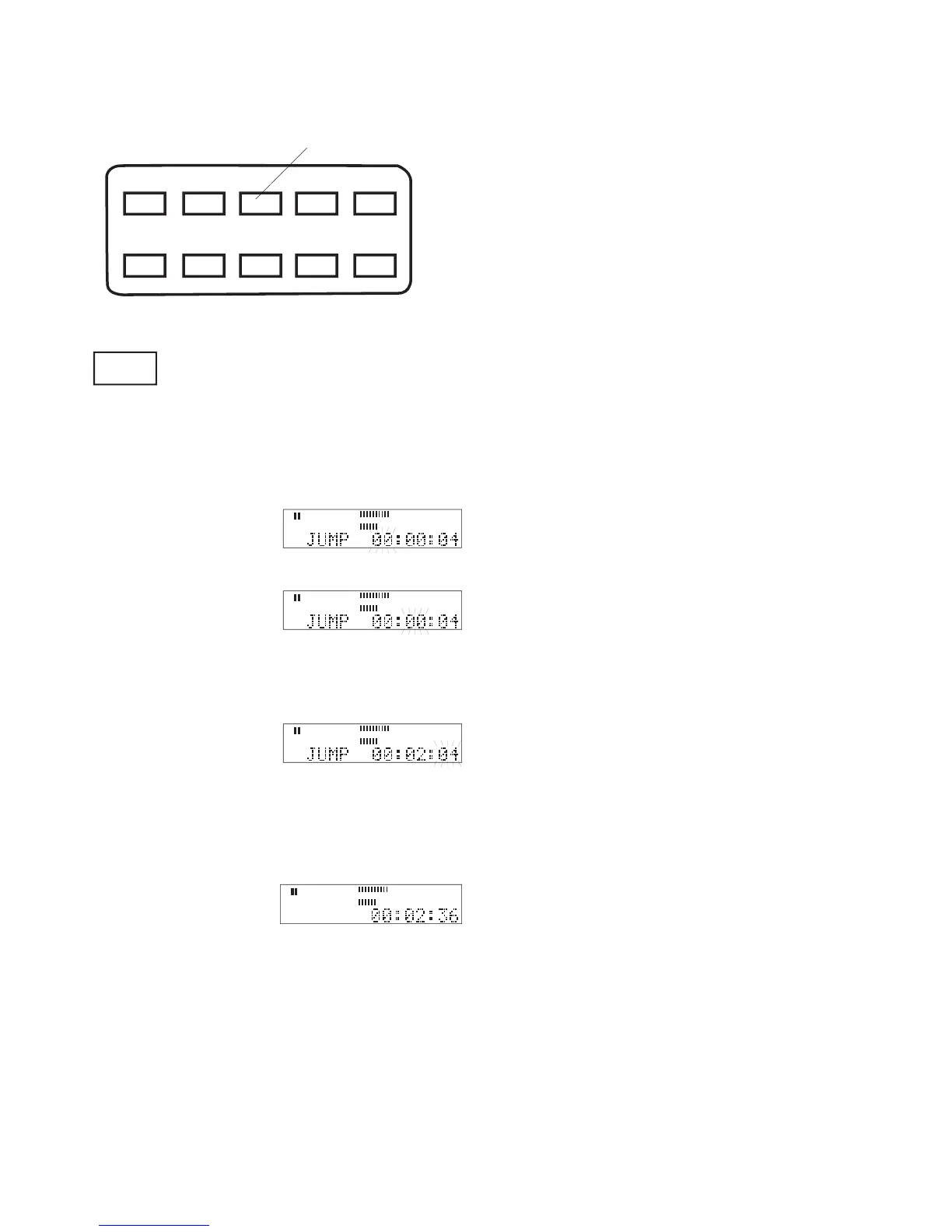
Press and release to JUMP, advance or
reverse to a specifi c time, during play-
back, play/pause or during editing.
When fi rst pressed the display prompts JUMP and the
was paused 4 seconds into
to jump to, then press and
In the example, jumping to a point within the fi rst hour
Turn the Jog Wheel to se-
to jump to, then press and
In the example, jumping to minute two of the record-
select the second you want
to jump to, then press and
In the example, jumping to the 36th second was
selected. When playback is resumed from play/pause
playback will begin at 2 minutes and 36 seconds into
• Jump cannot be used to jump past the beginning or
• Jump backwards is available if audio is cued
within the audio track and at least one second of
During playback when you press and release the
JUMP button the track time is frozen while playback
continues. That makes it easy for you to return to that
point in playback, or adjust the point by a second or



 To Next Page