IN
OUT
REC
SELEC T
PUSH ENTER
POWER STANDBY
TREBLE
MID
BASS
FILE DIR INFO JUMP PHANTOM CD/HD
MARK UNDO REDO EDIT MENUUTILITY MENU
HD/CD RFECORDER CDR420
FILE DIR INFO JUMP PHANTOM CD/HD
MARK UNDO REDO EDIT MENUUTILITY MENU
4. Control buttons continued
• Turning the Jog Wheel also tabs through the Edit Menu cat-
• Edit Menu mode times out if there is no activity for one min-
Descriptions of the Edit Menu items and how to set or
change them are on the following pages:
...............................................
..............................................
.................................................
........................................
....................................
............................................
............................................
....................................
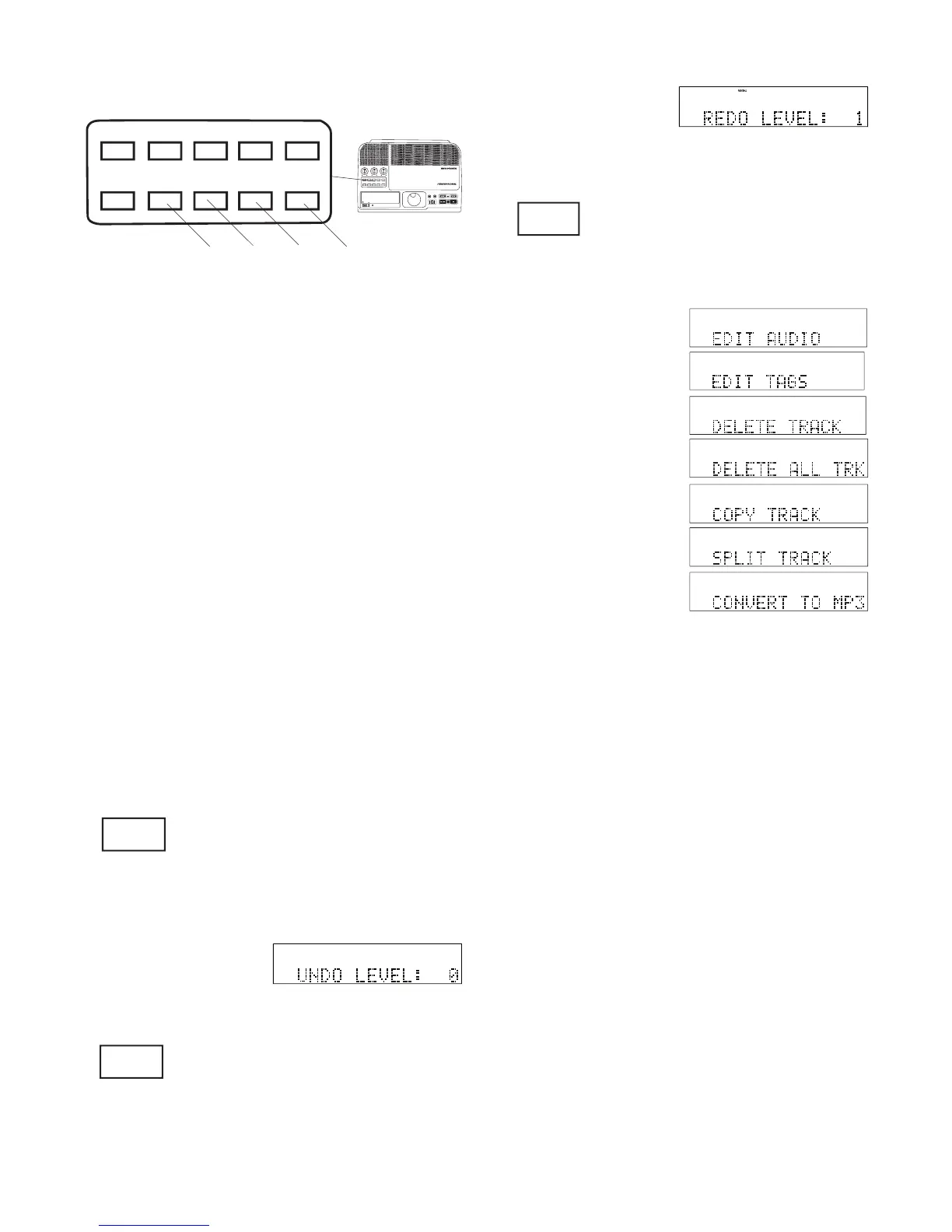
Press and release the UNDO button to undo one edit
Reverses UNDO. During audio fi le
editing (4j) press and release to se-
quentially redo edits that were undone
by UNDO. All current undoes can be
Press and release to select the Edit
Press and release the EDIT MENU
button, or turn the Jog Wheel to tab
through the Edit Menu choices:
4g UTILITY MENU button continued
.....................................
....................................
....................................................
.........................................................
....................................
........................................
.....................................
....................................
.......................................
...................................
........................................
.........................................
.................................................
.................................
.......................................
......................................
.........................................
......................................
.......................................
....................................
........................................
During audio fi le editing (4j) press
and release to sequentially undo
edits. Unlimited undo's are pos-



 To Next Page