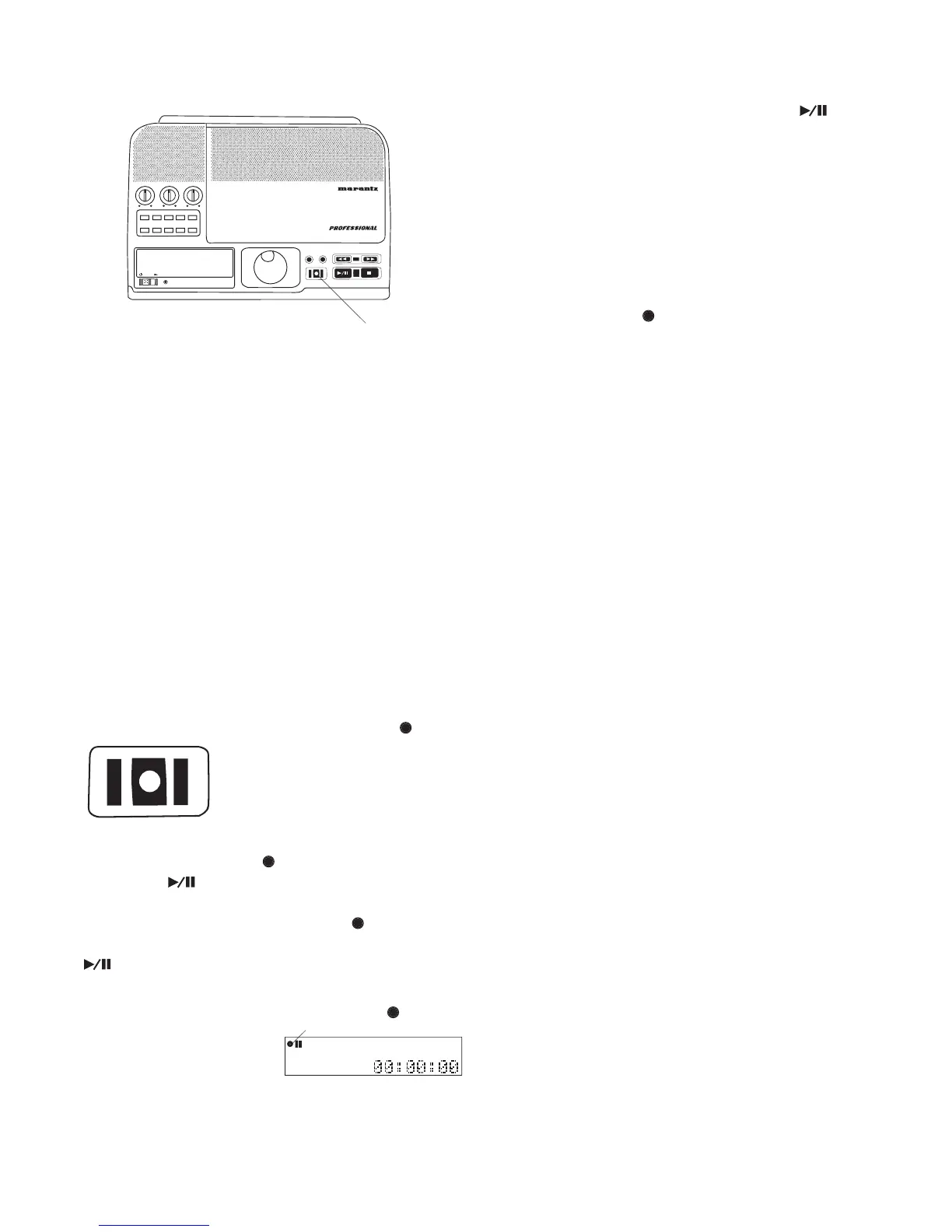
Controls, Display (top) continued
IN
OUT
REC
SELEC T
PUSH ENTER
POWER STANDBY
TREBLE
MID
BASS
FILE DIR INFO JUMP PHANTOM CD/HD
MARK UNDO REDO EDIT MENUUTILITY MENU
HD/CD RFECORDER CDR420
How to jump to an OUT mark:
If an OUT mark is set, press and release the OUT but-
ton to jump to the OUT mark (end mark) of an audio
During playback, play skips to the OUT mark and
During play pause or stop, audio is cued to the OUT
mark and remains paused or stopped.
The OUT mark remains only as long as the track is
IN and OUT points can be transferred to the Edit Audio mode as
long as the track has remained the curent track.
From stop press and release to
During recording press and
release to make a new track and
are lit and steady during recording.
During rec pause the REC button/light
steady and the Play/Pause button/light
Press and release the Play/Pause button/light
Recording parameters (track type, channel, bitrate,
auto track increment) currently set in the UTILITY
MENU / RECORD SETTING are used.
During recording, turn the Jog Wheel to adjust REC
fl ashes during a CD Project to
indicate that tracks are waiting to be written to a CD.
Pressing the the REC button while it is fl ashing begins
the process of writing the selected tracks to the CD.



 To Next Page