IN
OUT
DIGITAL
MIX LINE
AUX
R
L
R
L
INOUT
OUT
DC IN
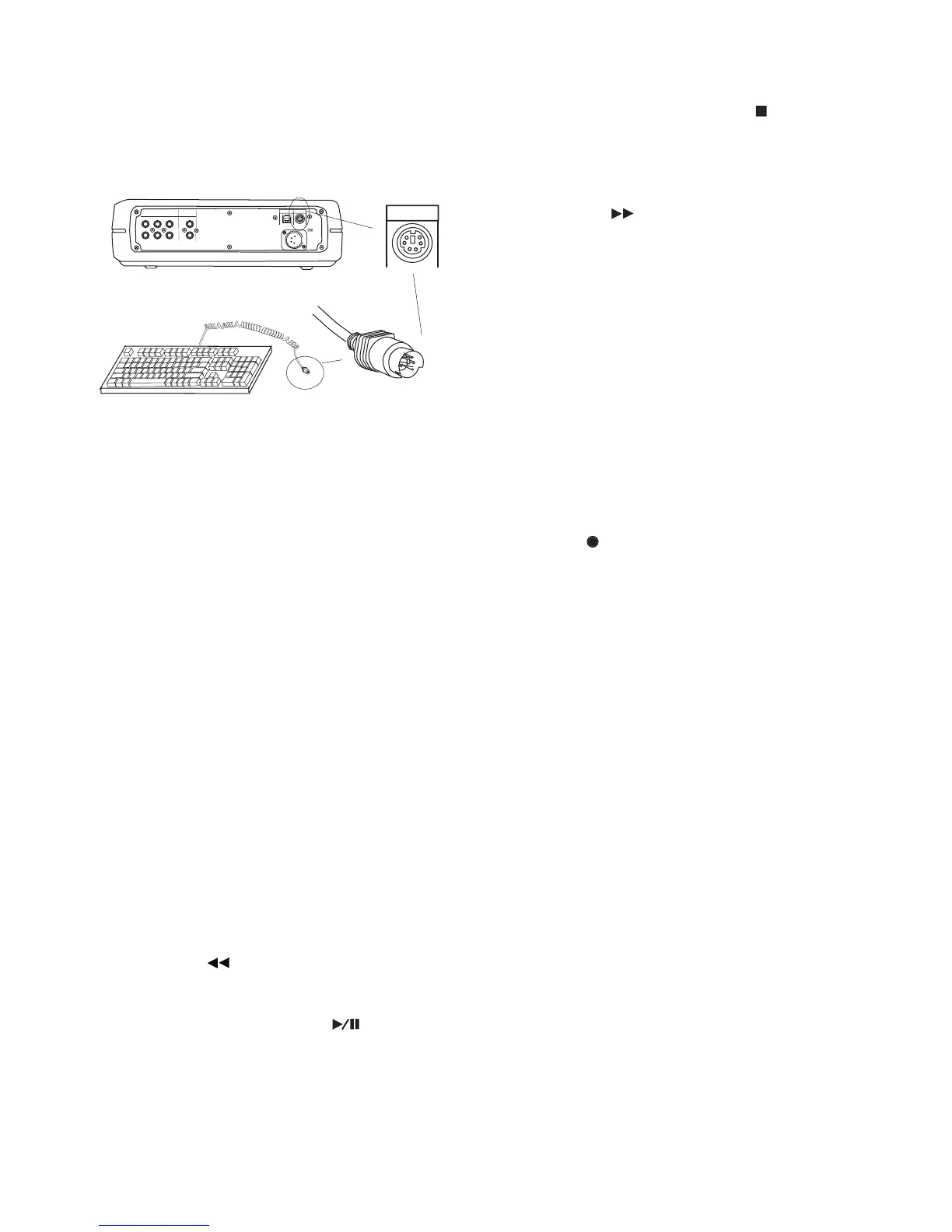
KEYB
I / 0
Connect your standard PS/2 PC keyboard (with a 6 pin
mini-DIN connector) for direct keyboard control of the
Most of the F keys (function keys) on a connected
keyboard act interchangeably with buttons on the
CDR420. Some of the F keys have special functions.
F1 Name File while recording
Press and release F1 during recording to enter a
fi le name. You can type the fi le name using the
keyboard or the Jog Wheel. When the fi le name
is complete, press and release ENTER on the
keyboard to save and exit naming the fi le.
Same as pressing the IN button on the CDR420.
Same as pressing the OUT button on the
Same as pressing the INFO button on the
Press and hold to work the same as the Fast Re-
F6 Play/Pause - Engage Record
Same as the Play/Pause button
Same as pressing the Stop button
Press and hold to work the same as the Fast For-
F9 Rec Level - / Jog Wheel Left
Press and release to work the same as turning the
Jog Wheel one click to the left.
F10 Rec Level + Jog Wheel Right
Press and release to work the same as turning the
Jog Wheel one click to the right.
Press and release to work the same as the MARK
F12 Record Pause / Make New File
Press and release to work the same the REC but-



 To Next Page