How to RIP an Entire CD continued
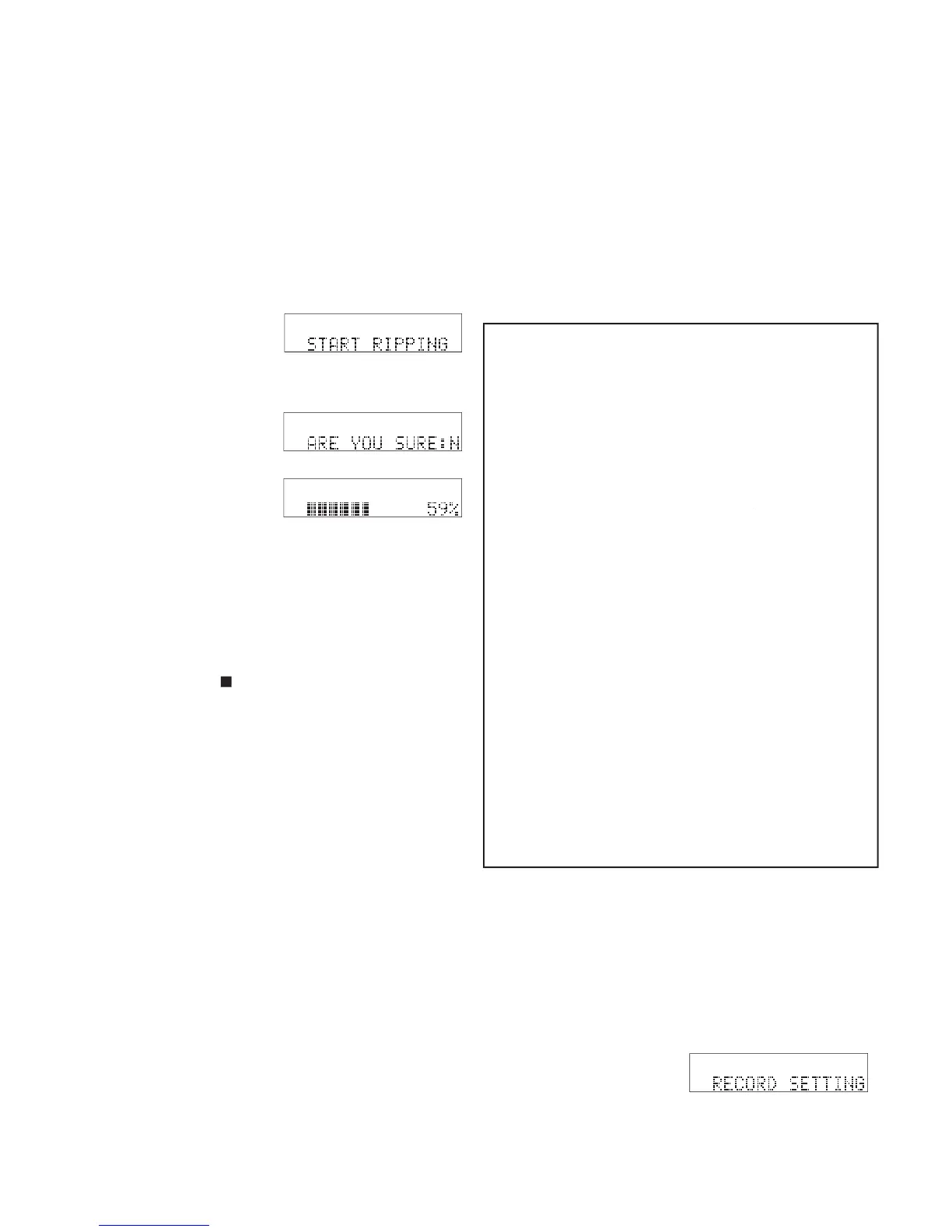
As each track is ripped to the CDR420 HD prog-
ress is displayed as a percentage of the track and a
graphic of the percentage of the track.
To cancel ripping in progress, press and release
. The CDR420 returns to Idle
When done ripping the CDR420 returns to Idle
How to RIP a single track
Use RIP CD when you want transfer an individual
track on a CD to the HD. RIP CD permits changes
to the recording format (RIP a standard CD track to
MP3), channel(s) recorded, and/or bitrate. RIP CD
records a copy of the ripped track into a new folder on
the CDR420 HD within a folder named RIPPED CD.
You are prompted to give the new folder a name. The
ripped track is named 01. You can use EDIT MENU
/EDIT TAGS / TRACK NAME to rename the track
later. You can later rip another track into the same
folder by using the same folder name.
Quick instructions RIP track:
(or INSERT CD will be prompted)
Press Jog Wheel to enter........ CDR FUNCTIONS
.................................
.........................
................................
...................................
g. Turn Jog Wheel to select CD track
g. Turn Jog Wheel to select CD track .....g. Turn Jog Wheel to select CD track
Turn Jog Wheel to select MP3 or PCM
........................................................
.....................................................
Turn Jog Wheel to select bitrate then press Jog
.............................................
...........................................
.........................
...........................................
...................................................
...................................................
...............................................
...............................................................
The date and time (name) of the folder will be dis-
played with the fi rst character fl ashing**. Turn the
Jog Wheel to change the fl ashing character. Press
and release the Jog Wheel to accept the displayed
character and switch to the next character. Click
the Jog Wheel when name is complete.
**A connected keyboard, see page 62, lets you type in the folder
The RIP track procedure below assumes all factory defaults and
starting with no CD in the CD drive.
The track on the CD is identifi ed by number T01, T02, ... Decide
on the track to RIP before beginning the RIP track procedure.



 To Next Page