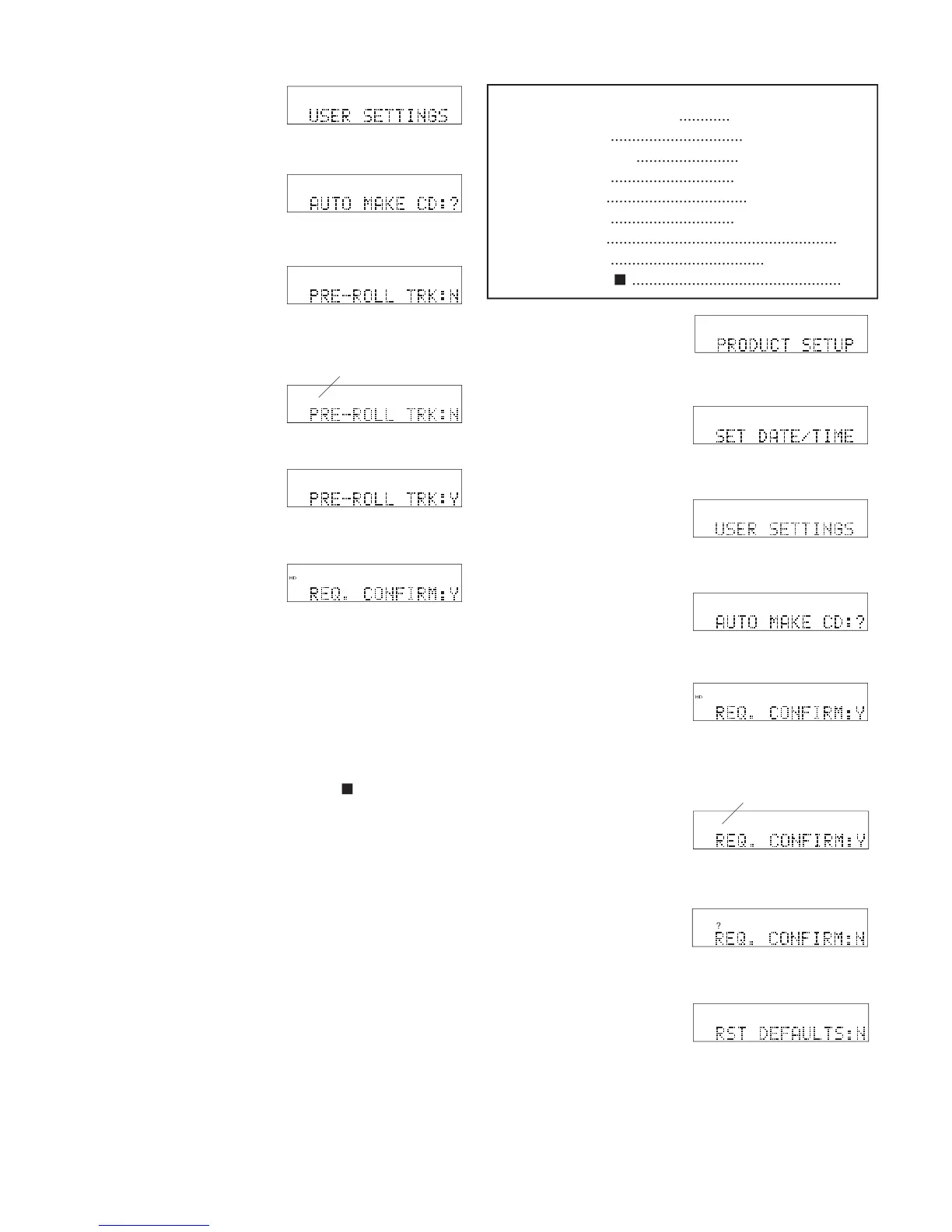
USER SETTINGS is displayed.
Jog Wheel. AUTO MAKE CD is displayed.
PRE-ROLL TRK is displayed.
and release the Jog Wheel.
8 The display switches to
• Press and release the Jog Wheel to review or reset
• Turn the Jog Wheel to tab through the User Setting
• Press and release the UTILITY MENU button to
return to RECORD SETTING.
• Press and release the Stop button
• Do nothing. After one minute the CDR420 returns
to Idle Mode with your changes, if any, saved.
When set to Y the CDR420 requires confi rmation be-
fore accepting major changes. The display ARE YOU
SURE:N appears and you have to turn the Jog Wheel
so Y is displayed before the change is made. Default is
...............................
.............................
.................................
.............................
......................................................
....................................
.................................................
times. PRODUCT SETUP is displayed.
Jog Wheel. SET DATE/TIME is displayed.
USER SETTINGS is displayed.
Jog Wheel. AUTO MAKE CD is displayed.
and release the Jog Wheel.
8 The display switches to



 To Next Page