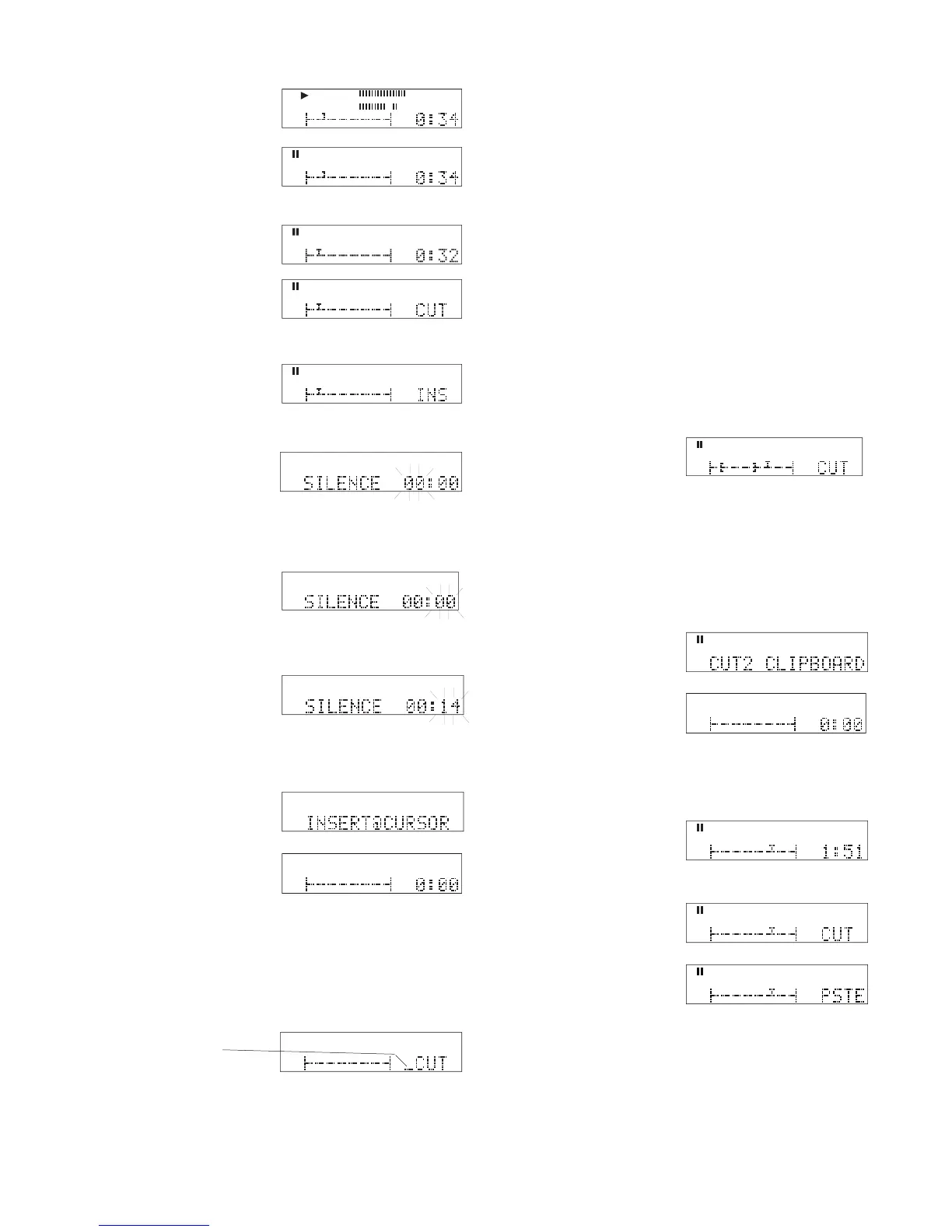
3 Turn the Jog Wheel (Jog Wheel scrub) to precisely
7 Turn the Jog Wheel to set minutes of silence (0 to
59). Then press and release the Jog Wheel.
locate the desired insert
Press and release the Jog wheel.
Example displays shows 14
• See How to Exit Edit Mode to commit the edit(s) (save to
• The next edit (the next time CUT is displayed), a bar will
have been added to indicate that one edit has been made.
2 Turn the Jog Wheel to tab through the edit choices:
CUT, COPY, INS, DEL and DONE.
How to Cut, Copy or Delete
First enter Edit Mode and mark your audio selection,
either Quick Marking (page 53) or Precise Editing
moves the marked selection to a new
leaves the marked selection and cop-
ies it to a new position.
removes (clears) the marked selection.
1 After you have the IN and OUT points of the au-
dio segment you wish to edit makred, click the Jog
the Jog Wheel while CUT is displayed.
When audio has been cut or copied to the clipboard, PSTE is added
PSTE, INS, DEL and DONE, so PSTE is dis-



 To Next Page