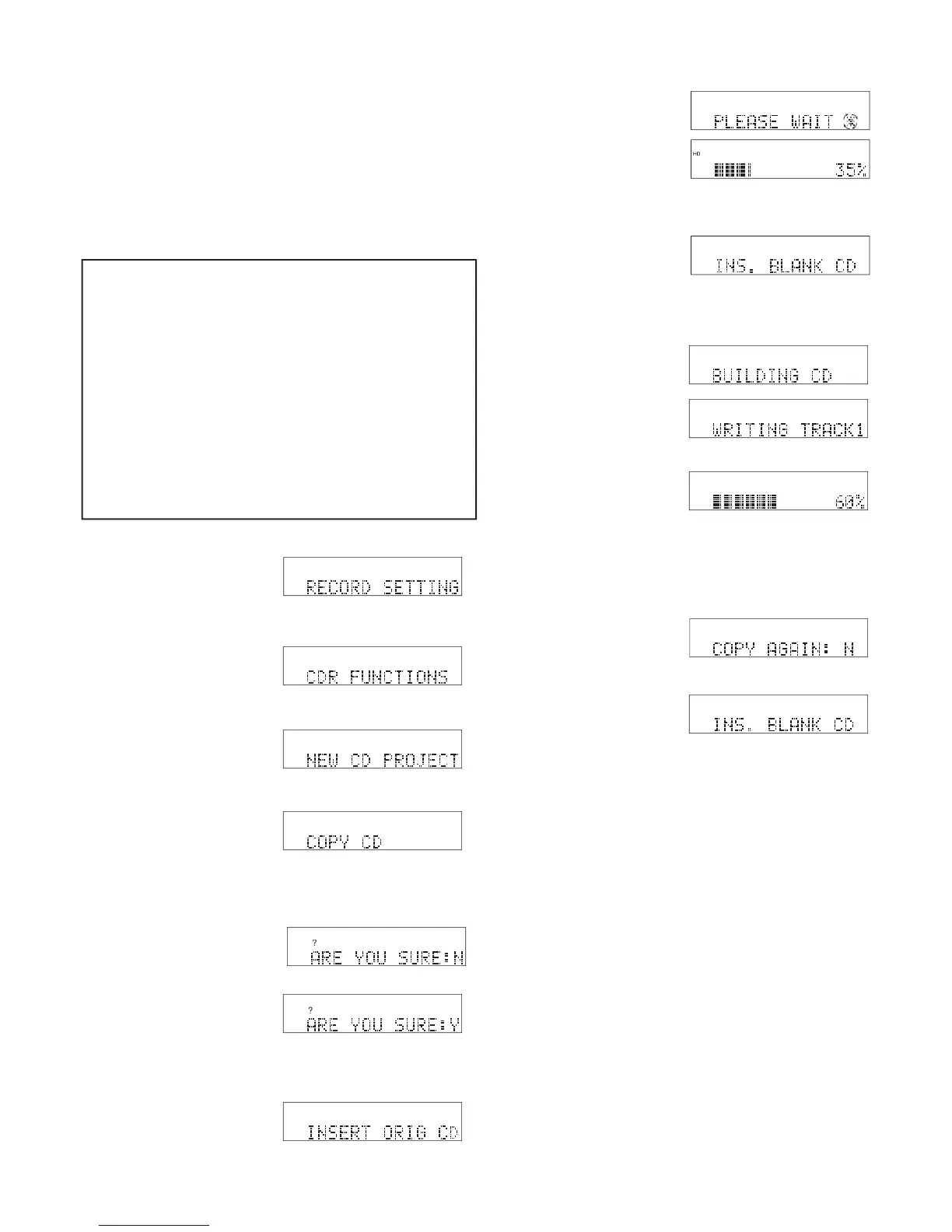
Use COPY CD to make one or more copies of an
entire CD without changing anything or storing a copy
on the CDR420. To store a copy on the CDR420, copy
individual tracks, change the fi le type, channels, or
When done the new CD copy is automatically
ejected and the CDR420 asks you if you want to
step 6 above where INS. BLANK CD is displayed.
8. To exit when COPY AGAIN: N is displayed, press
and release the Jog Wheel. The temporary copy of
the CD on the Hard Drive is automatically erased.
The CDR420 switches to Idle Mode.
2. Turn the Jog Wheel so CDR FUNCTIONS is
4. Press and release the Jog Wheel.
age of copying completed. When done, the origi-
nal CD is automatically ejected and INS. BLANK
7. Insert a blank CD. Copying is automatic.
.............................
............................................
................................
...............................................
................................
1. From the Idle screen press and release the UTIL-
6. Insert the CD you want



 To Next Page