IN
OUT
REC
SELEC T
PUSH ENTER
POWER STANDBY
TREBLE
MID
BASS
FILE DIR INFO JUMP PHANTOM CD/HD
MARK UNDO REDO EDIT MENUUTILITY MENU
HD/CD RFECORDER CDR420
This is the “master” control for
or tab through, an option, or adjust the position of a
press and release to select
For a few operations, a press and release of the Jog
Wheel tabs through the options and a
two successive presses and releases of the Jog Wheel,
selects, enters, the option or position.
• FILE DIR selects the Track
• UTILITY MENU selects the menu item
• Within a menu selects the value of a parameter
The Jog Wheel is also used for fi ne searching (scrub-
bing) forward and backwards during Edit Mode.
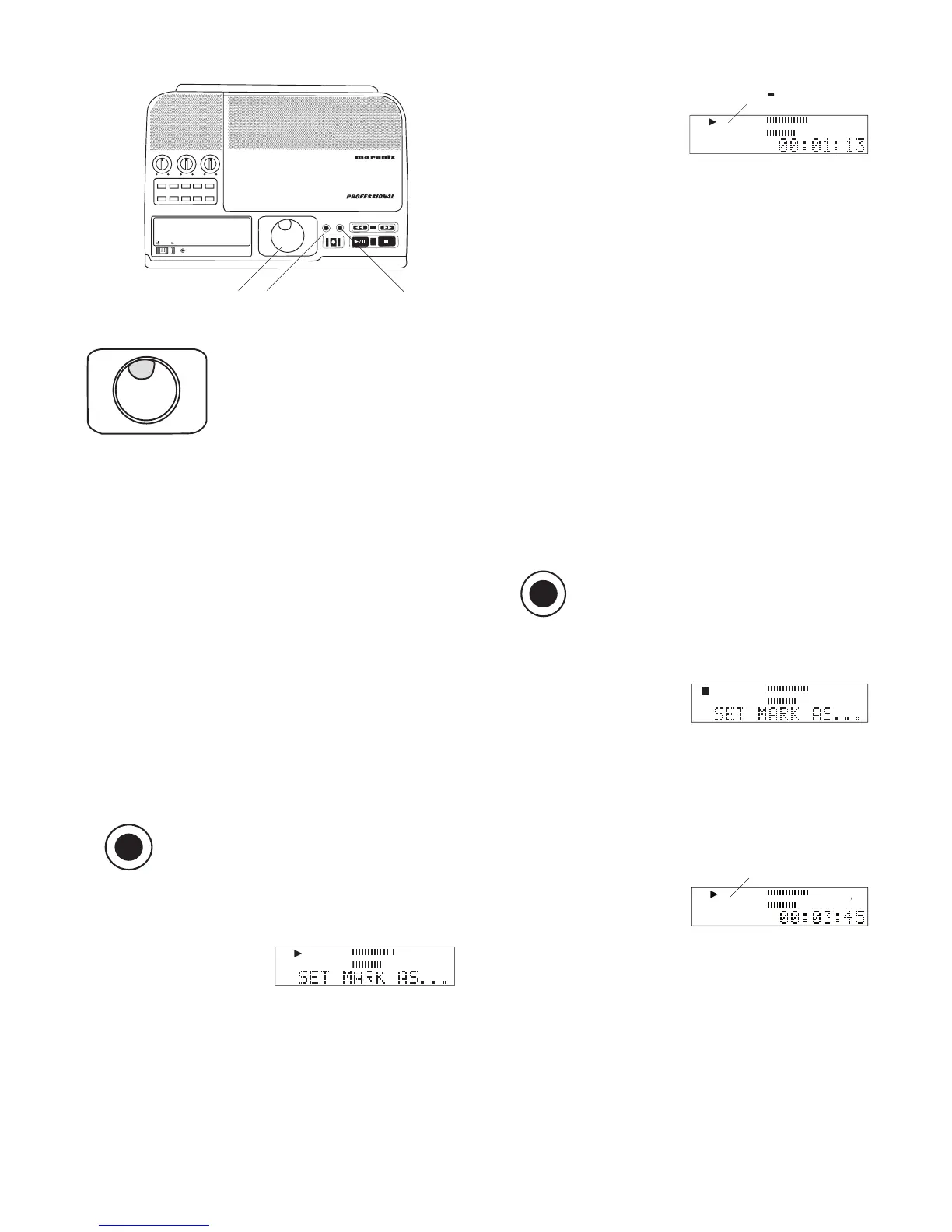
Press and release to set or skip to an
To set or change an IN mark, during playback or play
pause, press and release the MARK button.
In the example neither an
Press and release to set or skip to an
Then press and release the IN button.
If an IN mark is already present, that position is
cleared and replaced by the new IN position.
The IN- mark is set at time in the track when the
How to jump to an IN mark:
If an IN mark is set, press and release the IN button
to jump to the IN mark (beginning mark) of an audio
During playback, play skips to the IN mark and contin-
During play pause or stop, audio is cued to the IN
mark and remains paused or stopped.
The IN mark remains only as long as the track is
To set or change an OUT mark, during playback or
play pause, press and release the MARK button.
Then press and release the OUT button.
If an OUT mark is already present, that position is
cleared and replaced by the new OUT position.
played. If playing, playing
continues, if paused, play



 To Next Page