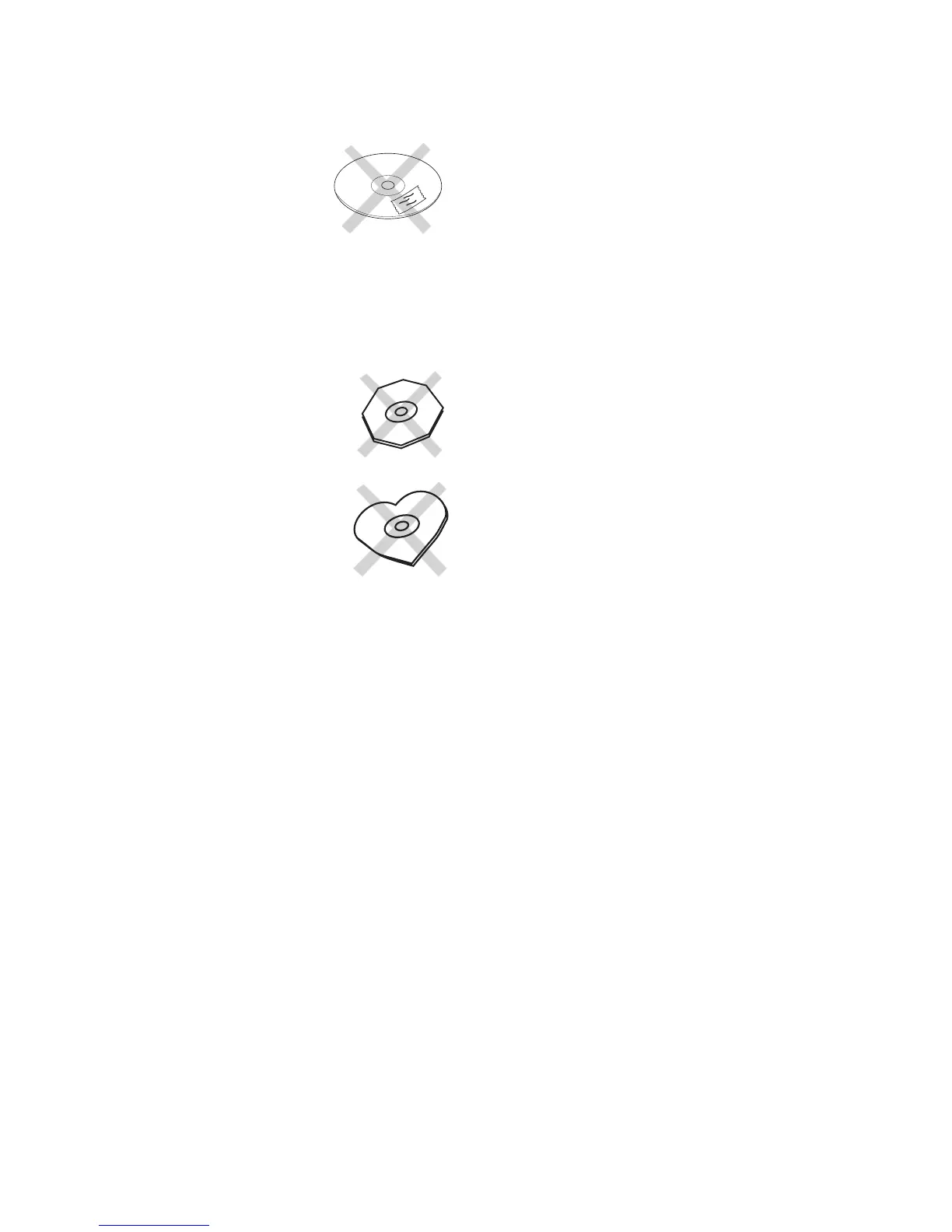
• Do not use record cleaner, it will adversely affect
• Store discs in their disc cases.
• Do not attach a piece of
paper or sticker to the label
When a disc has a piece of plastic tape or rental
CD label with paste protruding from the edge or
when a disc has a trace of such as sticky object,
do not attempt to play the disc. The disc may be
impossible to take out, or another malfunction may
• Write only on the printed side
and only with a soft felt-
• Do not attempt to play a disc
with a special shape such as
an octagonal or heart shaped
disc. Equipment malfunction
"LOW BATTERY" and whatever the current operation
screen is. When the battery reaches even lower output
power the display will switch to "BAD BATTERY"
and will start affecting the speaker and amplifi er out-
Stop recording as soon as possible.
If a Power on sequence test fails the display will brief-
ly show FAIL, then will toggle between it's associated
ERROR CODE and Call Technical Service.
The CDR420 will not work until the problem is cor-
See page 65 for warranty information.
The optional RPS420 battery supply can be used with
the CDR420. The RPS420 is a rechargeable lead-acid
battery system. It includes the RB4200 battery (also an
additional optional accessory for applications requiring
multiple batteries), a battery charger, a 120VAC plug
and connector to DC IN on the CDR420.
Plug the battery connector into DC IN. Turn power on
by sliding the POWER switch to the right.
Always begin recording with a fully charged battery.
The supplied cable with the RPS420 also includes a connector for
attaching your CDR420 AC adaptor. This is useful for important
recordings. If your system is connected like this and the power
fails, the battery will seamlessly take over the r, saving important
A low battery indicator is built in to the CDR420.
When a low battery condition is detected during
recording or operation the display alternates between



 To Next Page