L R
L + R
L/R
MIC/LINE
PUSH
MIC/LINE RIGHT
PUSH
LEFT
INT
LINE
MIC
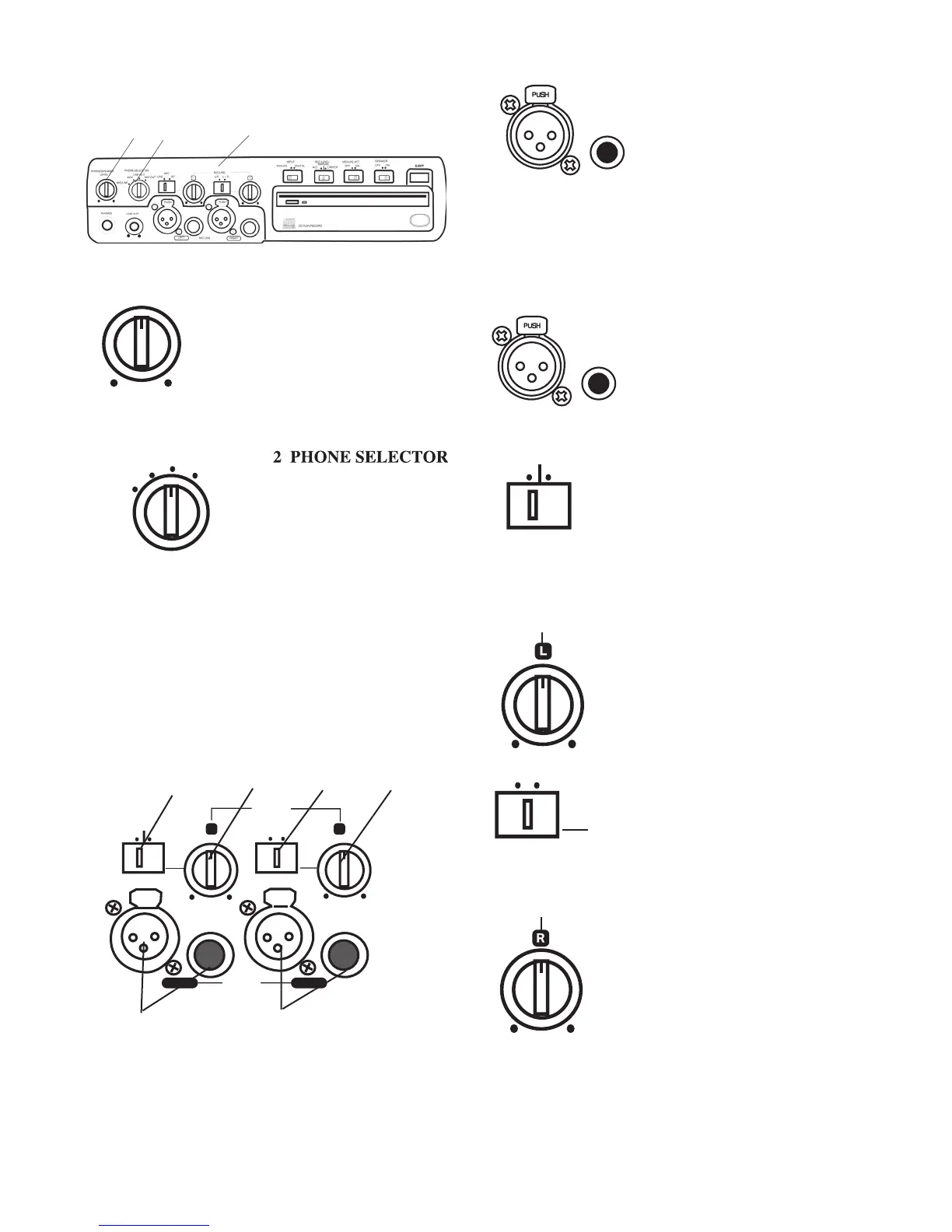
Controls, Connections (front)
Turn to adjust the level (volume) of
the built-in speaker and headphones
plugged into the PHONE jack.
(To listen to headphones only turn
the SPEAKER OFF/ON switch to
PHONE SELECTOR
MIC/LINE
MIX OUT
LINE OUT
AUX
Audio being input via the MIC/LINE
Audio being input via the AUX IN jack.
Audio available at the LINE OUT out-
– Audio available at the MIX OUT output
3 MIC/LINE controls and input jacks
Left and right microphones or instruments via phone
jacks or via XLR connectors are
3a Left XLR or 1/4” input
Plug in an instrument or other
line level audio device here to
provide audio to the left stereo channel.
NOTE: To avoid feedback, turn the internal SPEAKER OFF/ON
switch OFF or reduce the PHONE/SPEAKER LEVEL control,
and reduce the LINE OUT level control if connected to an external
3b Right XLR or 1/4” input
Plug in an instrument or other
line level audio device here to
provide audio to the right stereo
Switch to LINE for a line level input, to
MIC for a microphone level input, or to
INT for input from the internal micro-
phone to the left recording channel.
NOTE: To mix two microphones from the front inputs with a ste-
reo line input, use the AUX input on the rear
for the stereo line input.
Turn to adjust the level of the left
records the Left input onto the
left channel of the recording and the
Right input onto the right channel of
records Left and Right inputs
onto both channels of the recording.
Turn to adjust the level of the right input.
NOTE: When internal mic is selected both the Left level con-
trol and the Right level control are active. To record the internal
microphone to both the left and right channels adjust both Left and



 To Next Page