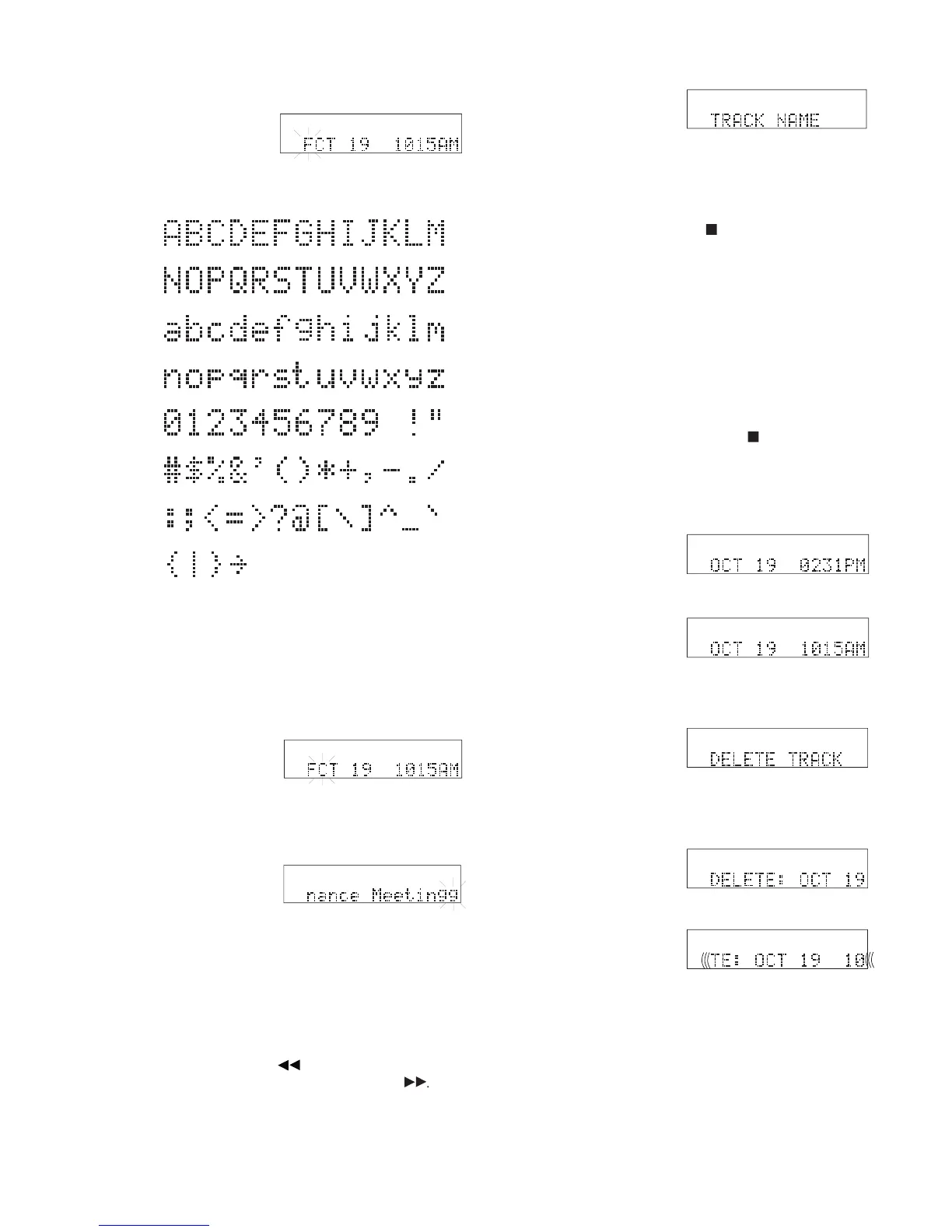
How to edit a tag continued
• The Jog Wheel's position in the character set is always the
• You can turn the Jog Wheel forward or backward.
• The space is between 9 and !.
• You can switch between using your attached keyboard, if
present, and the Jog Wheel.
Wheel when correct until the tag is as desired.
• If the next character position is blank, the position in the
character set is the same as the last character (g fl ashing in
• You can tab backward through the tag by pressing and releas-
ing the Scrub Reverse button
or forward through the tag
by pressing and releasing the Scrub Forward button
The CDR420 returns to step 5.
• Press and release the Stop button
any time during tag edit-
ing to cancel edits and return to Idle mode.
• For the track name, the date and time the track was recorded
is saved even when the track name is changed.
• Pressing ENTER on your attached keyboard, if present, acts
the same as double clicking the Jog Wheel.
• Press and release the Jog Wheel to re-edit the tag.
• Turn the Jog Wheel to tab through the EDIT TAGS
• Press and release the Stop button
EDIT MENU and return to Idle mode.
The CDR420 character set is:
If you do nothing this display times out and returns to idle mode
after one minute, during which the track name scrolls by several



 To Next Page