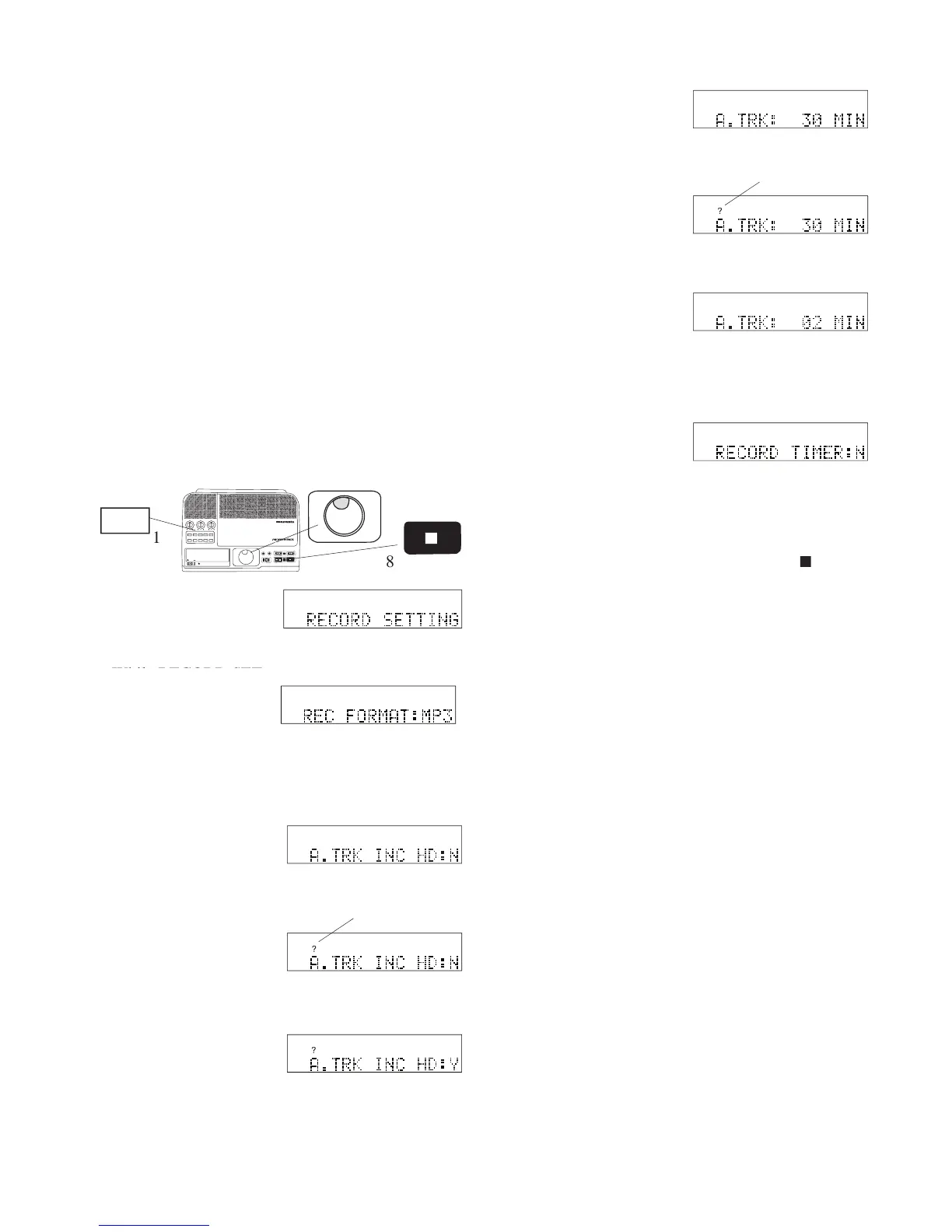
RECORD SETTING is displayed.
RECORD SETTING is displayed.
2 While RECORD SET-
RECORD SETTING is displayed.
the RECORD SETTING menu choice. REC FOR-
5 If :N is displayed, turn
and release the Jog Wheel.
IN
OUT
REC
SELEC T
PUSH ENTER
POWER STANDBY
TREBLE
MID
BASS
FILE DIR INFO JUMP PHANTOM CD/HD
MARK UNDO REDO EDIT MENUUTILITY MENU
HD/CD RFECORDER CDR420
and you plan to burn the meetings to a CD using the
ADD ALL TRK:Y feature (see page 33) then clear (or
Auto Track Increment HD makes it easier for you to
review the meeting, and eliminate dead time (such as
the 20 minutes the board broke for lunch).
Using Auto Track Increment CD is more convenient
if you have a lot of tracks recorded on the HD, so the
ADD ALL TRK:Y feature is not appropriate, or if you
decide that timed tracks would be convenient for a
long recording already on the HD as a single track.
See page 45 to use Auto Track Increment CD.
How to set or change A. TRK INC HD
RECORD TIMER, so you can continue with RE-
8 To exit press and release the Stop button



 To Next Page