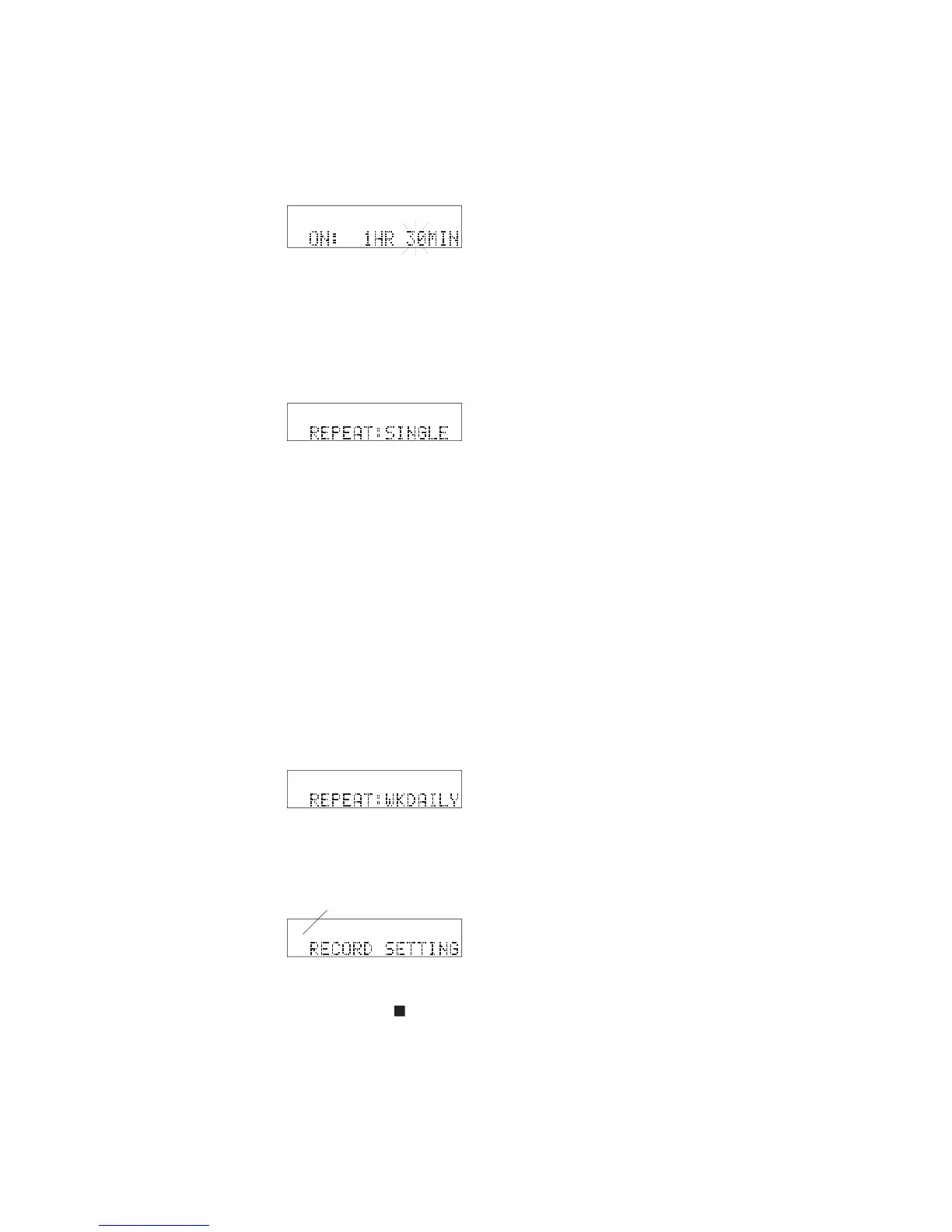
How to set the RECORD TIMER
To change the setting, turn the Jog Wheel to select
hours (0 to 999). When correct, press and release
To change the setting, turn the Jog Wheel to select
the minute. When correct, press and release the
after the timer recording, RECORD TIMER
after the fi rst timer recording, timer recording
is repeated every day at the set time.
after the fi rst timer recording, timer re-
cording is repeated at the set day (for example Tues-
day) and time every week.
after the fi rst timer recording, timer
recording is repeated every weekday (Monday through
When correct, press and release the Jog Wheel.
14 To exit press and release the Stop button
• 'Timer' appears in the display while a RECORD TIMER is
• A Timer setting remains set when the CDR420 is switched to
STANDBY MODE, and, up to about 10 years if the CDR420
• Set the SPEAKER switch to OFF when using the RECORD



 To Next Page