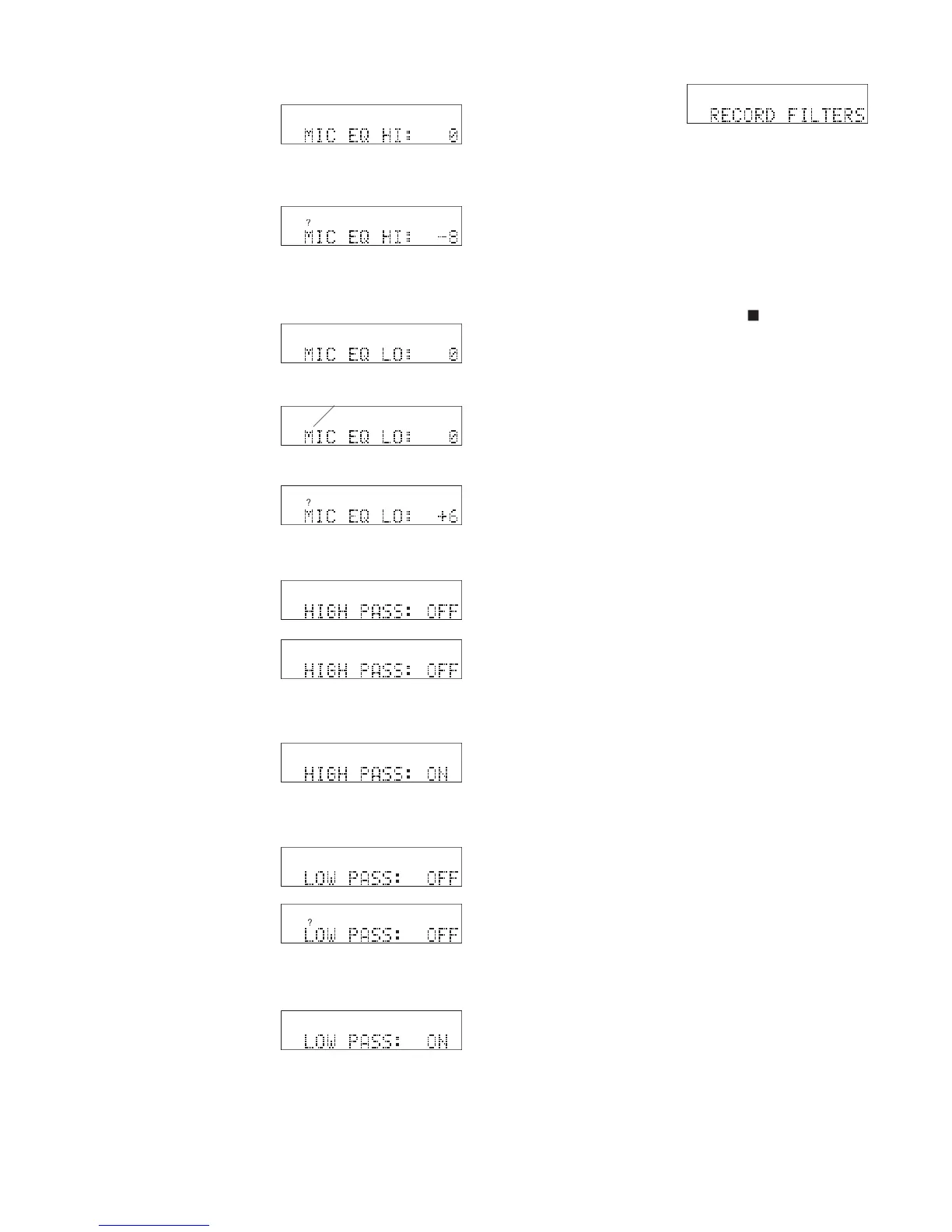
display indicating that MIC EQ HI is adjustable.
? appears in the display.
and release the Jog Wheel.
rect, press and release the Jog Wheel.
• Press and release the Jog Wheel to review or reset
• Turn the Jog Wheel to tab through the Utility
Menu PRODUCT SETUP choices.
• Press and release the UTILITY MENU button to
return to RECORD SETTING.
• Press and release the Stop button
• Do nothing. After one minute the CDR420 returns
to Idle Mode with your changes, if any, saved.



 To Next Page