3-2
CONTROL SET-UP
PROCEDURES
IMPORTANT: Read all instructions before
operating.
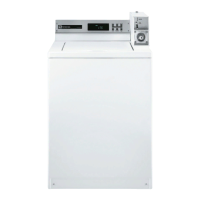
The lower fabric setting key pads and
the digital display are used to set up the
controls. The display can contain 4 numbers
and/or letters and a decimal point. These
are used to indicate the set-up codes and
related code values available for use in
programming the appliance.
1.
2.
HOW TO USE THE KEY
PADS TO PROGRAM
THE CONTROLS
The LOWER LEFT key pad is used to
adjust the values associated with set-up
codes. Pressing the key pad will increment
the value. Rapid adjustment is possible by
holding the key pad down.
The LOWER MIDDLE key pad will advance
you through the set-up codes. Pressing
the key pad will advance you to the next
available set-up code. Holding the key pad
down will automatically advance through
the set-up codes at a rate of one (1) per
second.
The LOWER RIGHT key pad is used to
1.
2.
3.
PD models: Insert access door key, turn,
and lift to remove access door.
PR models: Once the debit card reader
is installed (according to the reader
manufacturer’s instructions), the set-
up mode can be entered by inserting a
manual set-up card (supplied by the reader
manufacturer) into the card slot. If a manual
set-up card is not available, manual set-
up mode can be entered by removing
connector AA1 on the circuit board.
1.
2.
START OPERATING SET-UP
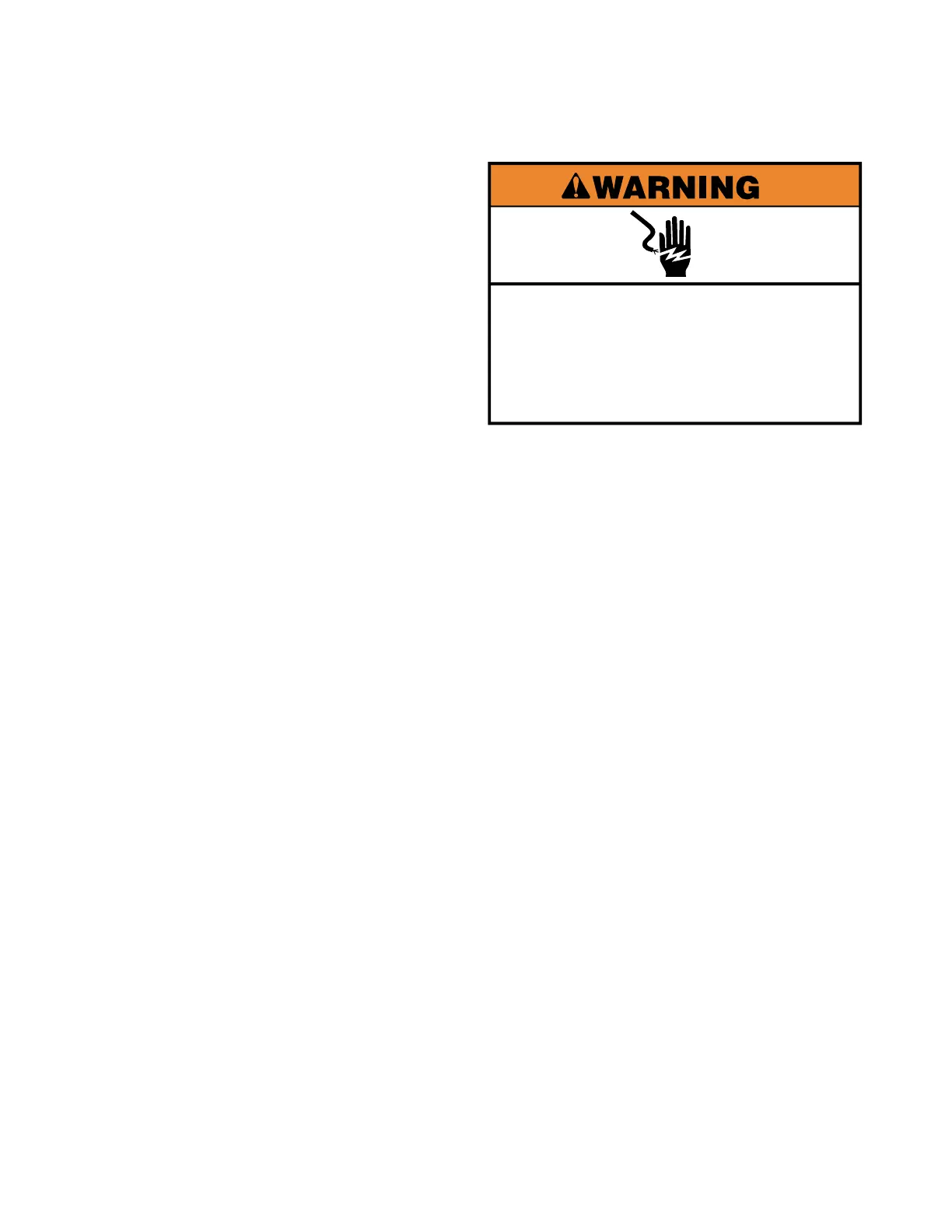
Electrical Shock Hazard
Disconnect power before servicing.
Replace all parts and panels before
operating.
Failure to do so can result in death or
electrical shock.
Installation Instructions for
Card Reader Conversion


 To Next Page